11.5. Unloading a field
84
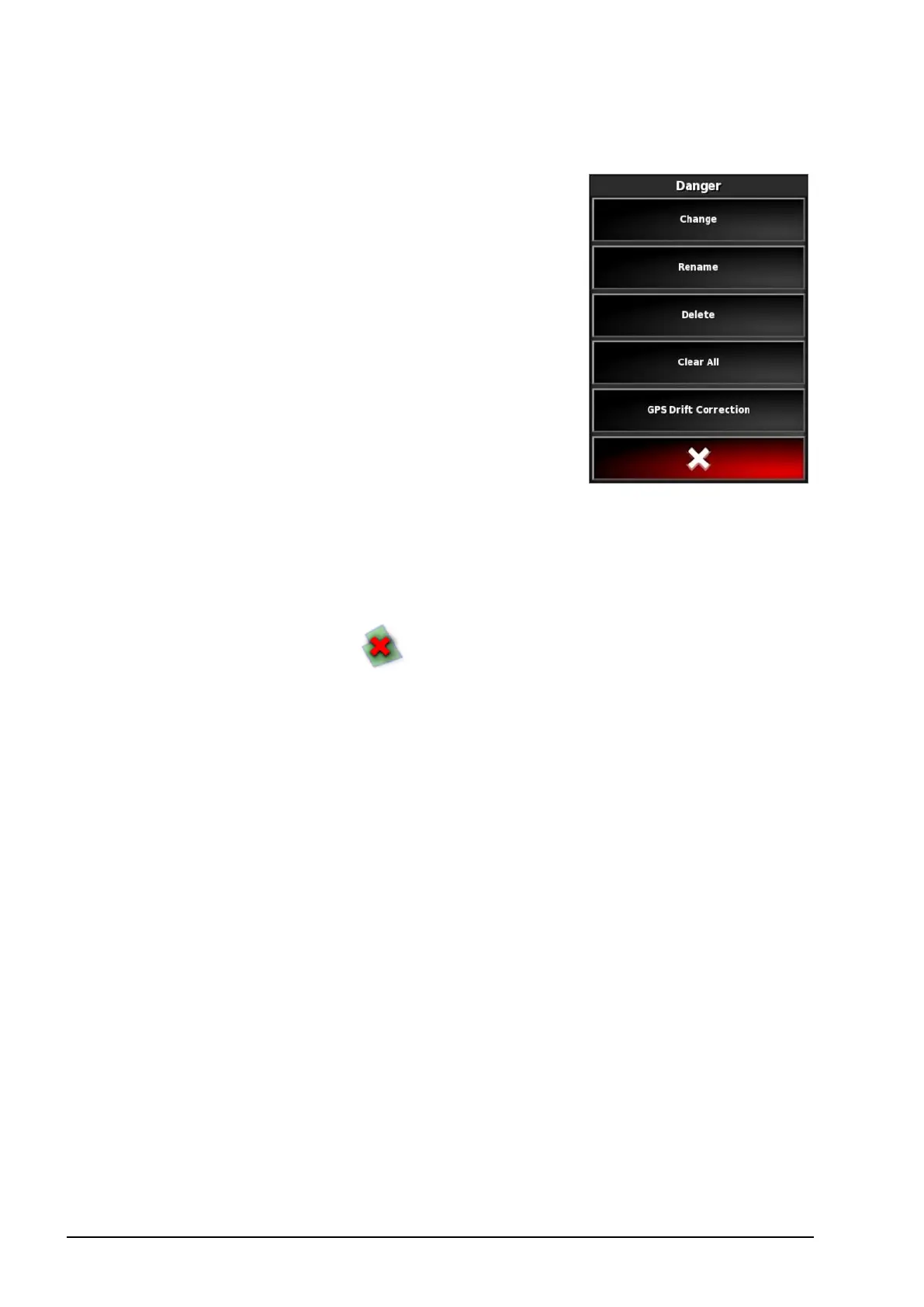
2. Select:
l Change to choose a different flag point.
l Rename to change the name showing
on the flag point.
l Delete to remove the selected flag point
or Clear All to clear all flag points
from the field.
l GPS Drift Correction to move the
vehicle to the flag point location to
compensate for GPS drift. Note, to
remove applied GPS drift
compensation, refer to Compensating
for GPS drift, page 103.
11.5. Unloading a field
The Unload field option may be used to exit from a field and its
associated flag points, boundaries etc. This prevents new coverage
being added to the field if the vehicle has been moved to a new field
but the operator has neglected to create a new field / job.
If this option is not used, when the vehicle has moved more than 15
km away from the current field, the following message is displayed,
and the field is unloaded automatically "The active field is more than
15 km away and has been deactivated and its data unloaded."
Note: The console will no longer restart when it has travelled too far
from the current field.



 To Next Page