19
Chapter 4 – Regional and User Settings
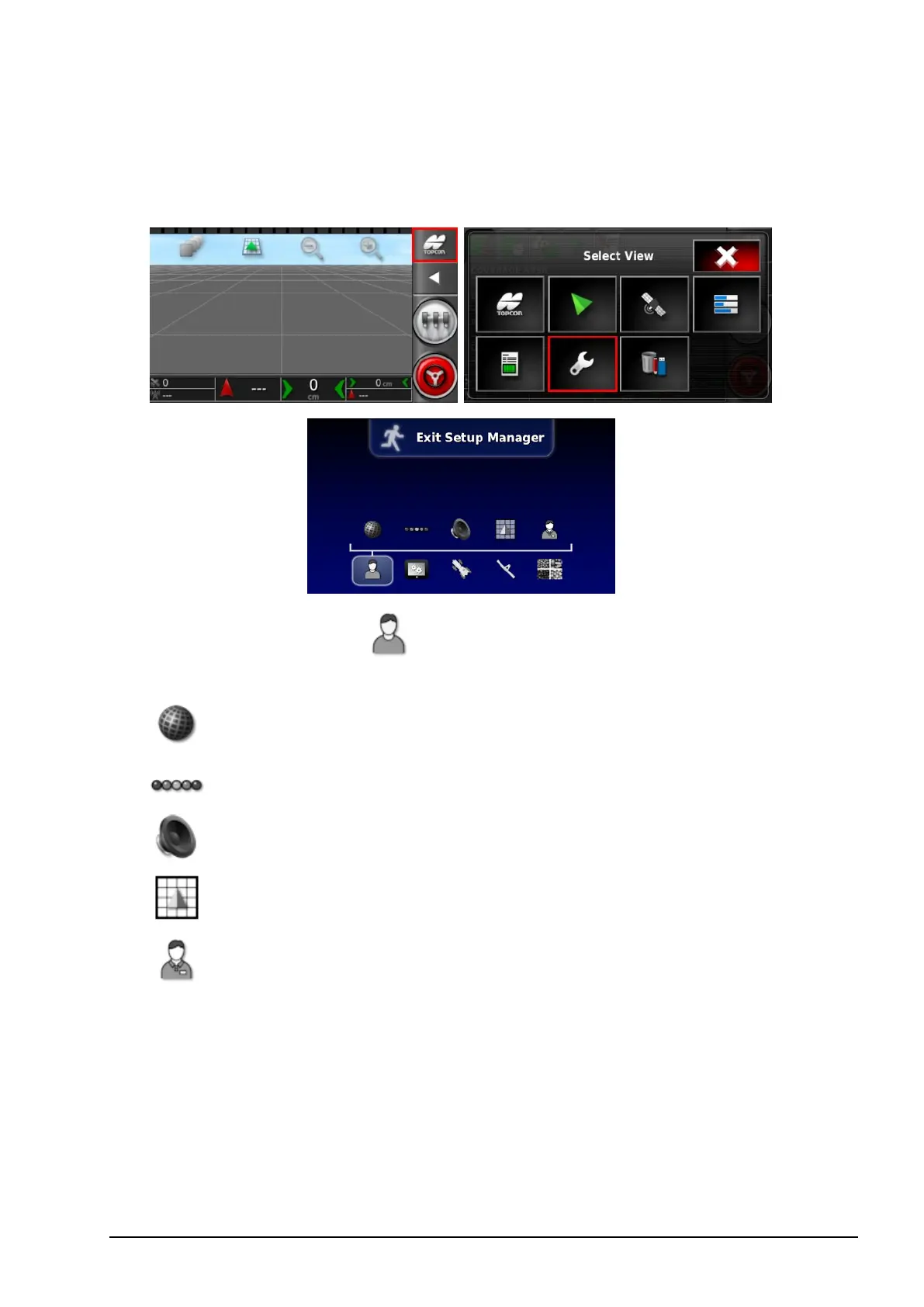
To access the Setup screen, select the following icons:
On the Setup screen, the User menu option provides the
following menu items:
l
Region: Selects the language, time/date and units.
l
Lightbar: Sets operation of the LED bar for guidance use.
l
Environment: Sets up console interaction.
l
Map: Sets how maps work on the Operation screen.
l
Access Level: Selects access levels to determine which
controls are accessible.
4.1. Setting the region
4.1.1. Language setup
The language displayed on the console may be changed if required
and decimal separators may be represented by a period or a comma.



 To Next Page