16.1. Searching categories
108
Delete selected items.
Export selected items.
16.1. Searching categories
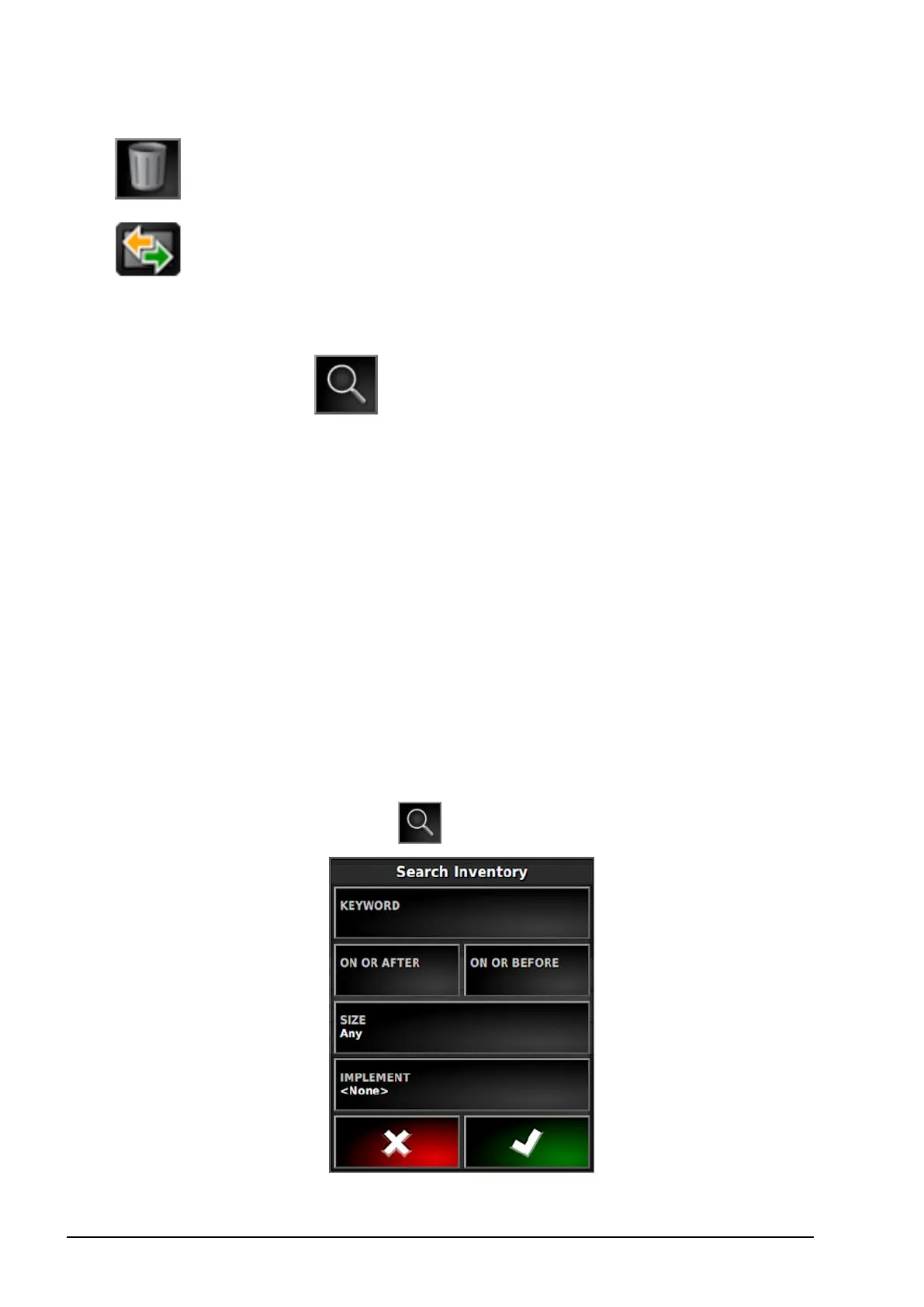
The search function allows categories to be searched using a
keyword.
It is possible to search in multiple fields, farms or clients at once.
Navigate up the file hierarchy before pressing the search button to
search through all items below that level.
The search results display the full path to items found.
Note: Jobs may be searched using more detailed data, as shown
below.
16.2. Searching exporting jobs
It is possible to export one or more jobs and/or job reports. If is also
possible to search for and delete empty job items.
1. Select Jobs from the CATEGORY drop down list.
2.
Select the Search button .



 To Next Page