5
Chapter 2 – User Interface Description
2.1. Switching between setup and operation
screen
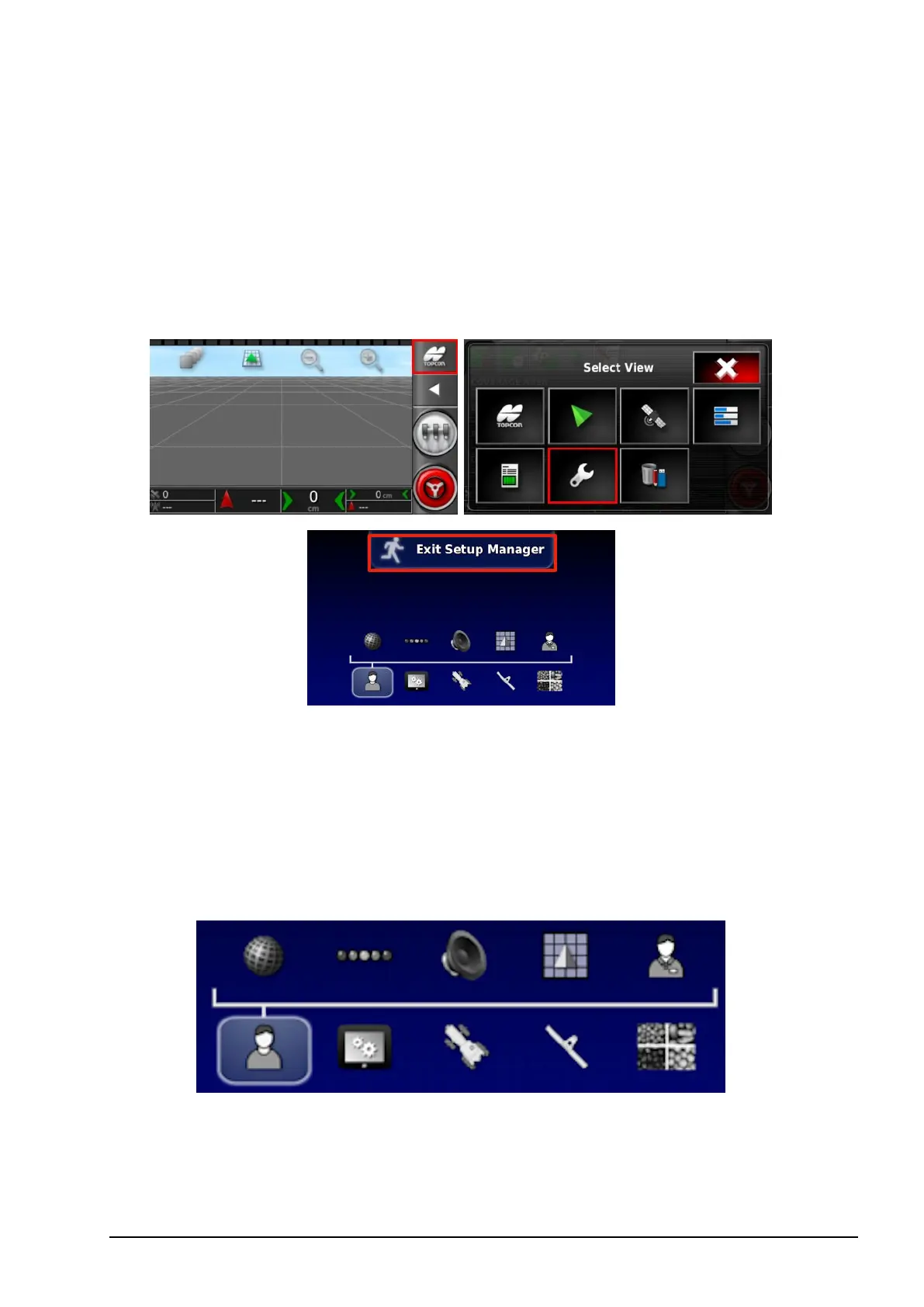
The console has two main screens; the Operation screen and the Setup
screen.
Use the highlighted buttons to switch between the screens.
2.2. Setup screen controls
This section describes the Setup screen controls.
The Setup screen has the following types of controls:
Menus
Menu items are selected from the base of the screen to display the
next level of sub-options. When features are enabled, more items may
appear in the menus.



 To Next Page