1
Chapter 1 – Console Overview
1.1. Introduction
The X14 is a vehicle-mounted electronic console with LCD display
and touchscreen. The console allows operators to work with auto
steering, guidance and other control functions from the console. The
console is designed to interact with GPS and Electronic Control Units
(ECUs), centralizing the ability to communicate, record, store and
display data for agricultural uses.
Note: Before using guidance and auto steering, please read the safety
instructions and learn about the controls by reading this manual
carefully.
The console is a touchscreen. To select something on the screen,
touch the area with the tip of a finger, fingernail or stylus (not
supplied).
1.2. Starting the console
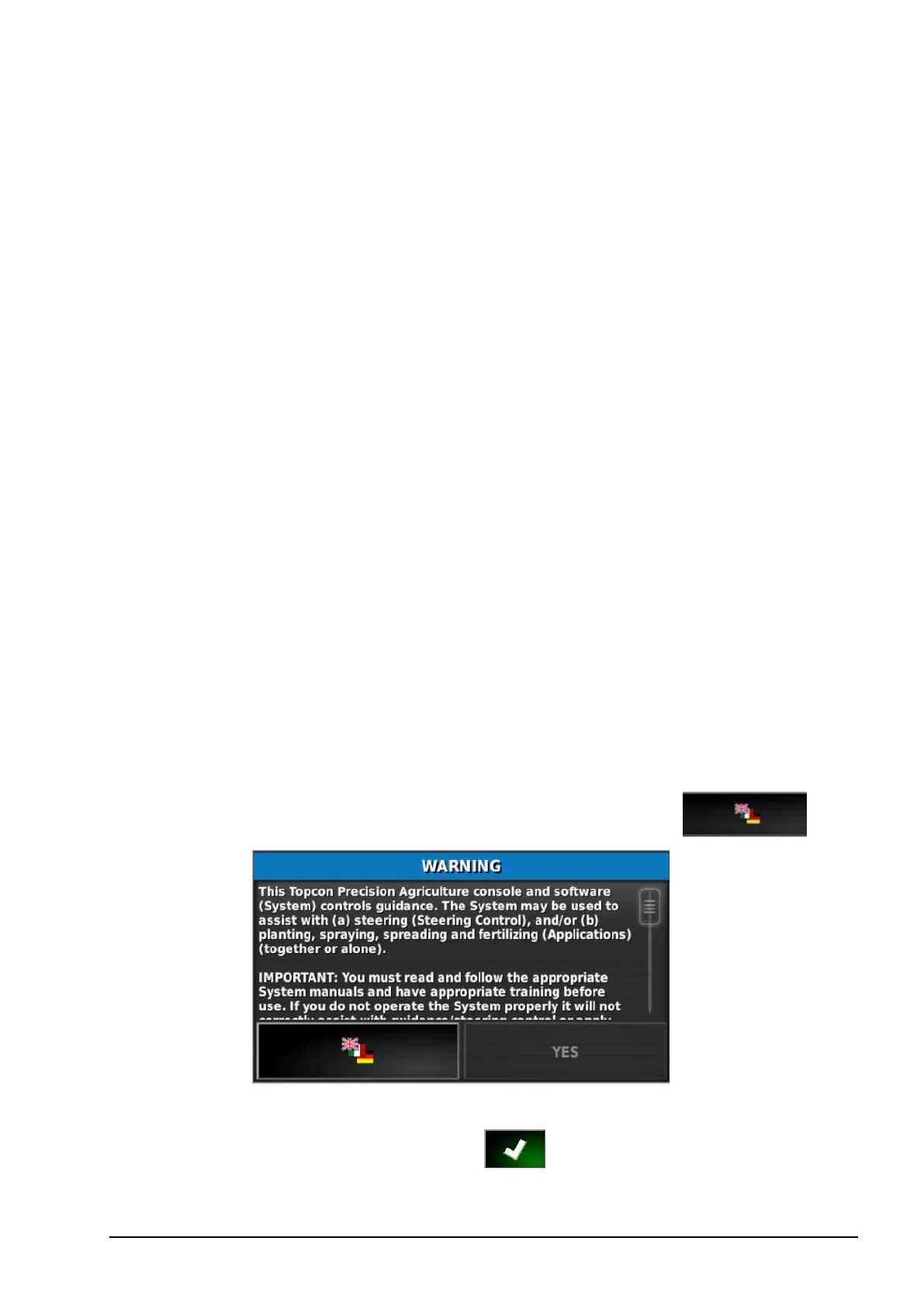
1. Connect the console to a power supply. Ensure associated devices
(such as GPS (Global Positioning System)) are connected. The
console starts automatically and the warning screen displays.
2. Scroll to the base of the warning screen and select YES.
Note: To change the language on the console, select .
3. Use the scroll bar, or slide a finger down the list, to see more
languages. Confirm the selection .



 To Next Page