7.6. Setting up GPS speed emulation
52
Refer to the manual for the implement controller for information on
setting up the switches for the implement.
External console input
Enables the master switch to be operated via an external switch (a
physical switch box / master switch connected to the console).
Note: If an external switch is connected, this is usually done by the
dealer during installation. The cable labeled ‘Remote Mapping’
connects to the console harness and provides power to activate /
deactivate coverage map and master switch input.
External ECU sense
Enables the master switch to be operated via an external switch (a
physical switch box / master switch connected to the ASC-10 ECU).
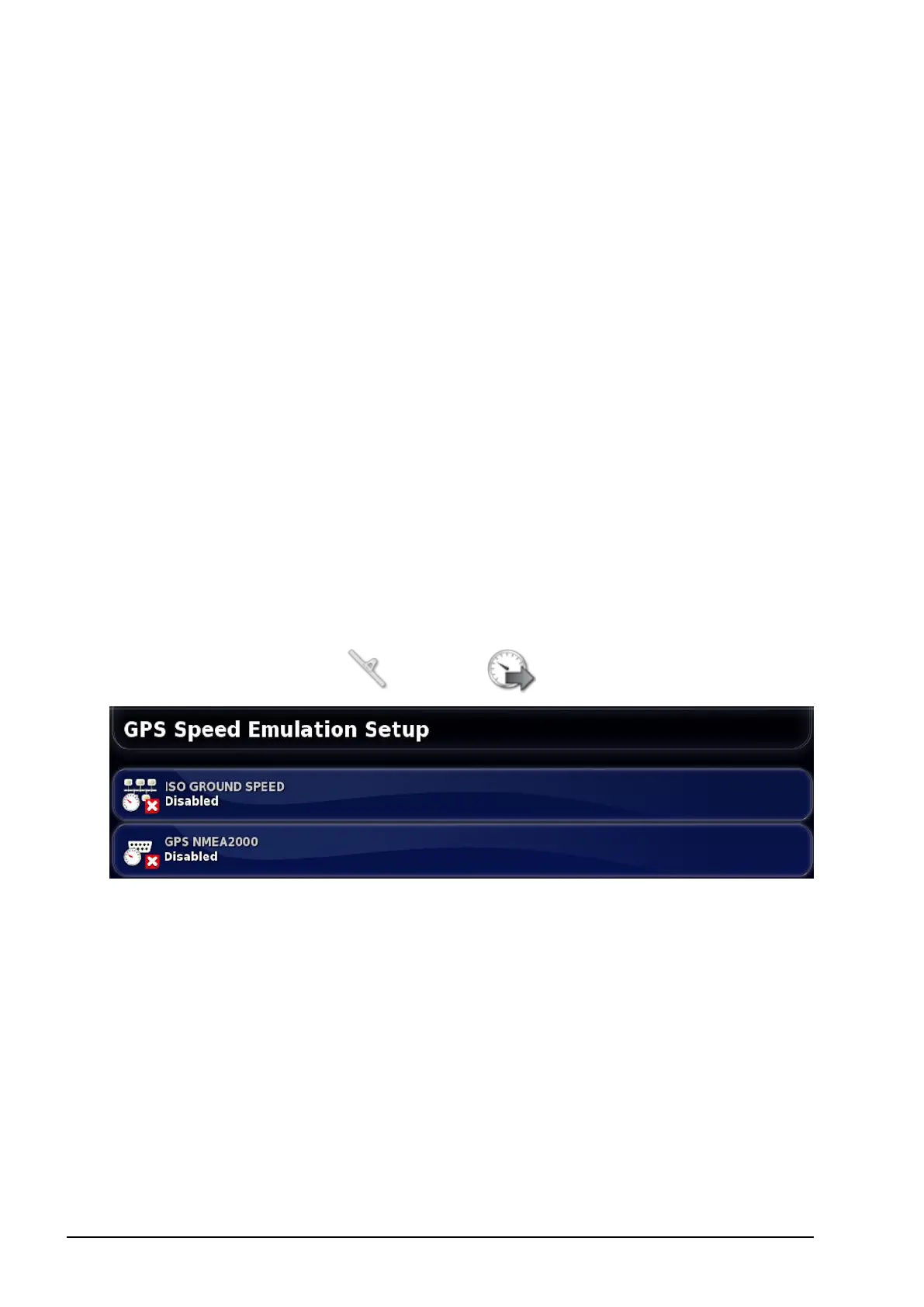
7.6. Setting up GPS speed emulation
Sends vehicle speed information to the ISOBUS implement for
performing rate control or other functions.
1.
Select Implement / Speed .
Outputs speed on ISO and/or NMEA2000 bus to the ECU.
Note: The GPS NMEA2000 setting specifies that the virtual TECU
should emulate NMEA 2000 COG/SOG messages (129026) if they
are not already present on the bus. It has no effect on the NMEA
2000 output sent from the receiver.
2. Select the required output/s.



 To Next Page