27
Chapter 5 – System Setup
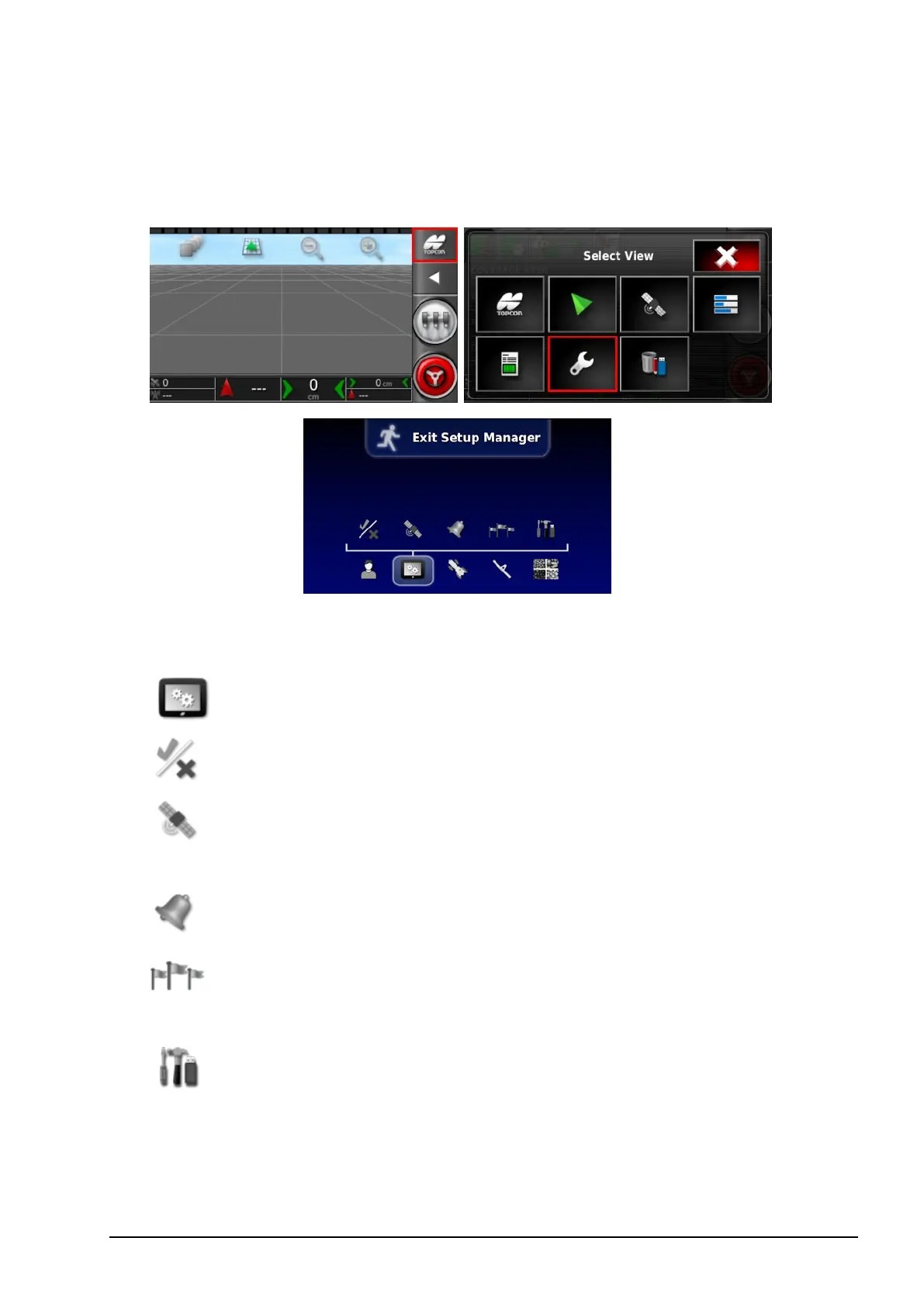
To access the Setup screen, select the following icons:
This chapter explains how to set up system elements such as GPS
connections, alarms and optional features.
The System menu option provides the following menu items:
l
Features: Enables or disables optional features.
l
GPS: Sets up the functionality of the connected GPS
receiver.
l
Alarms: Sets alarm functionality.
l
Flag Points: Selects icons and labels for flag points. Flag
points show obstacles or other land features on a guidance map.
l
Utilities: Allows a USB to be provisioned to upgrade
software.



 To Next Page