1.3. Shutting down the console
2
The warning screen displays in the chosen language.
4. Use the scroll bar to display the complete warning screen and if
you agree select YES.
Note: Selecting Yes confirms your understanding and accepts
your responsibility for liabilities described in the warning screen.
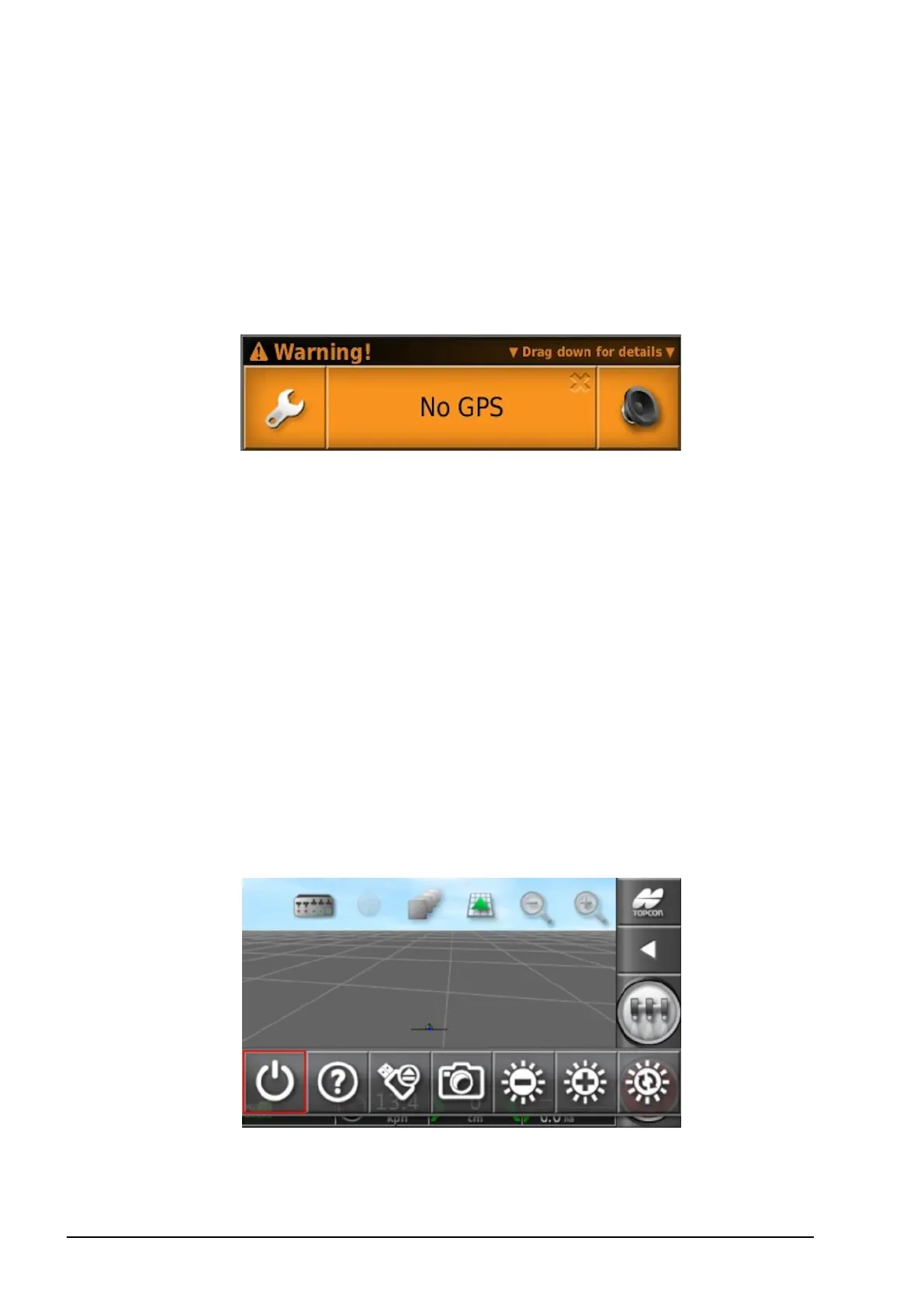
The console may display the following warning.
5. To acknowledge the alarm, press the center of the alarm window.
Note that extra details may be displayed for some alarms by
dragging the window downwards.
6. Confirm the GPS receiver is connected correctly and
communicating.
Note: If the warning appears again, this should be remedied
during setup by referring to Setting up GPS, page 29.
1.3. Shutting down the console
To shut down the console, swipe up from the base of the screen to
display the console toolbar and select the off icon. The system will
ask if you want to power down. Select Yes to turn off or No to
continue working.
Alternatively, turn off the tractor.



 To Next Page