12.5. Clearing a job
88
Before removing the USB, always disconnect first by
touching the USB Eject icon (refer to Using the console
toolbar, page 3). A message will display that it is safe to
remove the USB. If this is not done, the report may be
missing or corrupt.
12.5. Clearing a job
This action will remove any coverage information on the screen and
delete job data that has been recorded on the current job. It does not
affect field information or guidelines set for the field.
1.
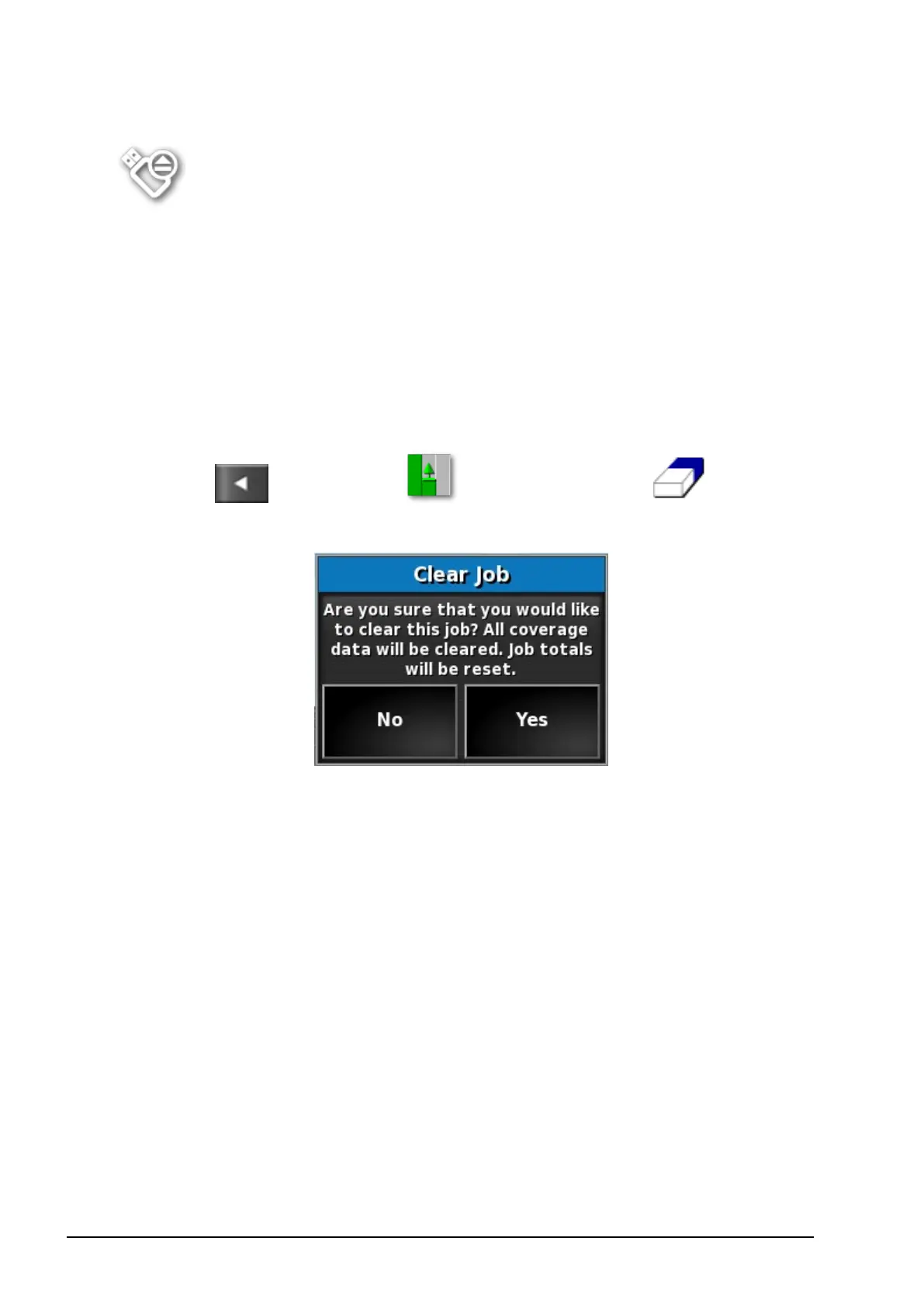
Select / Job Menu / Clear Job Data .
The following message appears.
2. Select Yes to clear the data or No to keep the data.
To delete farms or fields or previously created job data, refer to
Inventory Manager, page 107.



 To Next Page