55
Chapter 9 – Operation Basics
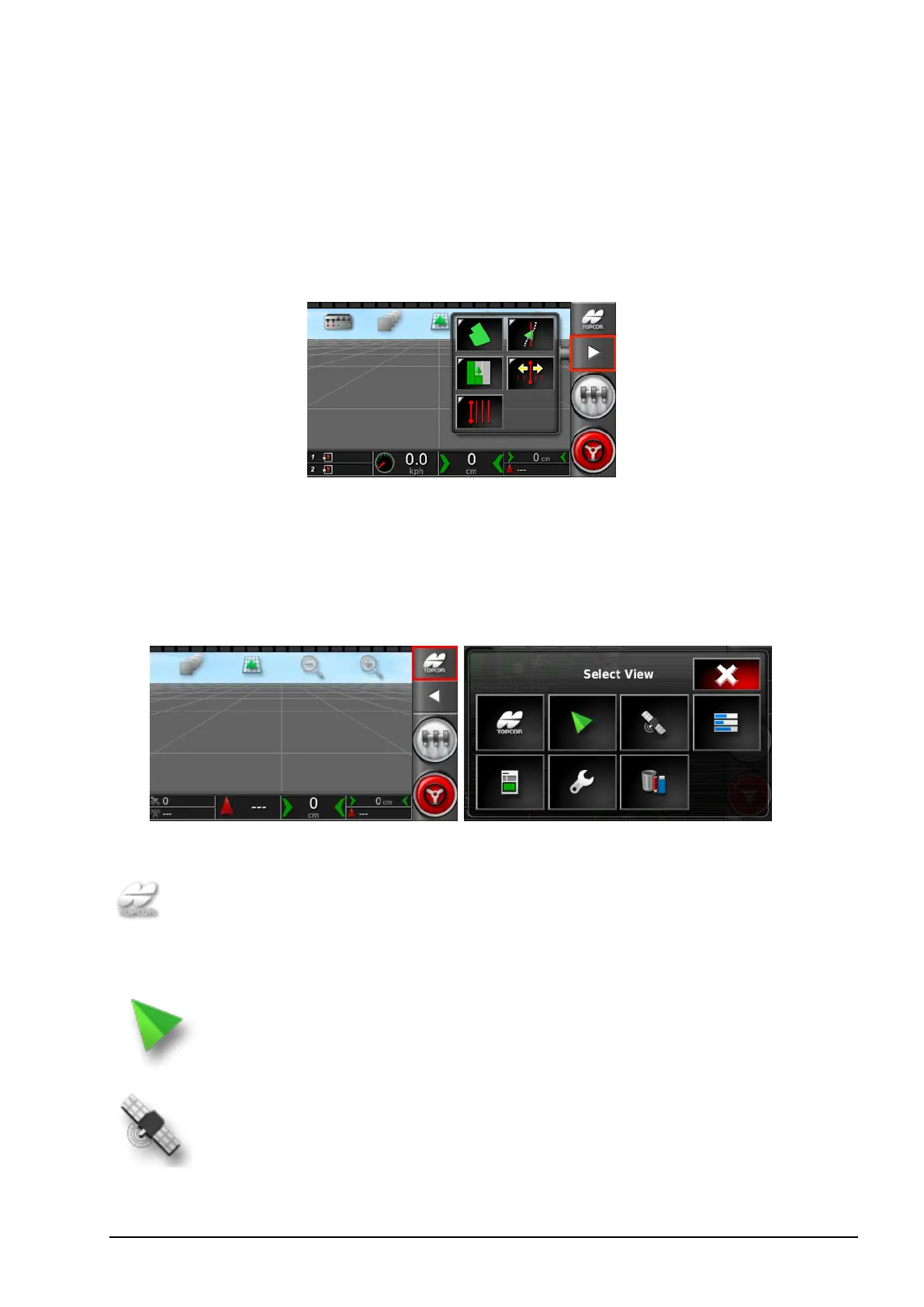
9.1. Using the window toolbar
The Window Toolbar is used to access the tools used to control
guidance.
Selecting a tool displays the sub-menu options.
9.2. Using the navigation window
The Navigation Window is used to display information screens, the
guidance screen and the inventory manager.
The following options are available:
System information. Displays software and system
information summaries. Use the arrows and scroll bar to
expand and display information.
Guidance. Displays the guidance screen. Refer to Viewing
guidance, page 56.
GPS information. Displays GPS position, vehicle
orientation and GPS accuracy information. Refer to
Viewing GPS information, page 60.



 To Next Page