7.1. Selecting an implement
48
l
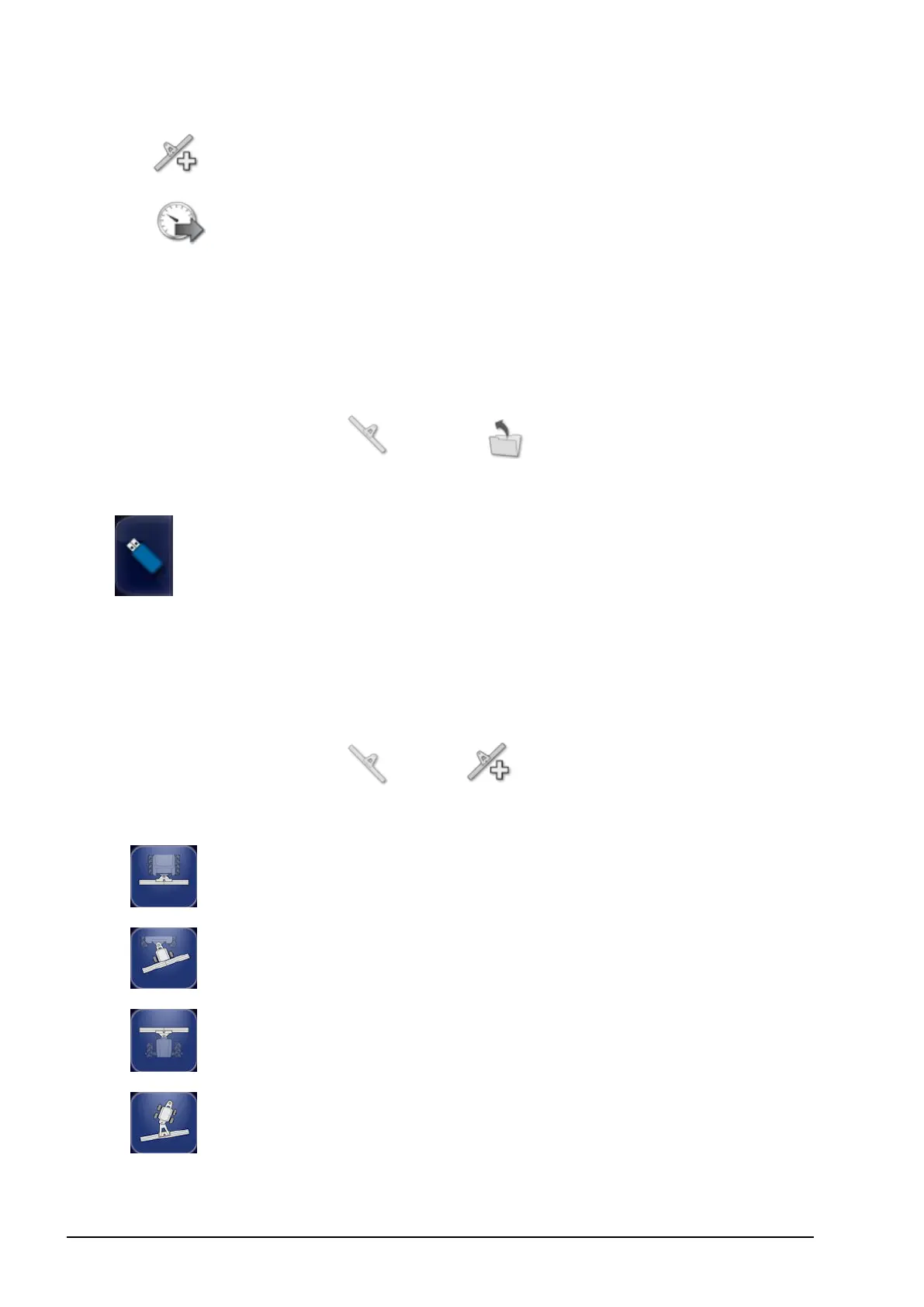
New: Create a new implement profile.
l
Speed: Refer to Setting up GPS speed emulation, page 52.
7.1. Selecting an implement
Selects an implement from a previously defined list of implement
profiles. This is blank when the console is first used.
To select an existing implement:
1.
Select Implement / Select .
2. Highlight the required implement and confirm, or:
Select to import an implement profile from a USB.
7.2. Setting up a new implement
Creates a new implement profile for the attached implement.
To create a new implement:
1.
Select Implement / New .
2. Use the arrows to select the implement Type and confirm.
rigid
pivoted (tow behind)
front mount
double pivoted (tow between)
A default name for the implement is displayed.



 To Next Page