9.3. Viewing guidance
56
System diagnostics. Displays memory usage, console
diagnostics and trouble codes. Refer to Viewing system
diagnostics, page 61.
Job information. Displays job statistics, duration, settings,
notes and guidance settings. Refer to Viewing job
information, page 61.
Auto section control configuration. Refer to Implement
setup, page 28 for setup. Refer to the sprayer manual for
operation.
Virtual switchbox. Refer to Setting up the section switch,
page 51.
Setup. Opens the setup screen.
Inventory manager. Refer to Inventory Manager, page 107.
9.3. Viewing guidance
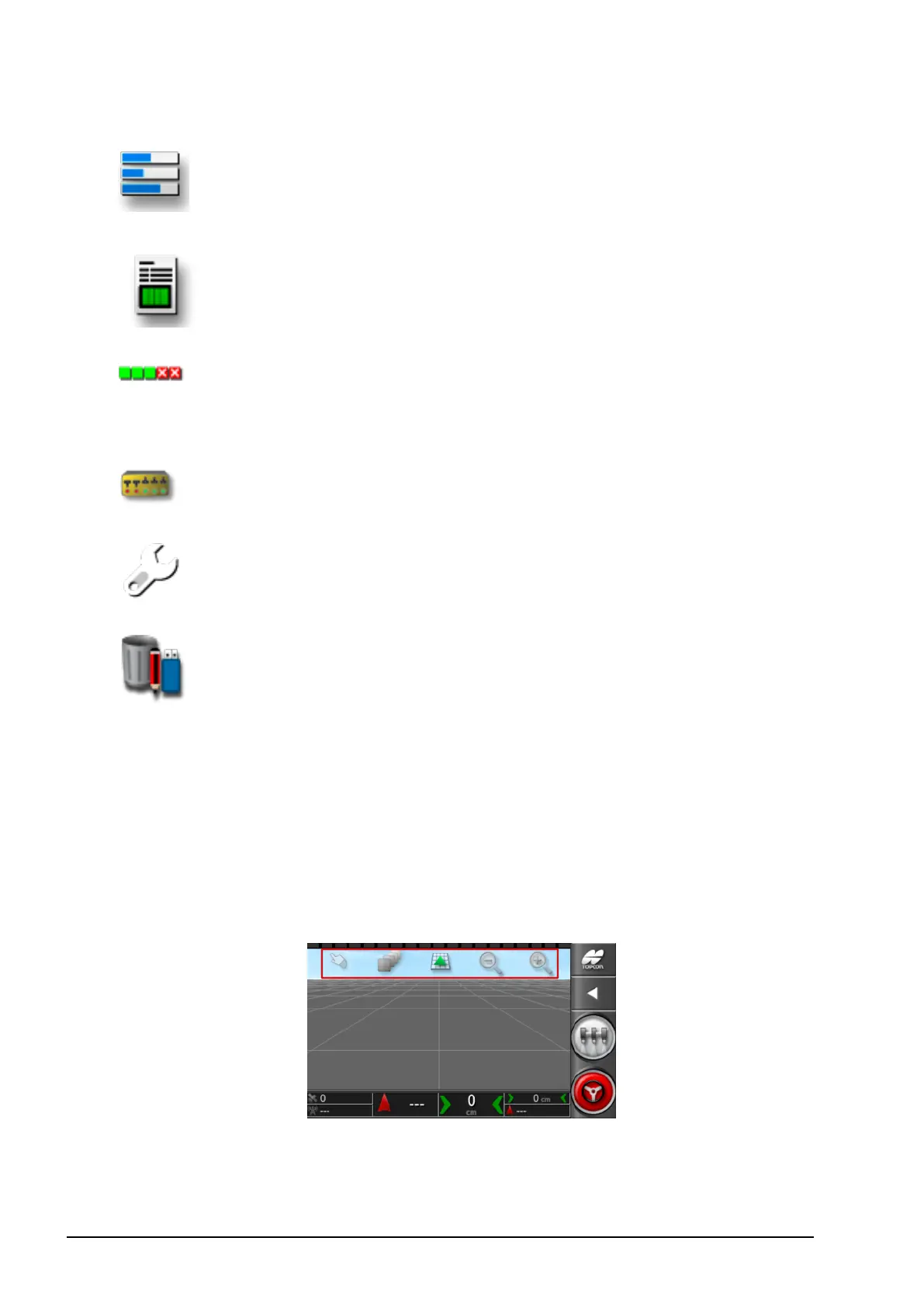
The full guidance screen opens by default when the Operation screen
is accessed for the first time.
9.3.1. Using view controls
Note: An option for panning across the map is also available (refer to
Map panning, page 25).



 To Next Page