41
Chapter 6 – Vehicle Setup
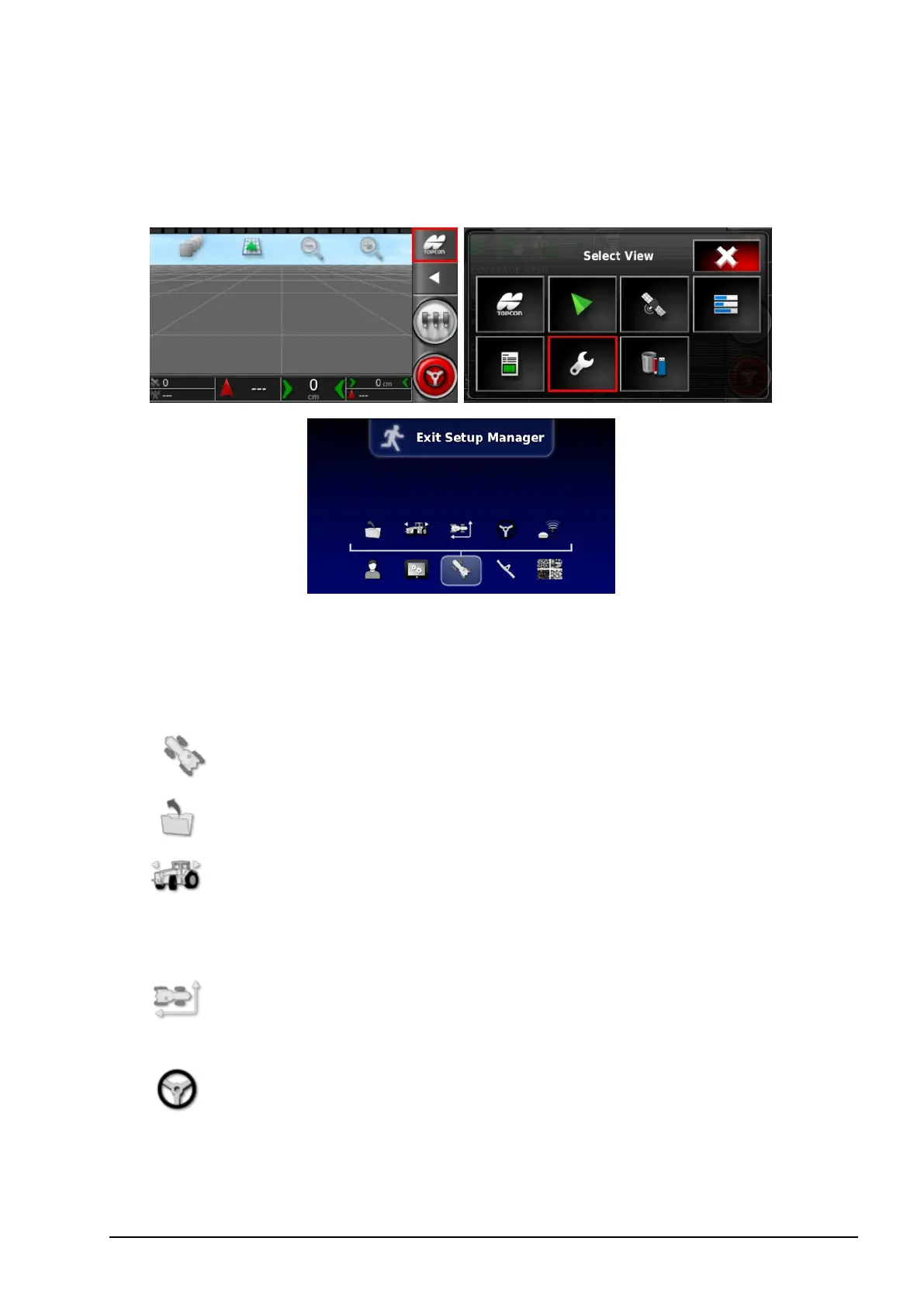
To access the Setup screen, select the following icons:
This chapter explains how to set up and access profile information
about the vehicle on which the console is mounted. If the console is
to be used on more than one vehicle then more than one vehicle
profile must be set.
The Vehicle menu option provides the following menu items:
l
Select: Select a vehicle from the previously created profiles.
l
New: Create a new vehicle profile.
Note that Select and New are the only options available on this
menu if no vehicles have been setup.
l
Geometry: Sets the vehicle measurements so that guidance
can work accurately.
l
Steering: Controls how the vehicle will respond to
guidance.



 To Next Page