89
Chapter 13 – Guideline Menu
Guidelines are used to indicate the path that the vehicle should travel
for optimum coverage. The system will use the implement width to
set evenly spaced lines across the field.
If some guideline types are not required, they can be disabled. Refer
to Guidance setup, page 28.
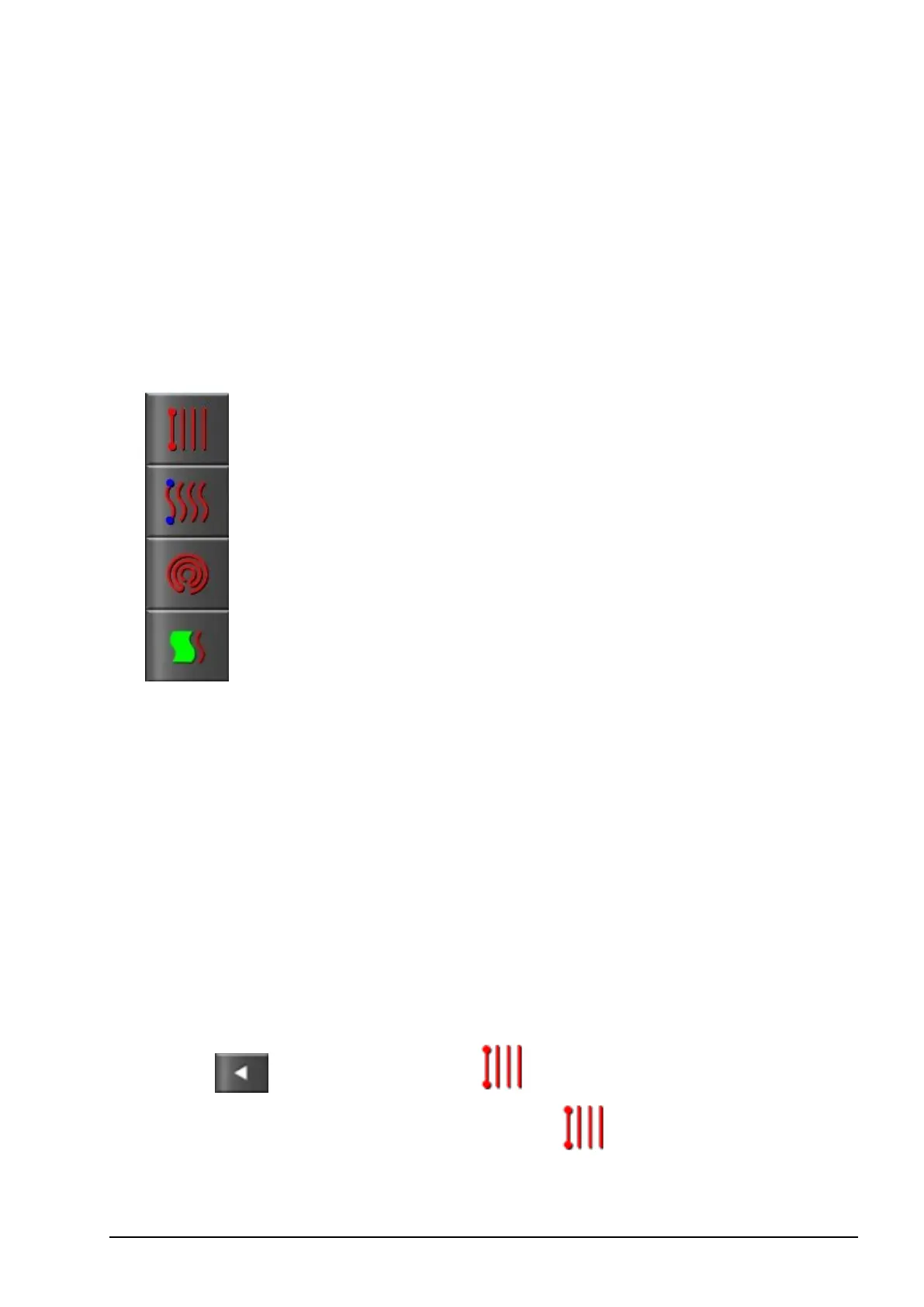
Guideline types supported are:
Parallel AB Line guidelines, page 89
Identical Curve guidelines, page 91
Centre Pivot guidelines, page 91
Guidelock Guidance mode, page 92
Note: To clear a guideline once it has been created, refer to Inventory
Manager, page 107. Select the required Category then select the
guideline to be deleted.
13.1. Using straight lines guidelines
This option creates parallel lines for guidance, using the width of the
implement to set the distance between guidelines.
Where working is generally done in straight lines, the AB line should
be set near the headland line. This allows the lines to evenly space
across the working area.
1. Position the vehicle.
2.
Select / Guidelines Menu / Change Guidance
Mode, if necessary, to choose AB Lines .



 To Next Page