47
Chapter 7 – Implement Setup
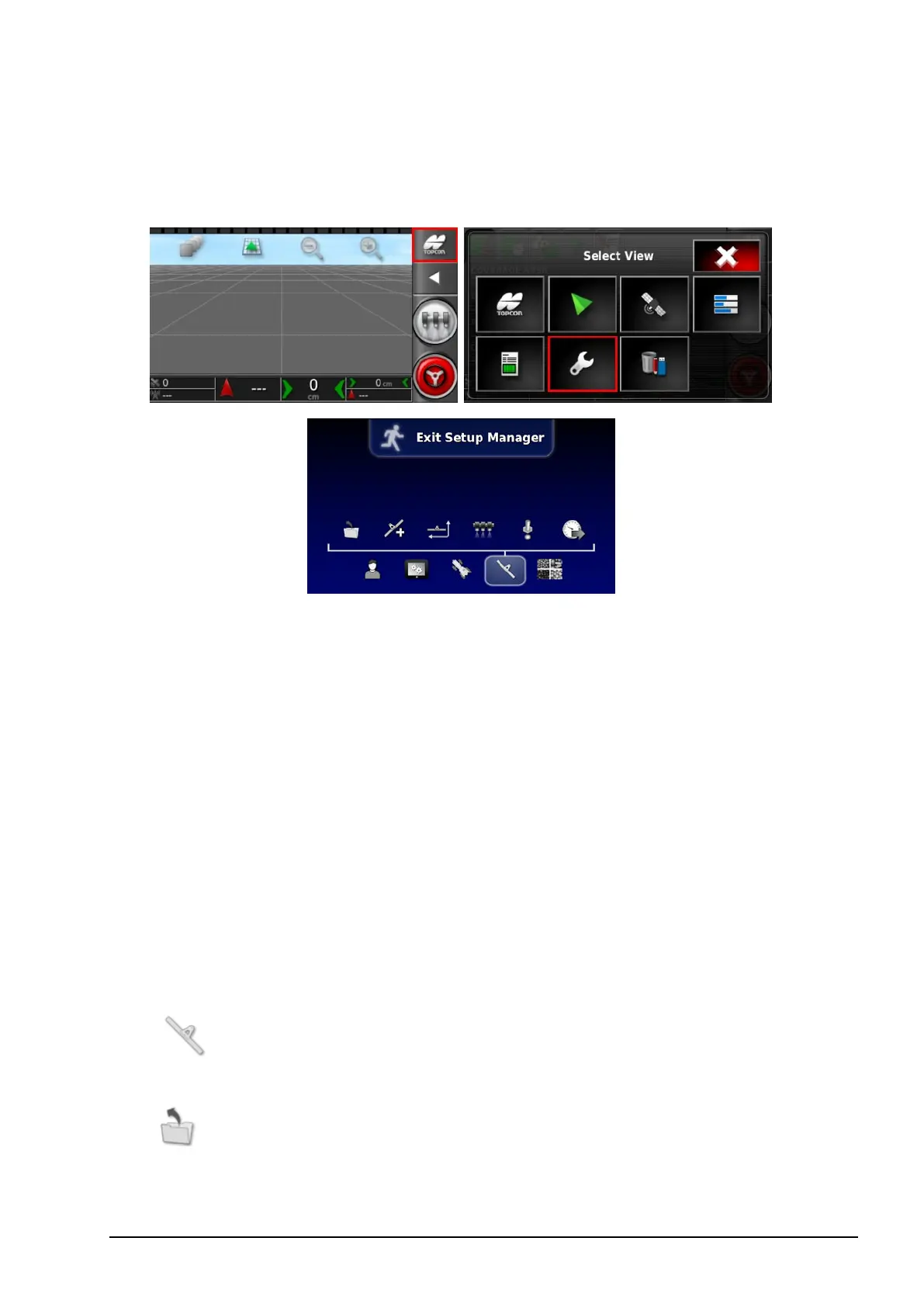
To access the Setup screen, select the following icons:
This chapter explains how to set up and access profile information
about the implement being used. If the console is to be used with
more than one implement, then more than one implement profile
must be set up.
The following information details how to set up a non-controlled
implement for correct swath paths or guidelines. This allows the
creation of coverage maps and provides waylines for auto steering
and guidance.
Refer to the Sprayer operator manual for detailed implement
information. The following information sets up the implement for
auto guidance and steering only.
Note: The options displayed on the Implement menu will vary
depending on the implements created/selected.
The Implement menu option provides the following menu
items when no implements have yet been created:
l
Select: Select an implement from previously created
profiles. (This list is blank if no implements have been created.)



 To Next Page