Chapter 7 – Implement Setup
51
1.
Select Implement / Section Control / Timing .
2. Select ON TIME to set how many seconds delay there is between
switching a section on and the application of product, then confirm.
3. Repeat for OFF TIME and confirm. This will set how many
seconds delay there is between switching a section off and stopping
product flow.
7.4.2. Setting up the section switch
The section switch can be either Virtual (on the console screen) or
External (a physical switch connected to the ASC-10 ECU or console).
To configure the switches:
1.
Select Implement / Section Control / Section Switch
.
2. Select TYPE.
3. Select Virtual or External ECU Sense and confirm.
7.5. Setting up the master switch
The master switch turns on the application control (spreader, sprayer)
and also enables the coverage map on the guidance screen.
To set up the master switch:
1.
Select Implement / Master Switch .
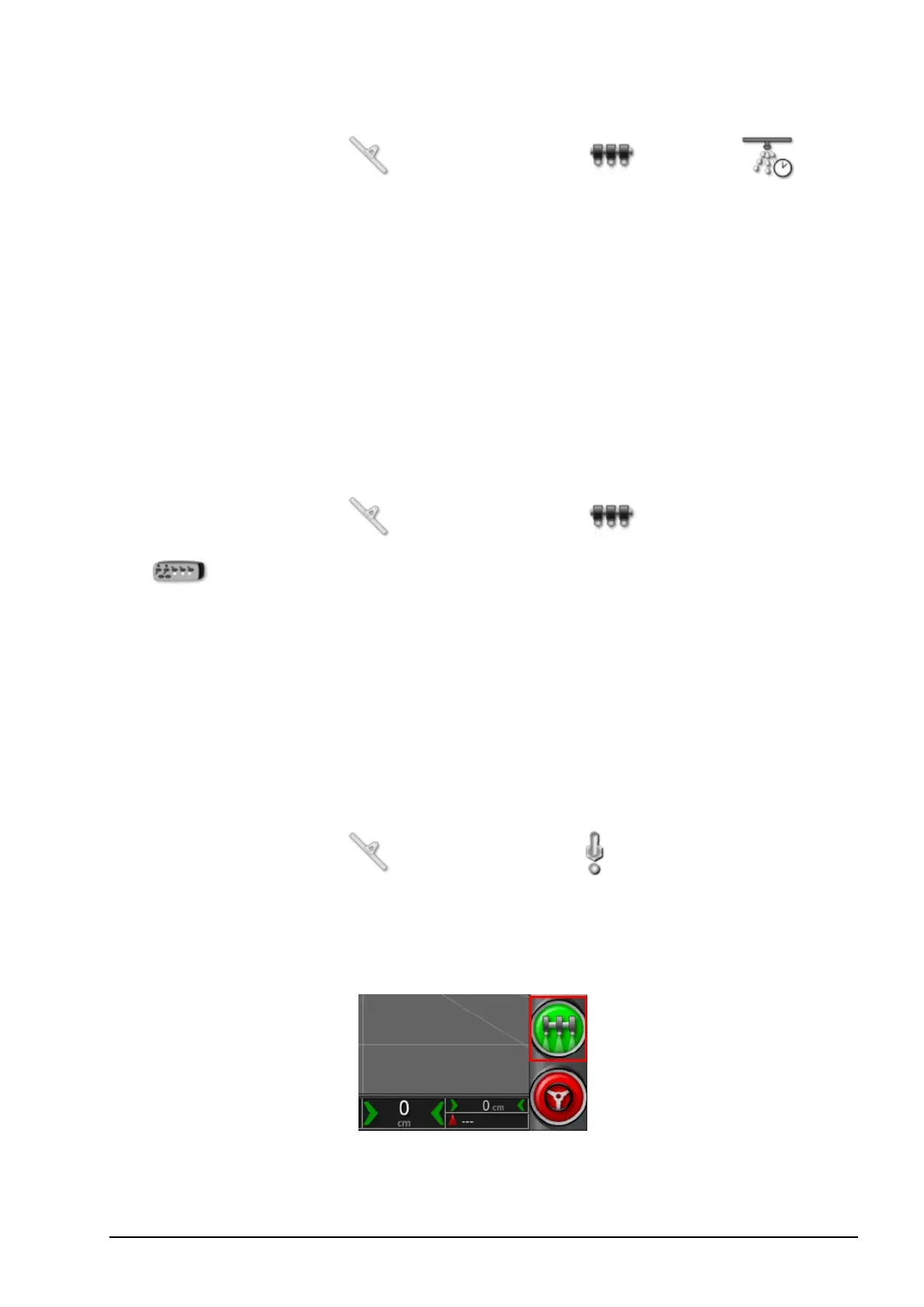
Virtual
Enables the master switch to be operated by selecting the virtual master
switch on the console Operation screen.



 To Next Page