14.2. Tuning auto steer
98
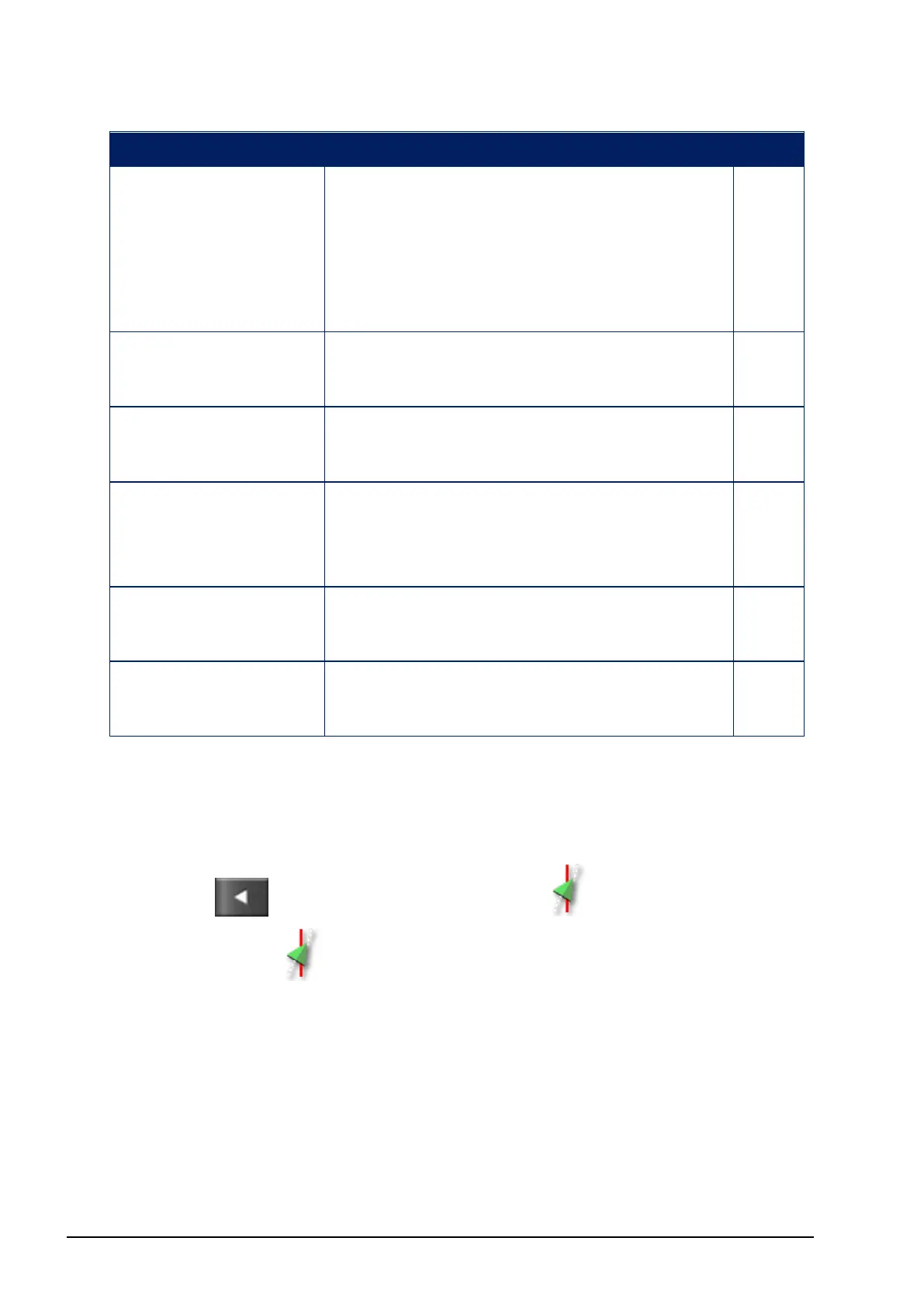
Error Display Actions Page
Prohibited
operation
Steering cannot be engaged while
certain actions are being performed.
For example; steering calibration,
changing GPS settings, exporting a
job.
Operator presence The steering system will disengage if
the driver leaves the control seat.
Steering wheel Let go of the steering wheel and try
again.
Speed displays with
red
Adjust speed to between 1 and 25 kph
(0.7-15 mph). The necessary speed
may vary with the vehicle.
Cross track error
displays with red
Drive closer to the guideline before
engaging auto steering.
Heading error
displays with red
Check the angle or reduce the speed of
the vehicle’s approach to the guideline.
14.2. Tuning auto steer
It is important to tune the auto steering to suit the conditions, the type
of job and the type of vehicle/implement.
1.
Select / Steering Options Menu / Auto Steer Tuning
Parameters .



 To Next Page