Chapter 9 – Operation Basics
57
Select mode
There is a new touchscreen mode available. To use this mode, press and
hold on the screen for half a second then drag your finger over the
required object to select it. Once the mode is engaged, the select mode
icon becomes visible and the object is highlighted.
This function is available for the following objects on the operation
screen:
l boundaries (refer to Editing a boundary, page 82)
l flag points (refer to Removing or changing a flag point, page 83)
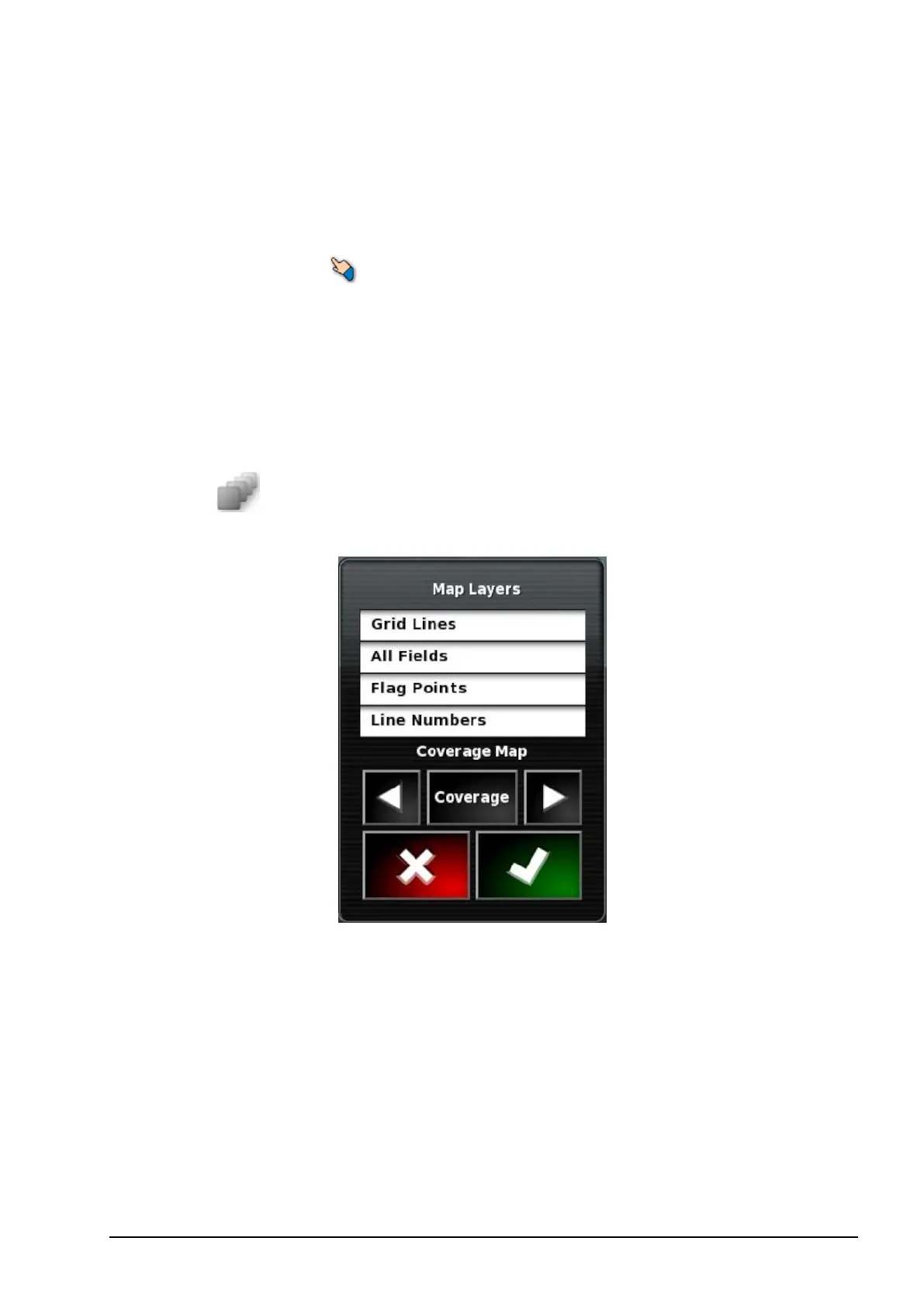
Select visible map layers
1.
Select to choose which coverage and information layers will
appear on the screen.
Map layers
l Grid lines: Show grid lines on the guidance screen.
l All fields: Displays all defined fields in the current farm.
l Flag points: Refer to Setting flag points, page 83.
l Line numbers: Displays guidelines as a row of numbered lines
across the field (applies only to AB Lines).



 To Next Page