9.3. Viewing guidance
58
Coverage map
The coverage map selector enables one type of coverage map to be
selected. This is done by pressing the center button and selecting
from a list or by pressing the left/right arrows to scroll through the
list with a live preview of that layer in the map in the background.
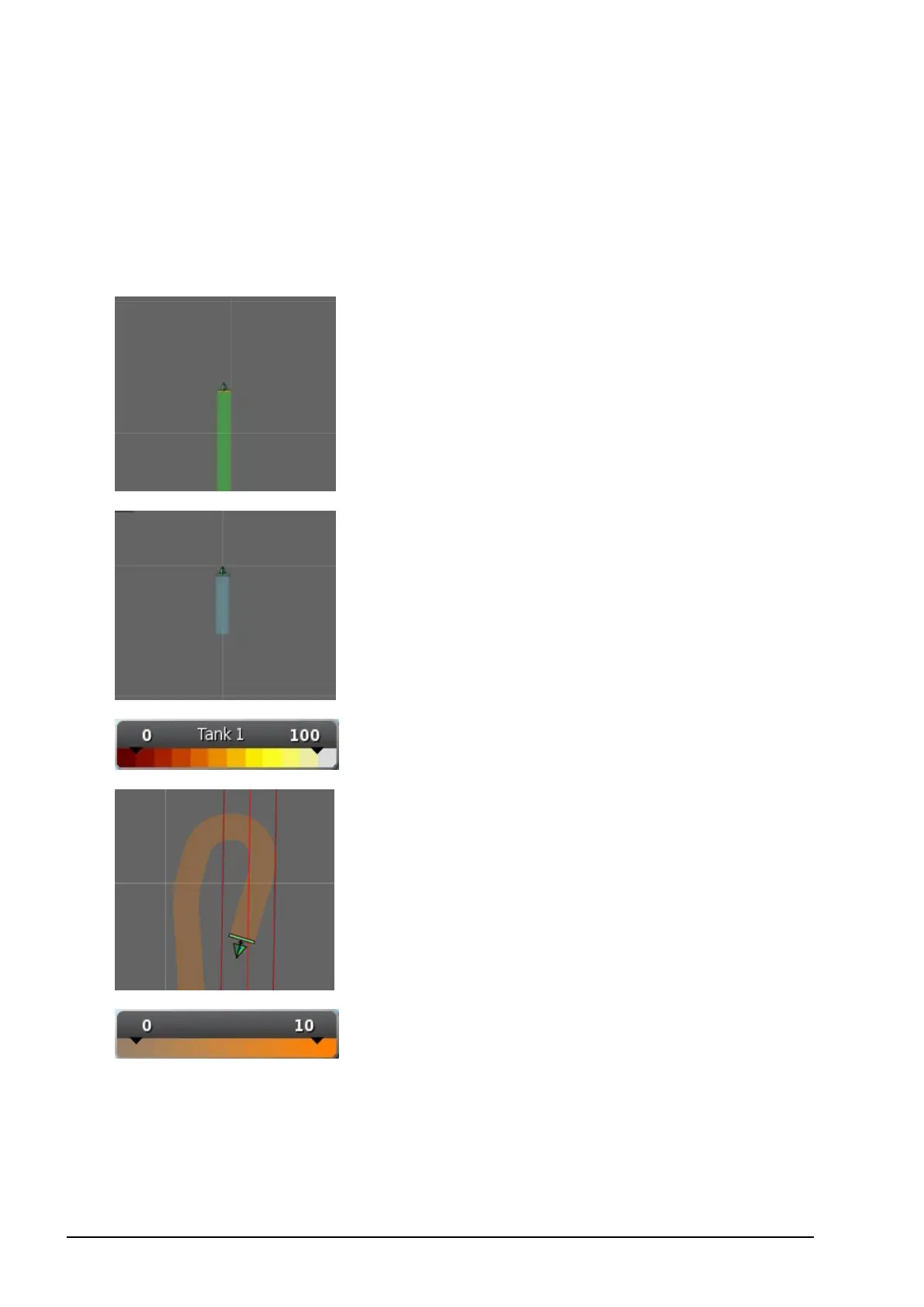
Coverage shows in green.
Applied rate shows in selectable colors.
Legend displays for applied rates.
GPS quality shows in orange.
Legend displays for GPS quality.
Editing the legends
The legends that are displayed for Applied Rate and GPS Quality
may be edited.



 To Next Page