Chapter 9 – Operation Basics
59
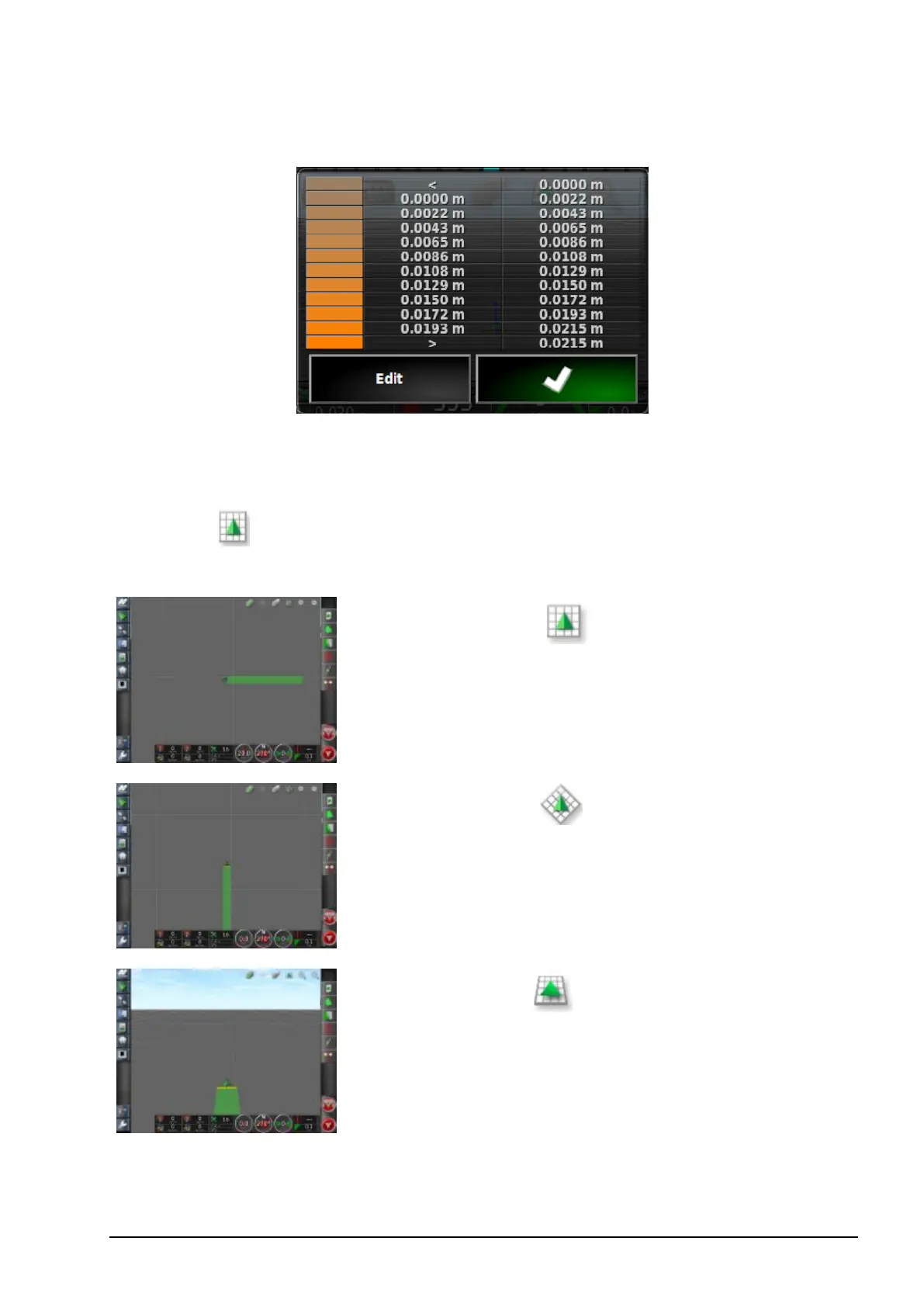
1. Click on the legend to display the legend color and range map.
2. Select Edit to change the colors and ranges used.
Toggle map view mode
1.
Select to toggle views of the map (North Up, Overhead or
Perspective).
In North Up View the top of the screen
represents North.
In Overhead View the top of the screen
represents the vehicle’s current direction.
Perspective View places the map into
virtual perspective with a virtual horizon.



 To Next Page