2.2. Setup screen controls
6
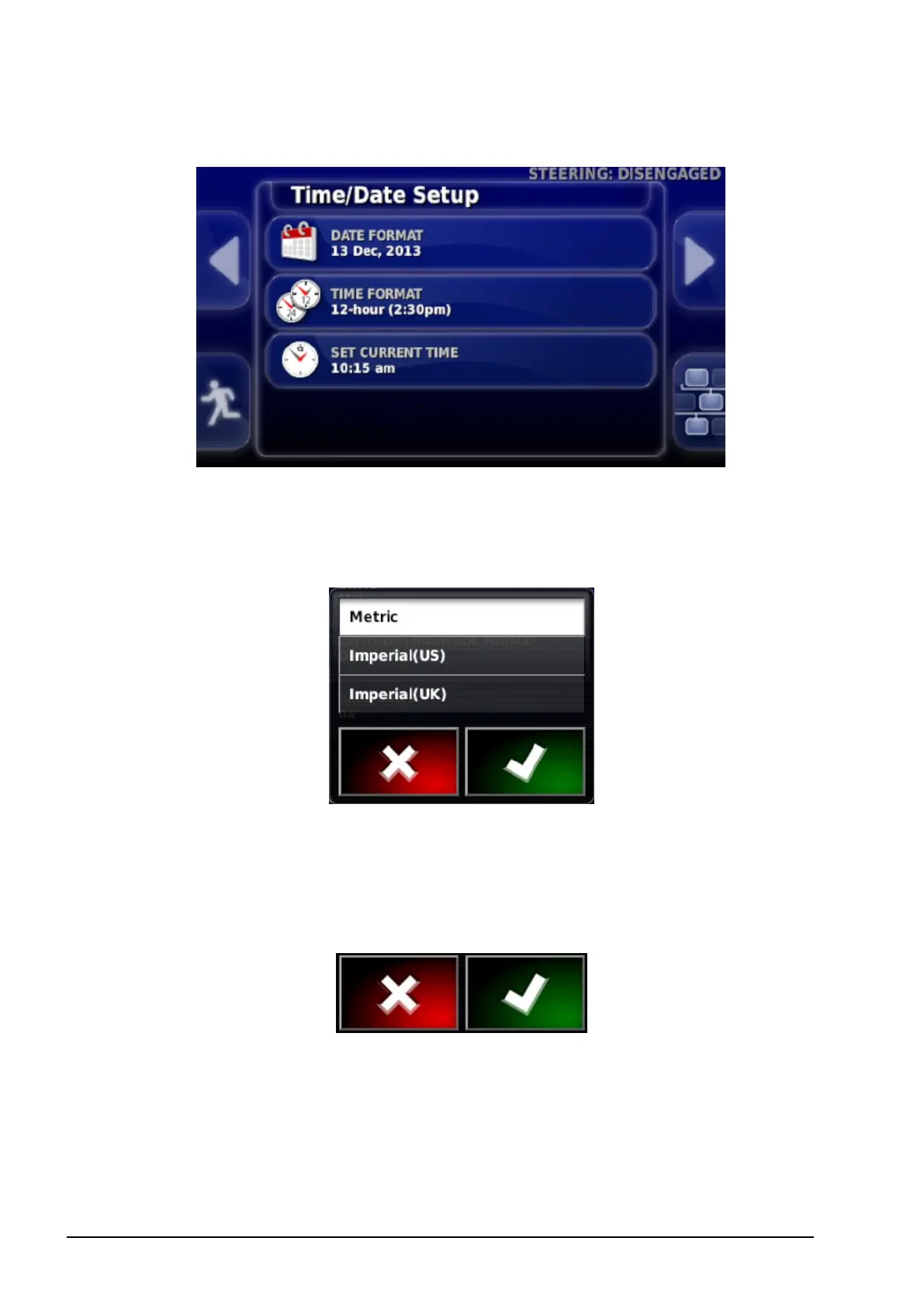
Option lists
Selecting menu items will typically display a list of options at the top
of the screen. As features are enabled, more options may appear.
Selection lists
Selection lists are used to choose one or more items from a list. A
message is displayed if too many items are selected in a multiple
choice list. Selections must be confirmed using the tick button.
Cancel and confirm buttons
These buttons are used to cancel or confirm an entry or a selection.
One of the buttons must be selected to progress from any screen
displaying them.



 To Next Page