Chapter 16 – Inventory Manager
109
Jobs can be searched by keyword, a date range, whether the item is
empty or not (useful for deleting empty jobs) and the implement
used.
The date is shown as DD/MM/YYYY or MM/DD/YYYY
depending on the date format selected (see Time/date setup, page
20).
3. Once the required jobs are displayed, click to highlight the job/s
required.
4.
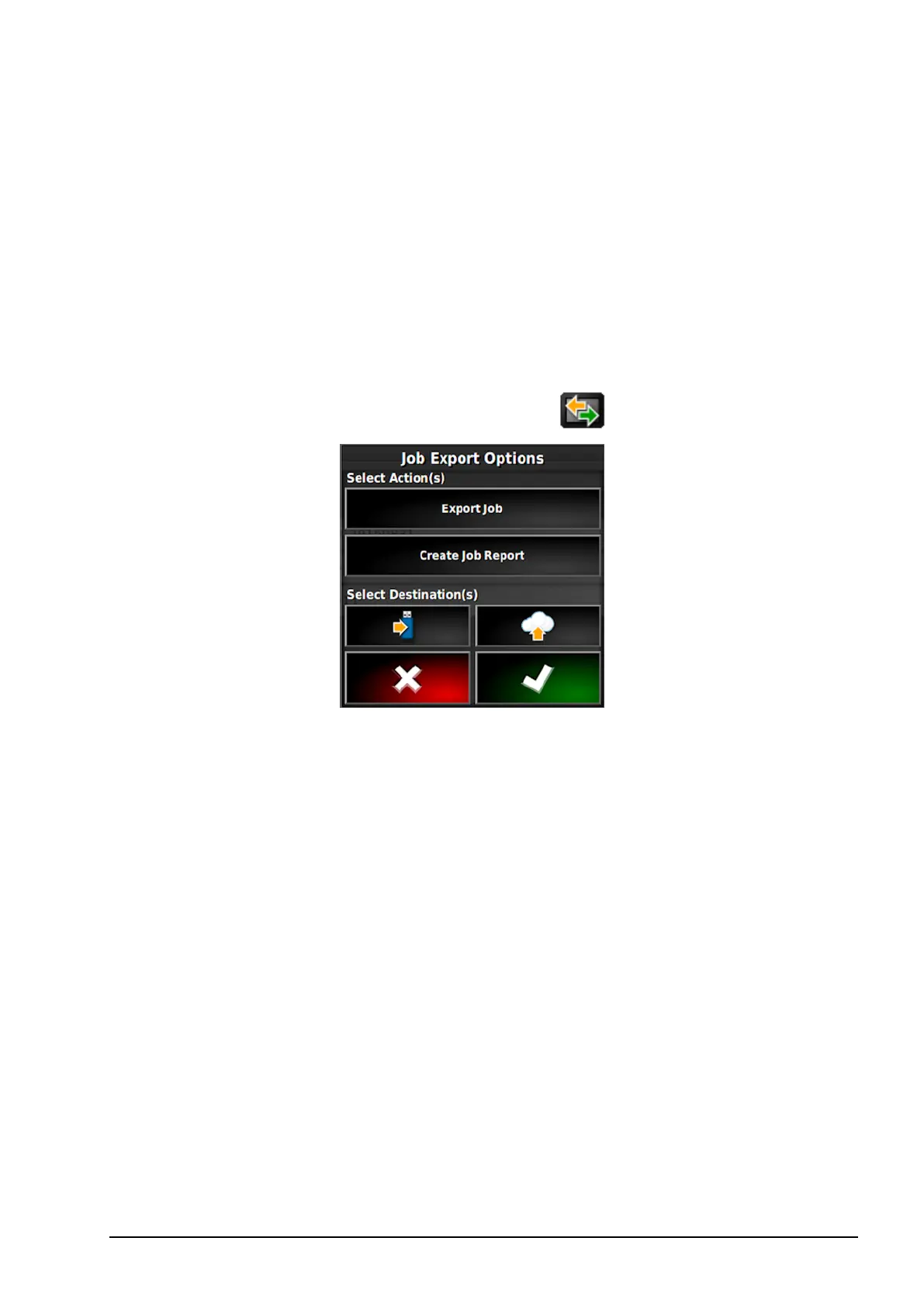
Select the Export selected items button .
The Job Export Options screen enables the job/s and/or job report/s
to be exported to USB.



 To Next Page