E6582062
4. [Basic operation] Operation methods of motor 4-14
4
9
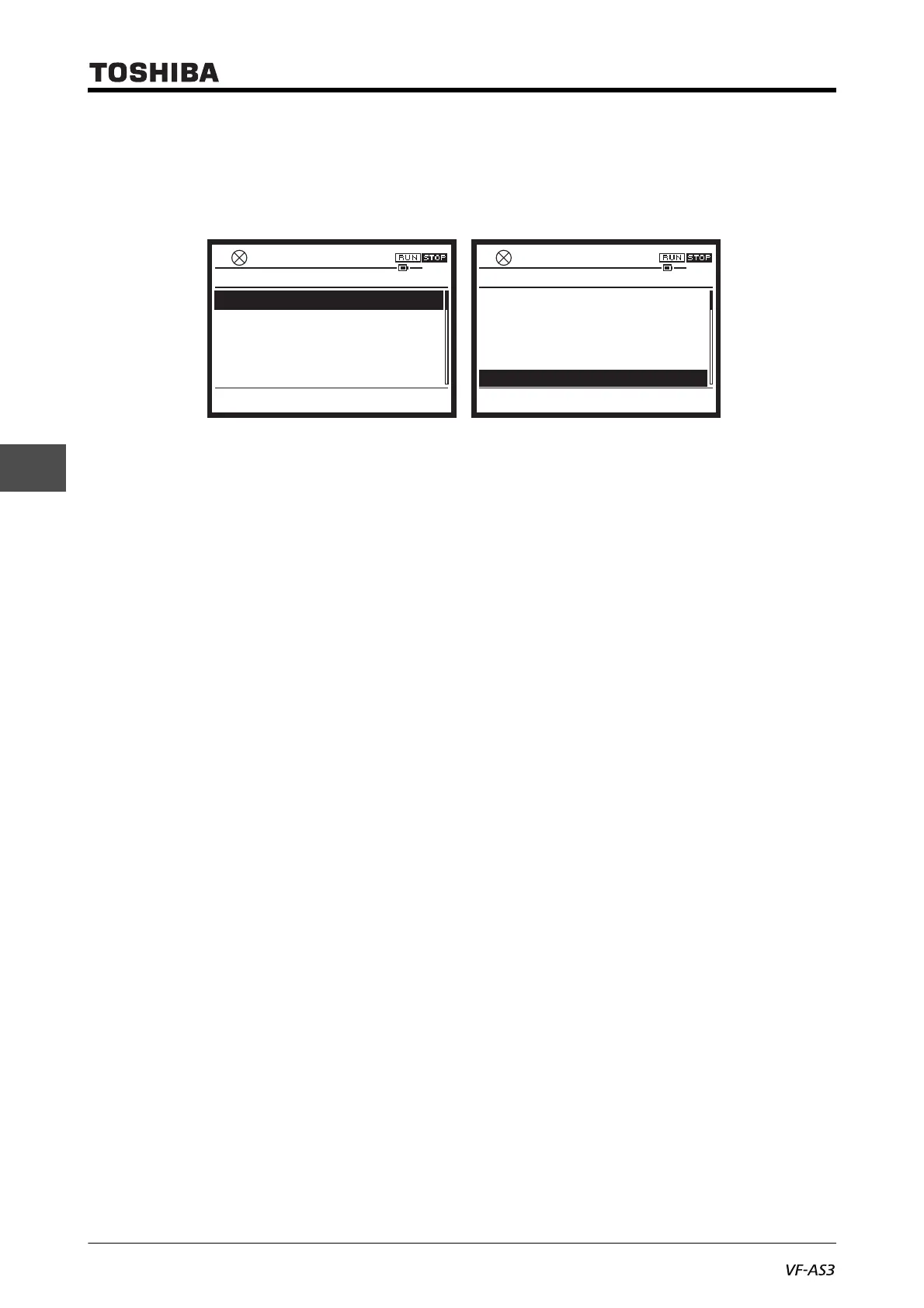
■ [Easy mode]
In [Easy mode], basic ten (default setting) parameters are displayed.
Up to 32 parameters can be registered to be displayed.
<CMOd: Run command select>
Set inputs (operation panel, terminal, communication) that give a run command to the inverter.
For details, refer to [5. 2. 1].
<FMOd: Frequency command select 1>
Set inputs (operation panel, terminal, communication) that give a frequency command to the
inverter.
For details, refer to [5. 2. 1].
<ACC: Acceleration time 1>
Set the time that the output frequency of the inverter takes to reach <FH: Maximum frequency> from
0 Hz.
For details, refer to [5. 2. 4].
<dEC: Deceleration time 1>
Set the time that the output frequency of the inverter takes to decrease to 0 Hz from <FH: Maximum
frequency>.
For details, refer to [5. 2. 4].
<UL: Upper limit frequency>
Set the upper limit of the output frequency.
For details, refer to [5. 2. 3].
<LL: Lower limit frequency>
Set the lower limit of the output frequency.
For details, refer to [5. 2. 3].
<tHrA: Motor overload protection current 1>
Set the reference current for protection with electronic thermal.
For details, refer to [5. 2. 5].
<FM: Terminal FM adjustment>
Adjust the scale of the meter connected to the terminal [FM].
For details, refer to [5. 2. 6].
CMOd
: Run command select
FMOd
: Frequency command select 1
ACC
: Acceleration time 1
dEC
: Deceleration time 1
UL
: Upper limit frequency
Top
0.0HzSTOP
14:45
0
1
10.0s
10.0s
Easy Mode
60.0Hz
Monitor
LL
: Lower limit frequency
tHra
: tHrA
FM
: FM
F701
: Current voltage units select
PSEL
: Parameter mode select
Top
0.0HzSTOP
14:46
0.0Hz
4.00A
100.0%
0
Easy Mode
0
Monitor



 To Next Page
 Loading...











