11.3. General handli
Several cutting procedures are already installed on delivery of the
machine and can be used immediately. The preset values can be
optimised according to the cutting material, prior to the first cut. The
program can subsequently be saved anew.
The following points apply for all modifications of adjustment values:
-
tapping button:
fine adjustment
-
holding button down:
the setting changes with increasing speed
Tip:
It is recommended to note the storage locations with the different
products.This is a great help in finding the programs later. At the end of
these operating instructions, you will find corresponding tables for your
entries.
11.4. Shortcut program selector keys
The operator console of the TREIF PUMA-CE ’electronic’ has 12 shortcut
program selector keys. You should file your most frequently used cutting
programs in these program storage spaces.
Keys "P1 - P12" can be assigned any of the 4 operating modes, modified
and subsequently saved.
Assign shortcut program selector key:
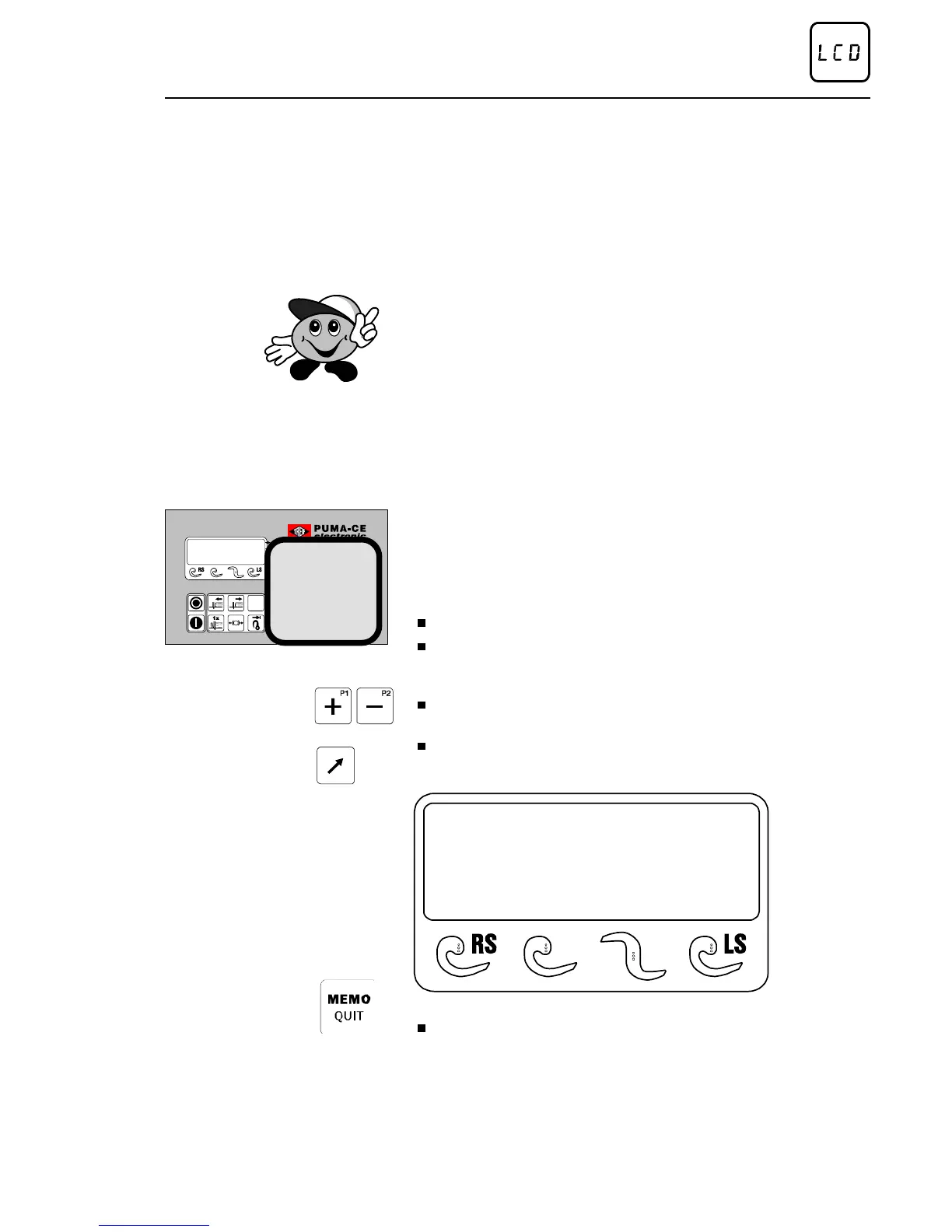
Set the main switch to »ON«.
After display of the program version, the control system automatically
performs a ’reference run’, in order to determine required length
parameters. Cutting program "P1" appears a few seconds later.
Press program selector key "+" as often as required until the desired
cutting program is attained.
Press SHIFT key and corresponding shortcut program selector key
P1-P12 and keep depressed until the following display message
appears:
memo
(px)
(x = selected shortcut key)
Modify program, if necessary and save via MEMO/QUIT.
Method of operation of the control
02/2005 123842-GB Page 33


 To Next Page