18.2. General operation
Select the requested menu item.
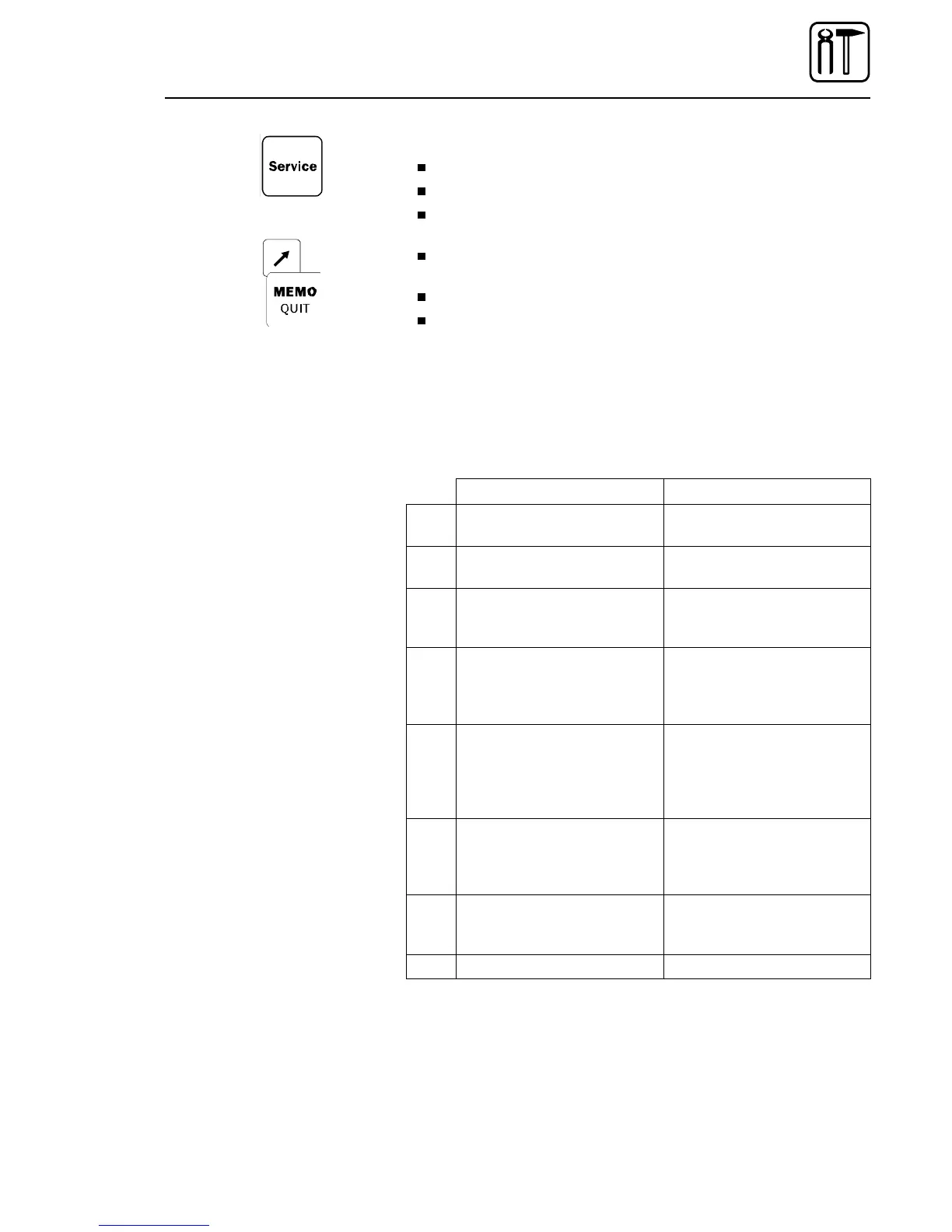
Press the Service key for acknowledgement.
Depending on the menu item selected, the input of the service code
is requested.
Use the program function keys to enter P2, P5, P4, and P6 after each
other. In the process, press the Shift key and keep it pressed.
Carry out the settings, and use the Service key to quit this menu item.
Use the MEMO/QUIT key to quit the service menu.
18.3. Menu items
Menu item Comment
1 Language selection To be used to set a different
display language.
2 Reset slice counter To be used to set the
integrated slice counter to zero
3 Release MEMO Acknowledgement to save
own or modified cutting
programs.
4 Initialise the service
parameters with the
works settings
All cutting parameters will be
overwritten with the values
set in the works of the
manufacturer.
5 Initialise the service
parameters with the
works settings
All service parameters will
be overwritten with the values
set in the works of the
manufacturer
(to be used by service staff only).
6 Edit service parameters Given standard settings can
be viewed and corrected,
if necessary
(to be used by service staff only).
7 Perform calibration routine The machine axles will be
re-adjusted
(cf. chapter 18.4)
8 Quit service menu Return to the cutting program.
Service Menu
02/2005 123842-GB Page 83


 To Next Page