15.6. Retensioning the conveyor belt
(only for machines with conveyor)
If the conveyor belt moves lopsided or slips it must be retensioned as
follows:
Let the machine run in slow conveyor speed.
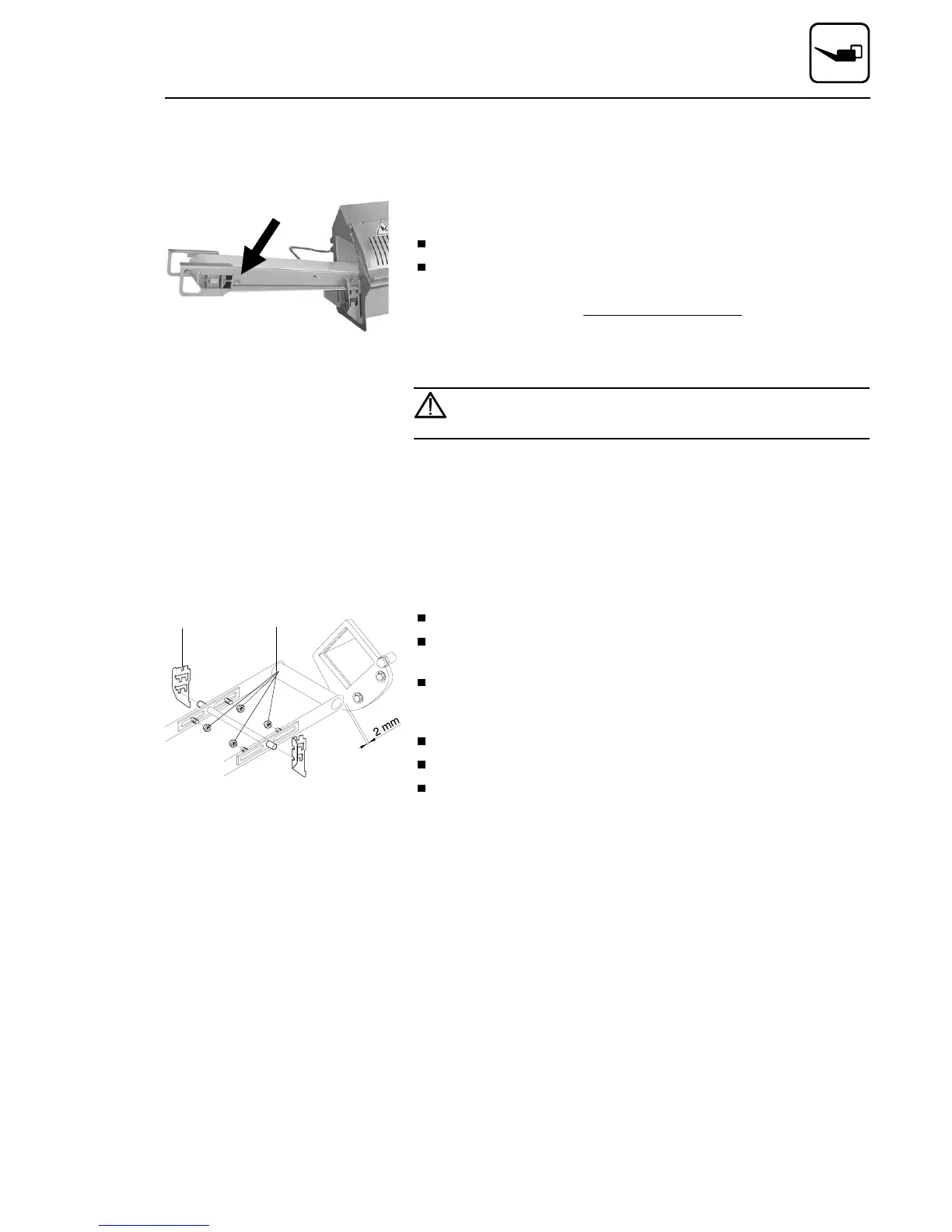
For retensioning evenly turn the clamping screws (arrows) clockwise
until the conveyor does not slip any more.
Advice:The conveyor belt has to run in the centre of the conveyor belt
carrier. If it should run lopsidedly, the clamping screw on this side has to
be loosened somewhat, resp. the screw on the opposite side has to be
somewhat retensioned.
It is imperative that you make sure the belt runs in the centre
of the belt carrier and does not scrape anywhere. Scraping
along the belt carrier will destroy the belt !
15.7. Setting spacing between conveyor and coun-
terblade
When you install a conveyor for the first time, the spacing to the
counterblade must be set as follows:
Remove conveyor belt (cf. chapter 7.3)
Slide conveyor (without conveyor belt) into the outlet channel (pay
attention to mounting position) and hang it into the bolts
1 at the side.
Loosen both hexagon head screws 2 on the back side of the
counter-blade.
The conveyor belt frame can now be horizontally displaced.
Slide conveyor towards counterblade to a spacing of 2 mm.
Retighten all four hexagon nuts 2 .
Dismount conveyor frame once more and fit conveyor belt (cf.
chapter 7.3)
1 2
Maintenance
02/2005 123842-GB Page 77


 To Next Page