:
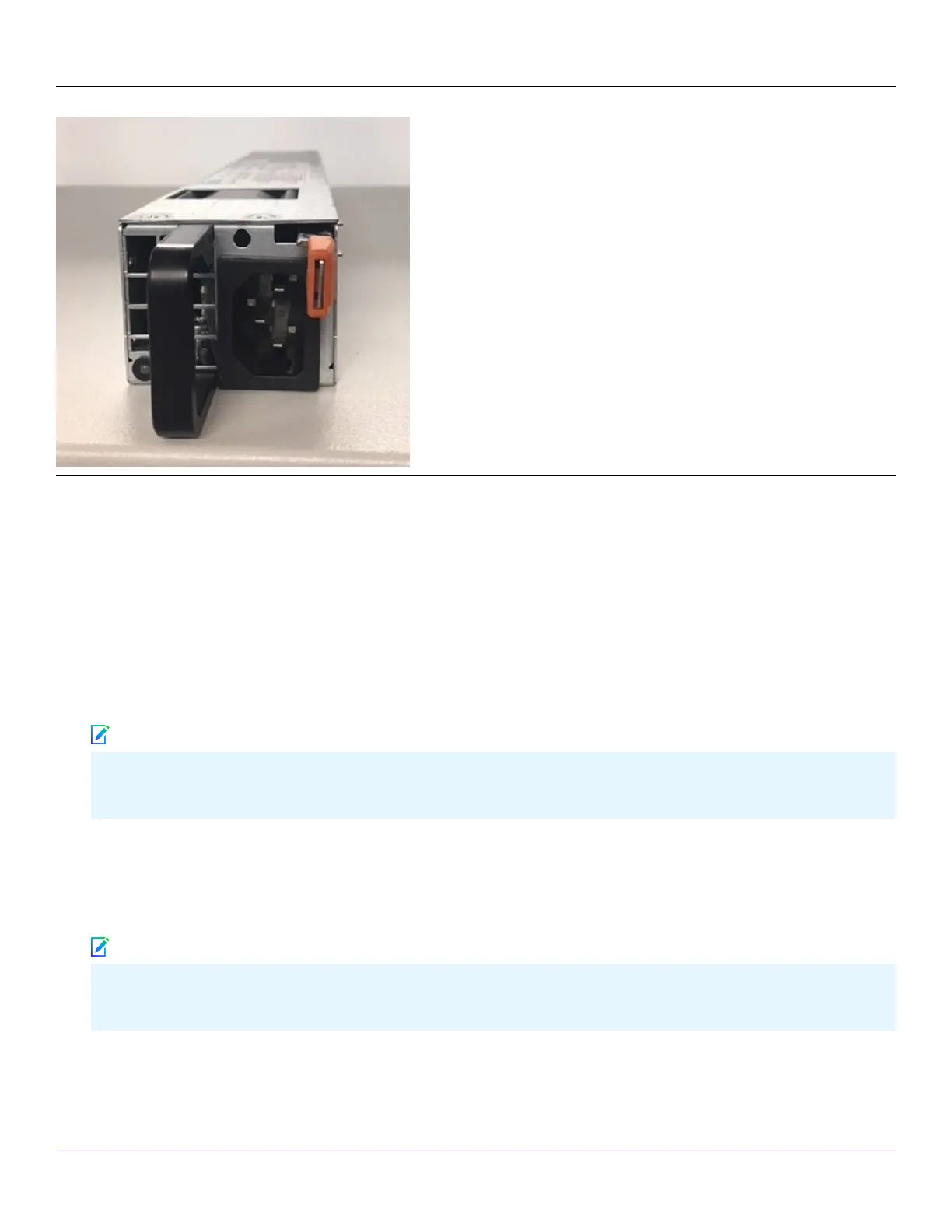
Install a new power supply
Steps:
1. Unpack the power supply from its shipping carton.
2. Remove the faceplate panel covering the power supply slot.
The faceplate panel must remain in place unless a power supply is in the power supply slot. Do not operate the Sensor
without the faceplate panel in place.
3. Place the power supply in the slot with the cable outlet facing front and on the left side of the faceplate.
4. Slide in the power supply until it makes contact with the backplane, then push rmly to mate the connectors solidly with the
backplane.
For true redundant operation with the power supply, Trellix recommends that you plug each supply into a dierent
power circuit. For optimal protection, use uninterruptible power sources.
:
| NS7x50 Sensors4
Trellix Intrusion Prevention System NS-series Sensor Product Guide
181
Note
Note



 To Next Page