To ensure compatibility, Trellix supports only those SFP, SFP+, QSFP+ and QSFP28 modules purchased through Trellix
or from a Trellix-approved vendor. For a list of approved vendors, locate the relevant KnowledgeBase article at https://
supportm.trellix.com. Enter the relevant KnowledgeBase article in Search the Support Knowledge Center and click Search to
locate the article.
These installation instructions provide information for installing SFP, SFP+, QSFP+ and QSFP28 modules that use a bail clasp
for securing the module in place in the Sensor. Your module might be slightly dierent. Check the module manufacturer's
installation instructions for more details. For ease of installation, insert the module in the Sensor while it is turned o and before
placing it on a rack.
To prevent eye damage, do not stare into open laser apertures.
:
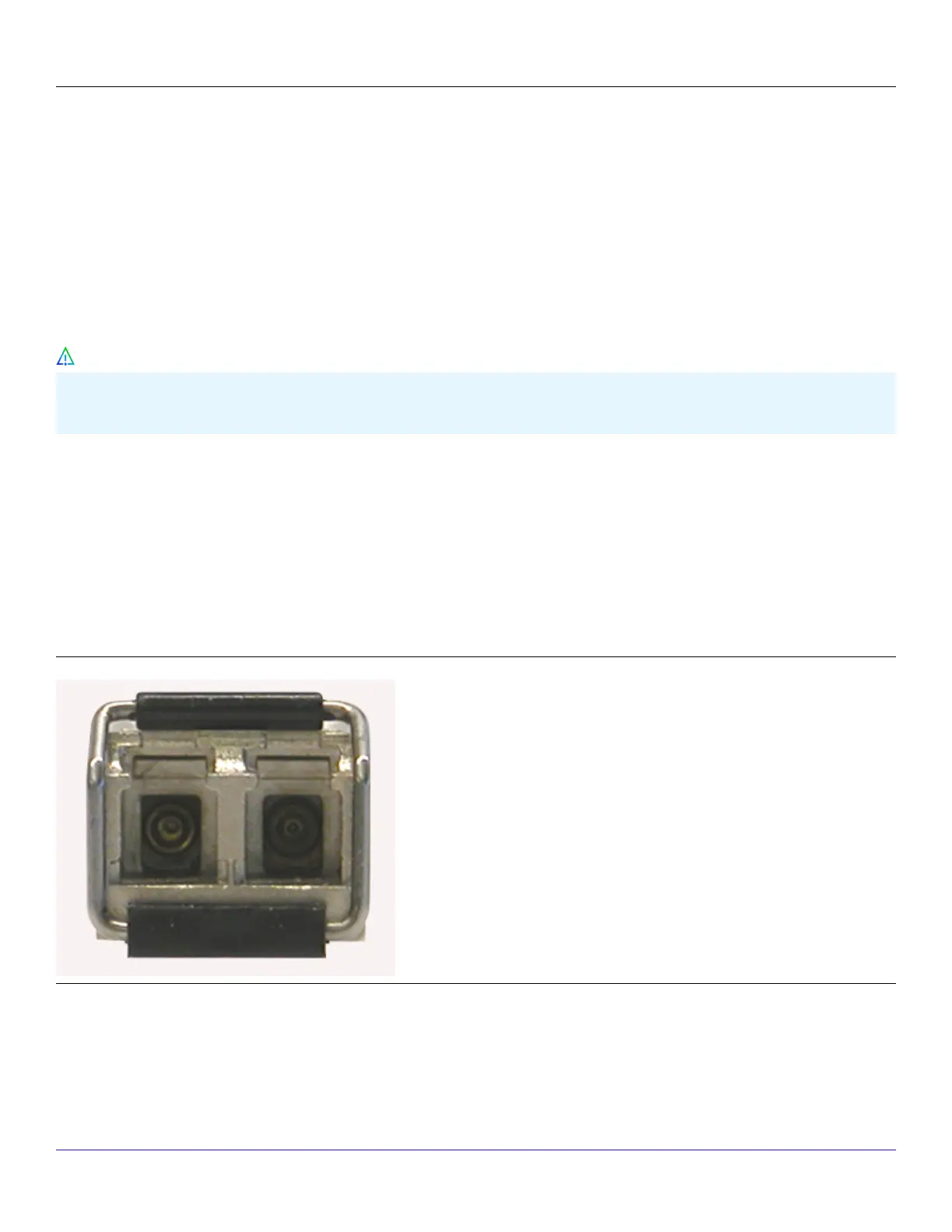
SFP transceiver modules
An SFP module is a protocol-independant, compact, optical receiver, which allows for greater port density than the standard
GBIC. This module operates at varying speeds for up to 1 gigabit per second on SONET/SDH, Fibre Channel, Gigabit Ethernet and
other applications. An SFP module operates in multimode. Additionally, this module transmits on a 850-nanometer wavelength
on short reach (SR) and 1310-nanometer long reach (LR).
An SFP module
:
SFP+ transceiver modules
Trellix Intrusion Prevention System NS-series Sensor Product Guide
| NS9500 Sensors1
36
Caution



 To Next Page