In a NS9500 Sensor standalone stack, you can connect one Sensor to another Sensor only by using a QSFP28 module.
:
Add a stack to the Manager
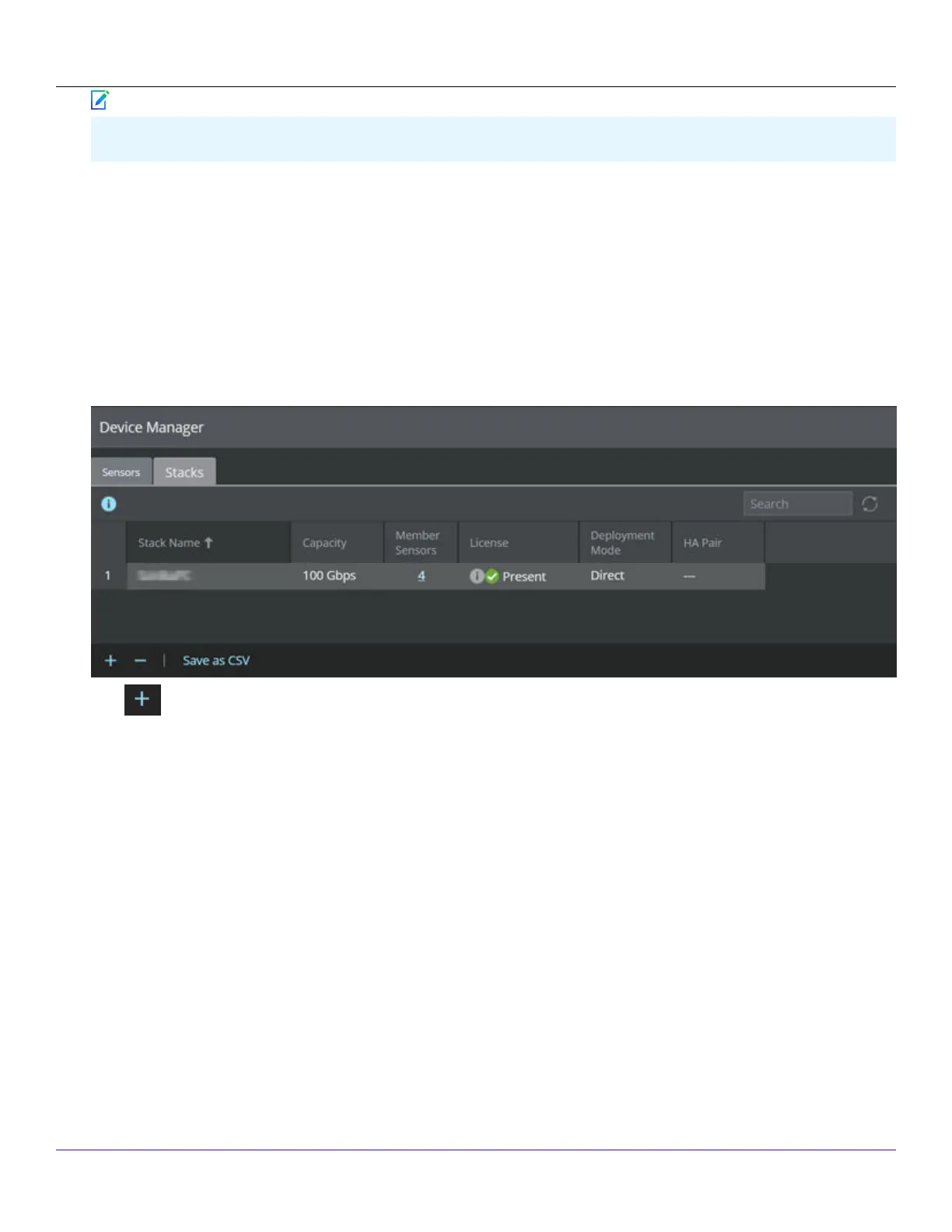
The following steps describe how to add stacked Sensors to the Manager:
1. Start the Manager software.
2. Log in to the Manager (the default username is admin and the default password is admin123).
3. To add stacked Sensors in the Manager, click Devices → <Admin Domain> → Global → Device Manager, then click Manage
Stacks.The Manage Stacks window opens.
4. Click to add a new stack.
The Stack Details window opens.
| NS9500 Sensors1
Trellix Intrusion Prevention System NS-series Sensor Product Guide
63
Note



 To Next Page