•
•
Installation of the interface module
This section provides instructions on how to install the interface module based on the following scenarios:
Install the interface module during a fresh installation of the Sensor.
Install the interface module on an up and running Sensor.
:
Install the interface module during a fresh installation of the Sensor
This section provides the steps to install the interface module for a fresh installation of Trellix Intrusion Prevention System
Manager and Sensor.
1. Remove the module from its protective packaging.
It is assumed that the Sensor is yet to be powered on, and trust between the Sensor and the Trellix Intrusion Prevention
System Manager has not been established.
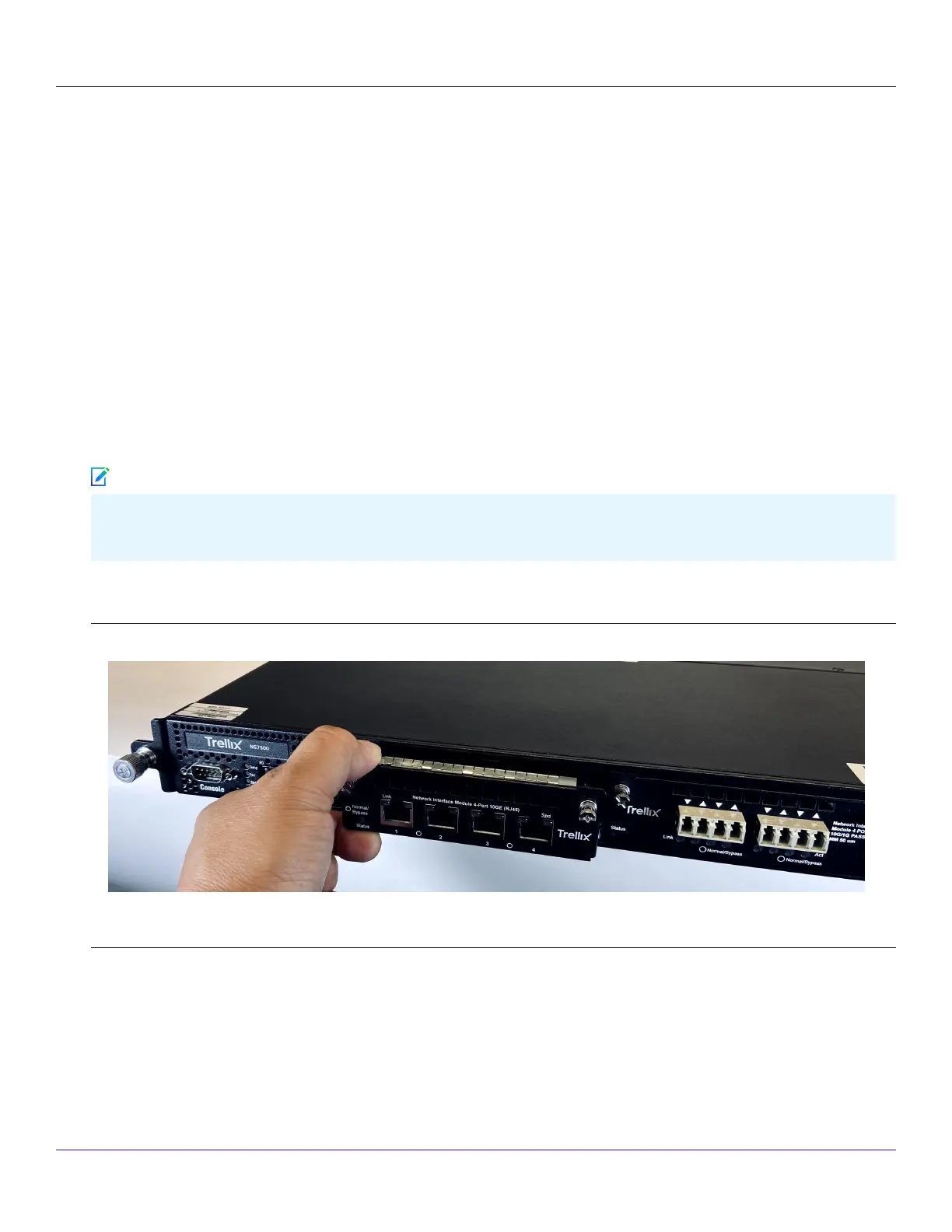
2. Grip the sides of the module with your thumb and forenger and insert the module into the slot.
Install an interface module
3. Drive in the screws xed on the sides of the module to attach it to the Sensor.
4. Turn on the Sensor.
5. Establish trust between the Sensor and the Trellix IPS Manager.
:
Trellix Intrusion Prevention System NS-series Sensor Product Guide
| NS9500 Sensors1
34
Note



 To Next Page