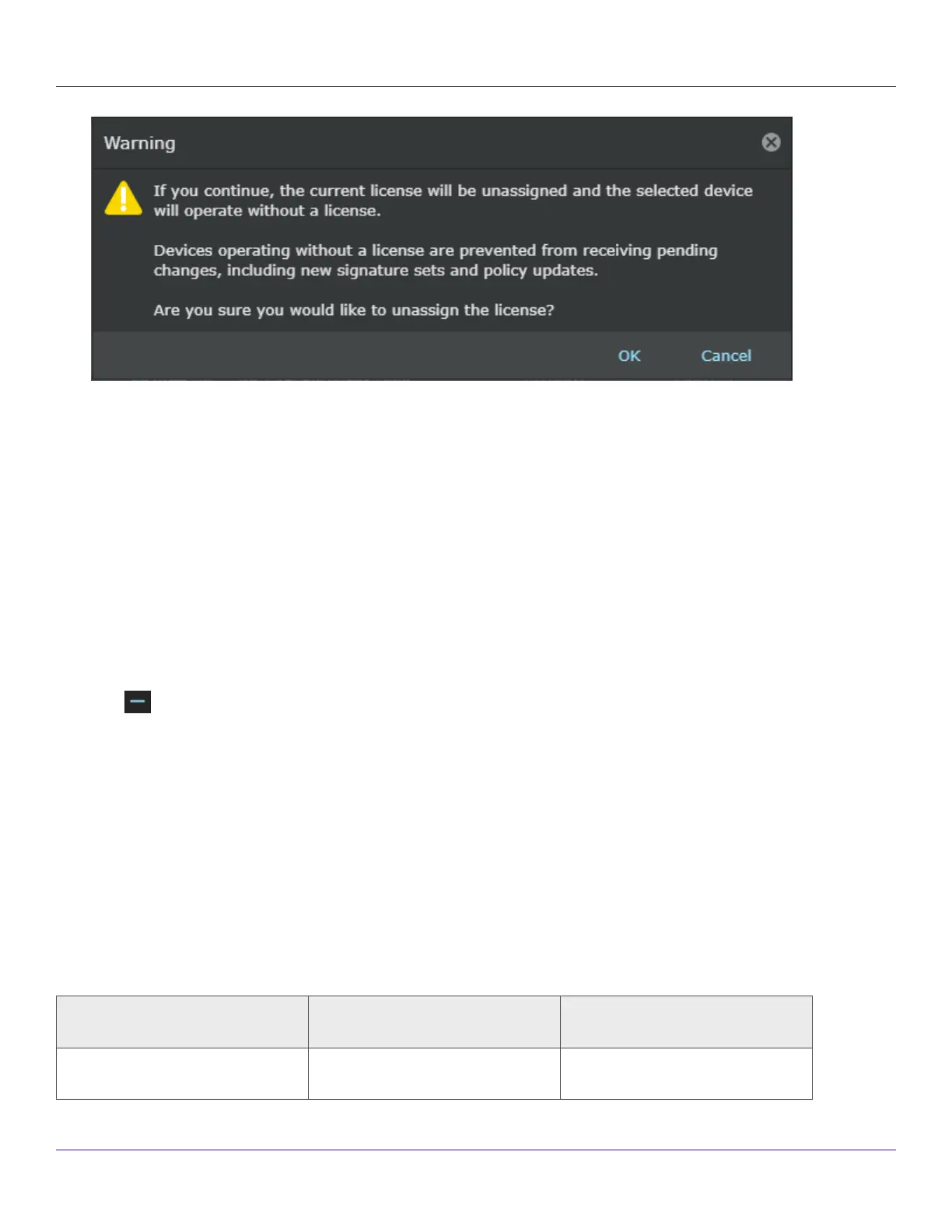
Once a license is unassigned from a Sensor, the Manager will not be able to deploy pending changes, including new
signature sets and policy updates to the Sensor.
:
Remove a license from the Manager
To remove a license, perform the following steps:
Steps:
1. Go to Manager → <Admin Domain Name> → Setup → Licenses.
2. Click the System tab.
3. Select the license you wish to remove.
4. Click .
5. Click Ok.Once a license is removed from the Manager, you will not be able to deploy pending changes, update new
signature sets and policy update to the Sensor from which the license is unassigned automatically upon deletion of the
license.
:
Troubleshooting the Sensor
This section lists some common installation problems, the possible causes, and the corresponding solutions.
Problem Possible Cause Solution
LED is o. The Sensor is turned o. Restore Sensor power.
| NS3500 Sensors7
Trellix Intrusion Prevention System NS-series Sensor Product Guide
281


 To Next Page