•
•
:
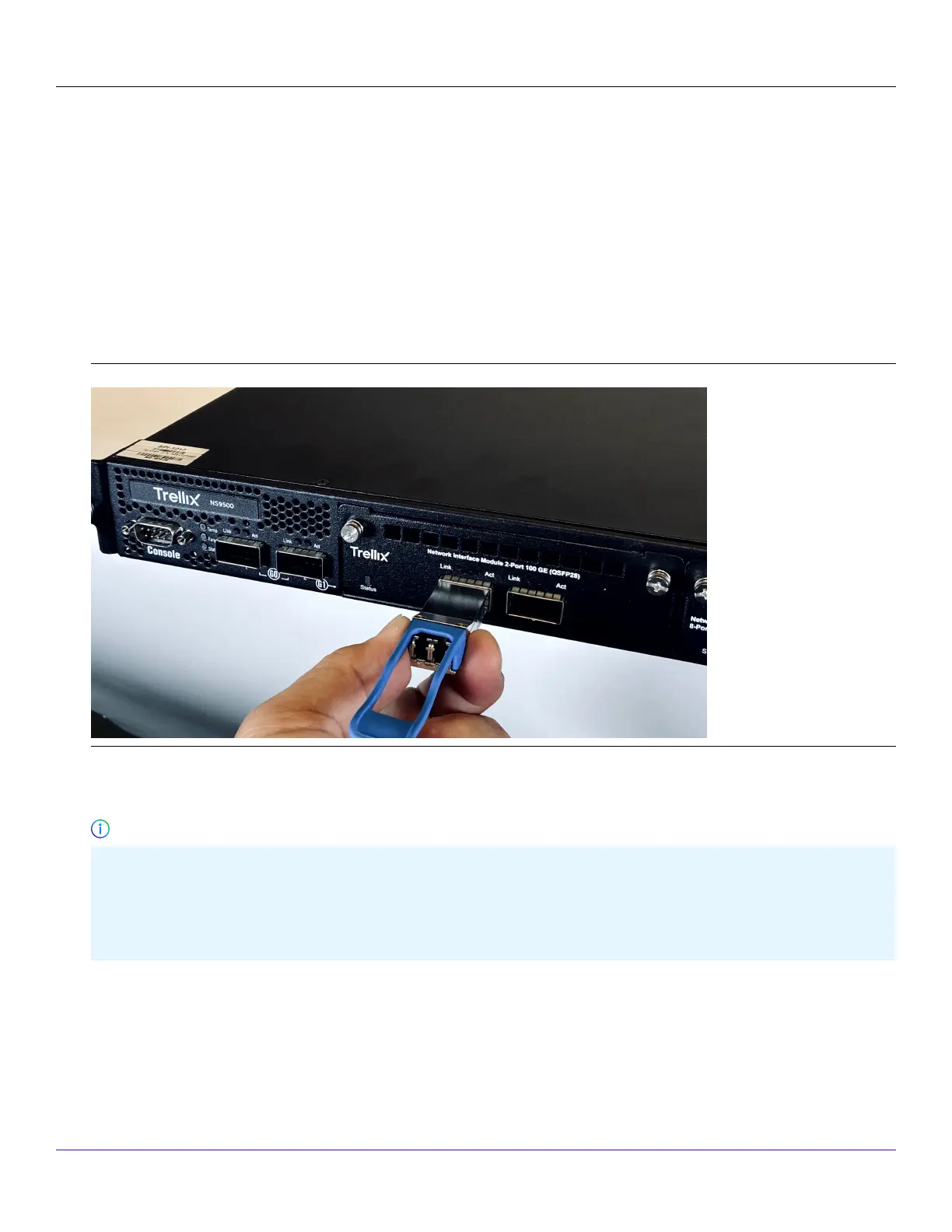
Install a transceiver module
1. Remove the module from its protective packaging.
2. Locate the label on the module and make sure that the alignment groove is down.
3. Grip the sides of the module with your thumb and forenger and insert the module into the module socket.Modules are
keyed to prevent incorrect insertion.
Insert a transceiver module
In the following scenarios, you need to reboot the Sensor to detect the new speed:
100 Gbps DAC to 40 Gbps DAC or vice versa
100 Gbps Fiber transceiver to 40 Gbps Fiber transceiver or vice versa
:
Remove a transceiver module
Perform these tasks if you need to remove a module.
| NS9500 Sensors1
Trellix Intrusion Prevention System NS-series Sensor Product Guide
39
Important



 To Next Page