:
Attaching cables to the Sensor
Follow the steps outlined in this chapter to connect the cables to the various ports of your Sensor.
:
Connect the cable to the Console port
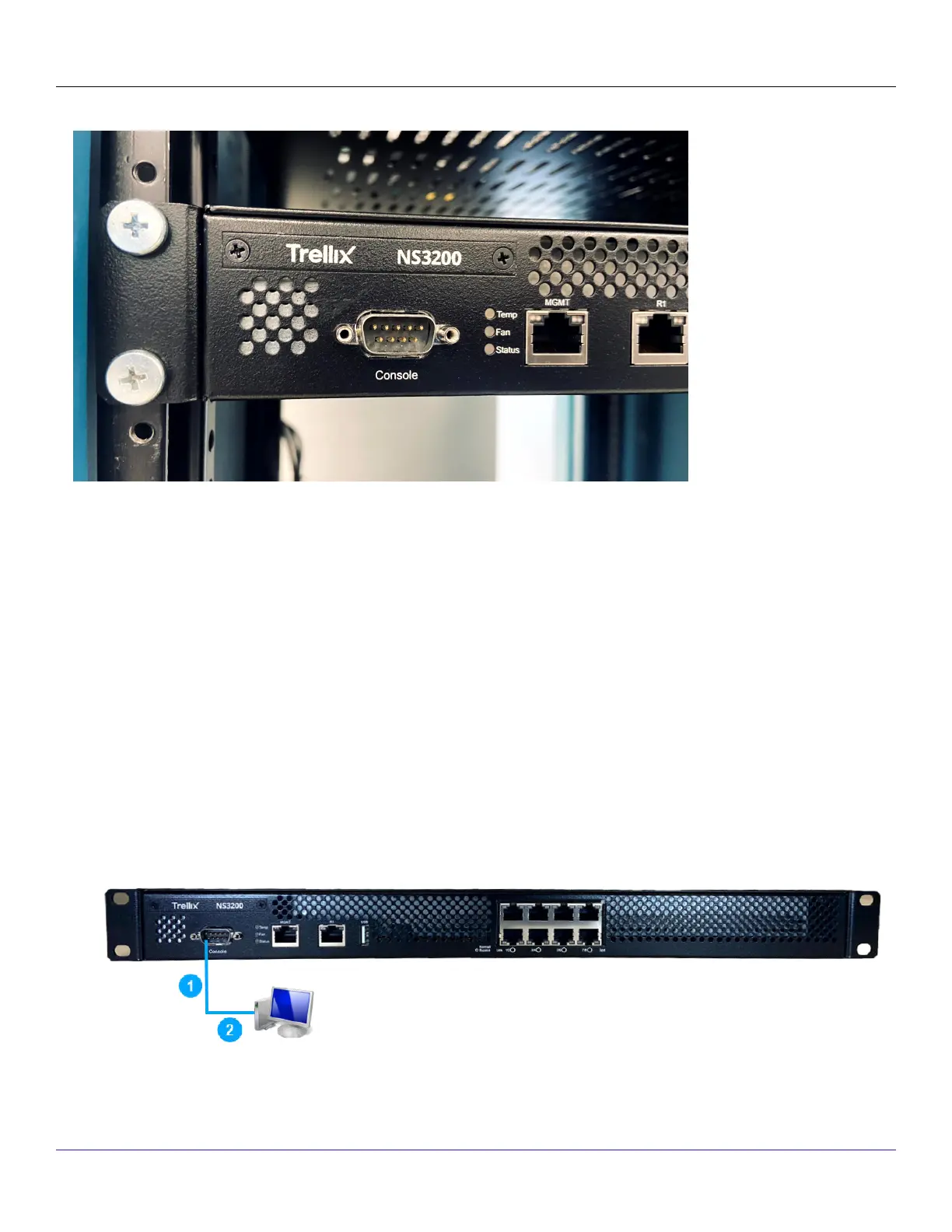
The Console port on the NS3x00 Sensor is used for setup and conguration of the Sensor.
Steps:
1. For console connections, plug in the DB9 Console cable supplied by Trellix into the Console port on the Sensor.This port is
labeled Console in the Sensor front panel.
2. Connect the other end of the Console port cable directly to a COM port of the computer or terminal server you will use
to congure the Sensor, for example, a computer running correctly congured Windows HyperTerminal software.You must
| NS3x00 Sensors8
Trellix Intrusion Prevention System NS-series Sensor Product Guide
293



 To Next Page