•
•
•
•
•
•
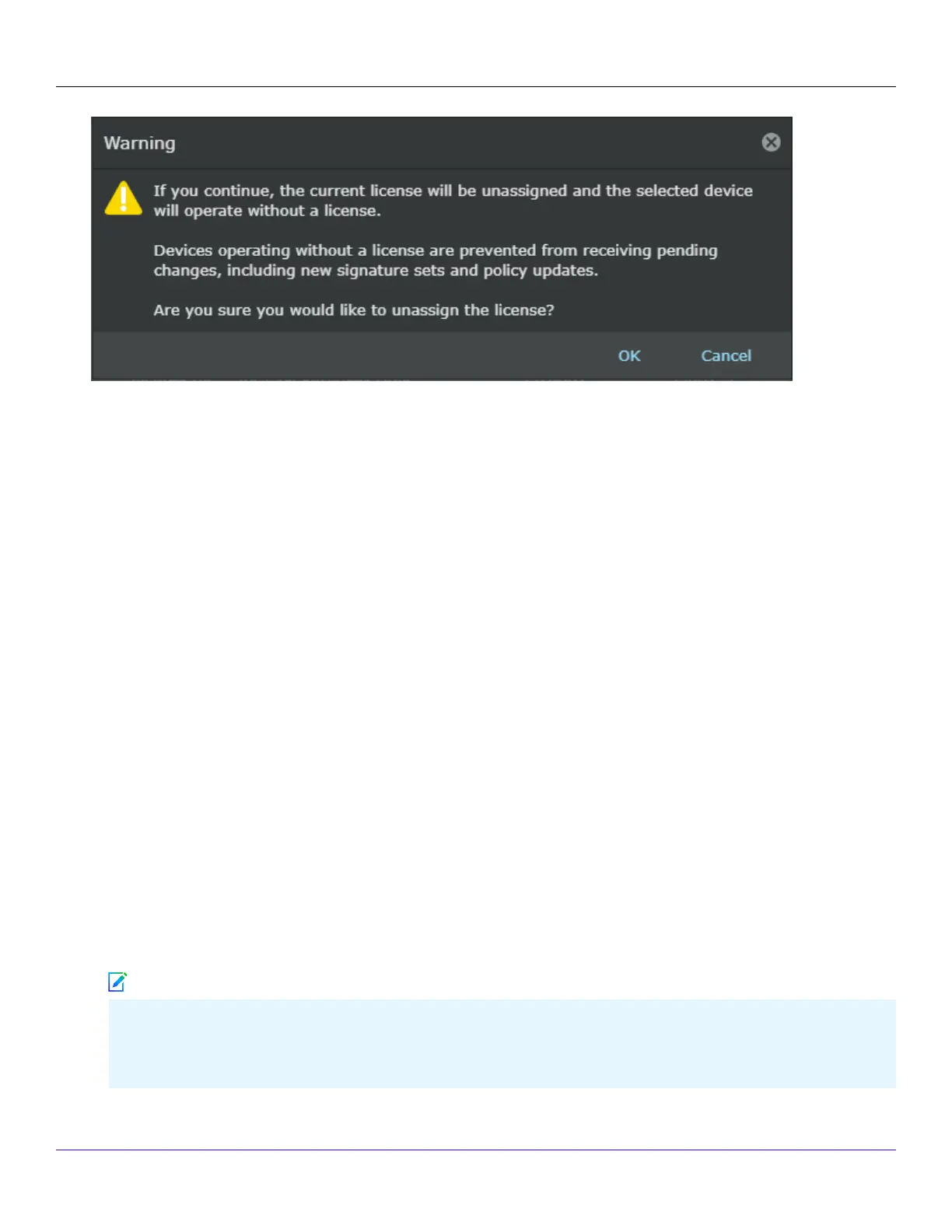
Once a license is unassigned from a Sensor, the Manager will not be able to deploy pending changes, including new
signature sets and policy updates to the Sensor.
:
Upgrade an existing capacity license
Points for considerations:
Consider the following points before you upgrade the capacity license:
This section is not applicable to Sensors running on subscription based licenses. It is applicable only for Sensors running
with perpetual licenses.
For HA pair, the Sensors in the HA will have to run with the same capacity for the deployment of updates to be
successful.
If you are upgrading your capacity license, you must reboot your Sensor for the change to take eect.
If you select an existing license (from a zip le containing one license) and if the Sensor assignment is not done, the
existing license is removed and replaced with the new capacity license.
If you select an existing license (from a zip le containing two or more licenses) and if the Sensor assignment is not done,
then only one of the existing license which is selected from the list of licenses available is removed and replaced with the
new capacity license. For example, if there are two licenses with license keys L001-1 and L001-2 in a zip le, only one of it
will be replaced with the new license with a change to the license key.
If you select an existing license (from a zip le containing one license) and if the Sensor assignment is done, the existing
license is removed and replaced with the new capacity license. This upgraded license is automatically assigned to the
Sensor.
If the Sensor also has an existing SSL proxy decryption license assigned and its capacity is same as the old system
license, then you must purchase an SSL proxy decryption license with the same capacity as the upgraded system
license, to enable signature le push to the Sensor.
Trellix Intrusion Prevention System NS-series Sensor Product Guide
| NS9500 Sensors1
56
Note



 To Next Page