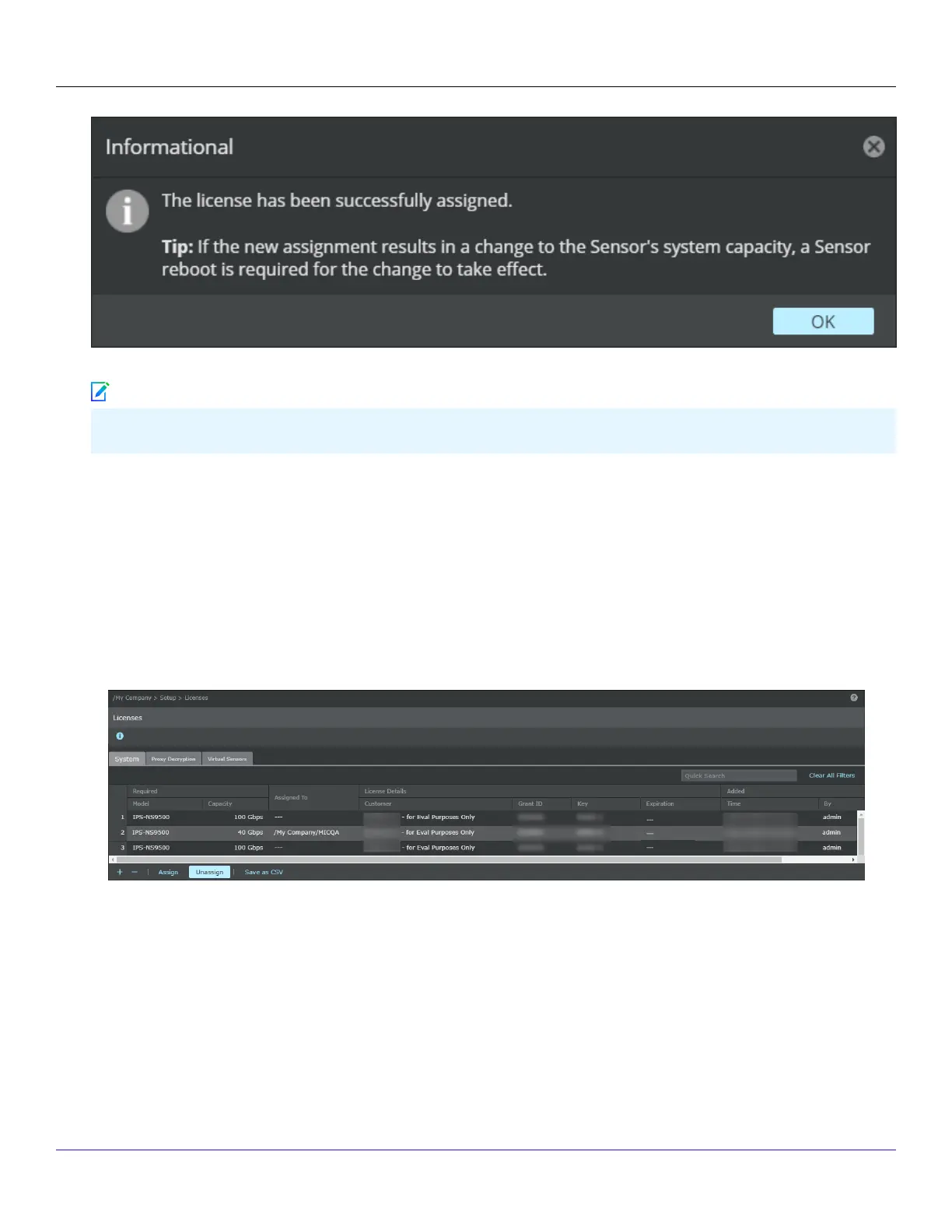
You must reboot the device for the changes to take eect.
:
Unassign a license from a Sensor
To unassign the license, perform the following steps:
1. Go to Manager → <Admin Domain Name> → Setup → Licenses.
2. Click the System tab.
3. Select the license you wish to unassign.
4. Click Unassign.
5. Click Ok.
Trellix Intrusion Prevention System NS-series Sensor Product Guide
| NS3500 Sensors7
280
Note



 To Next Page