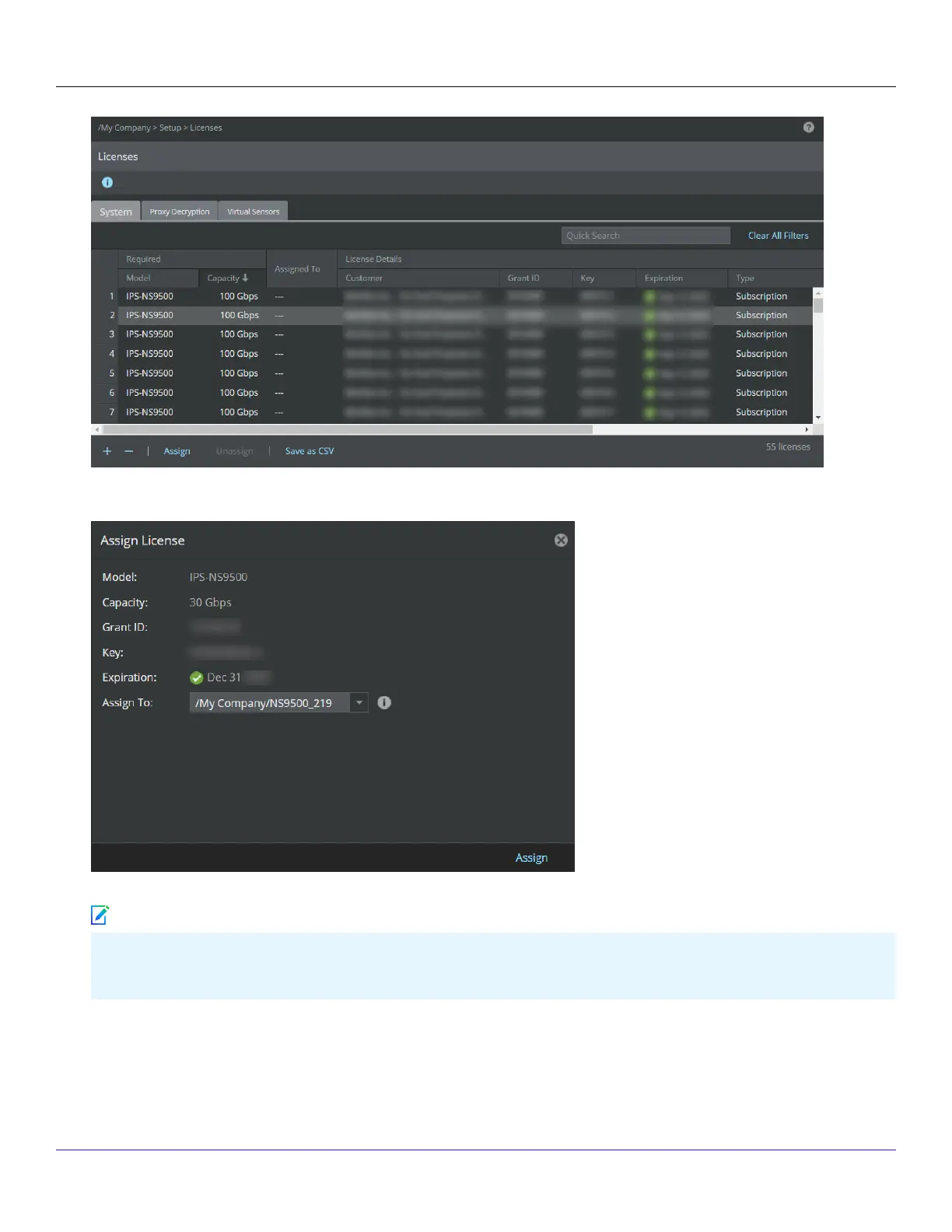
4. The Assign License pop-up window opens, click the Assign To drop-down menu and select the Sensor.
5. Click Assign to assign the license to the Sensor.
In case you are replacing an existing license, a Conrmation dialog-box opens. To conrm license replacement, click OK,
else, click Cancel.
6. Upon successful license assignment, an Informational dialog-box opens stating the license has been successfully assigned.
Click OK to close it.
Trellix Intrusion Prevention System NS-series Sensor Product Guide
| NS9500 Sensors1
54
Note



 To Next Page