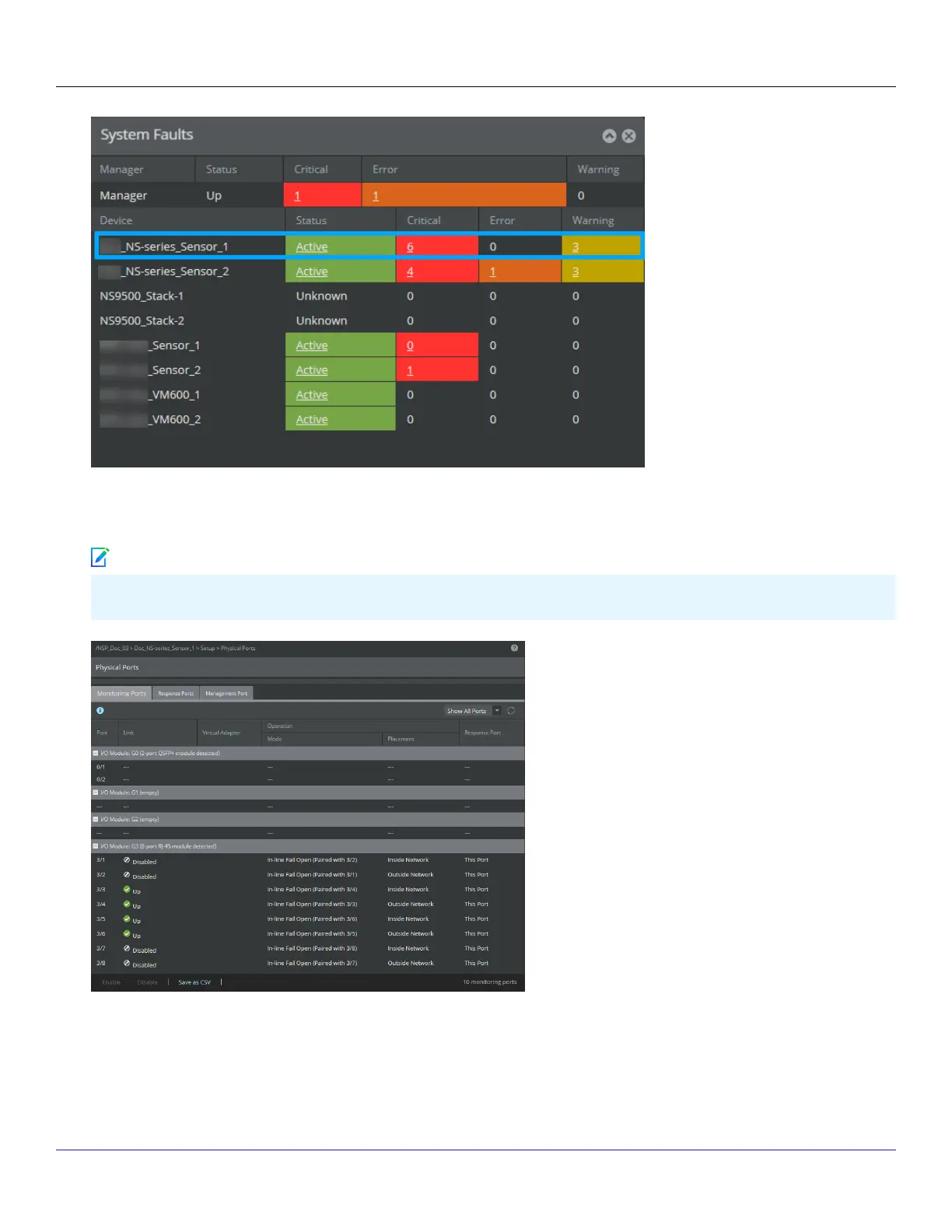
3. From the Manager Home page, click Congure to open the Conguration page.
4. Select your added Sensor: Device List → <Device_Name>. The ports for this Sensor appear under the <Device_Name> node.
<Device_Name> indicates the name of the Sensor you added.
5. A policy named Default Prevention is active upon the addition of the Sensor. To view this policy, select Policy → <Admin
Domain> → Intrusion Prevention → Policy Types → IPS Policies.The Default Prevention policy contains attacks already
congured with a "blocking" Sensor response action. If any attack in the policy is triggered, the Sensor automatically
| NS9500 Sensors1
Trellix Intrusion Prevention System NS-series Sensor Product Guide
79
Note



 To Next Page