•
•
•
•
•
•
Before you mount the Sensor on the rack, make sure that the power is o. Remove the power cable and all network interface
cables from the Sensor.
Due to the weight of the appliance, Trellix recommends that two people place the chassis into the rail cabinet.
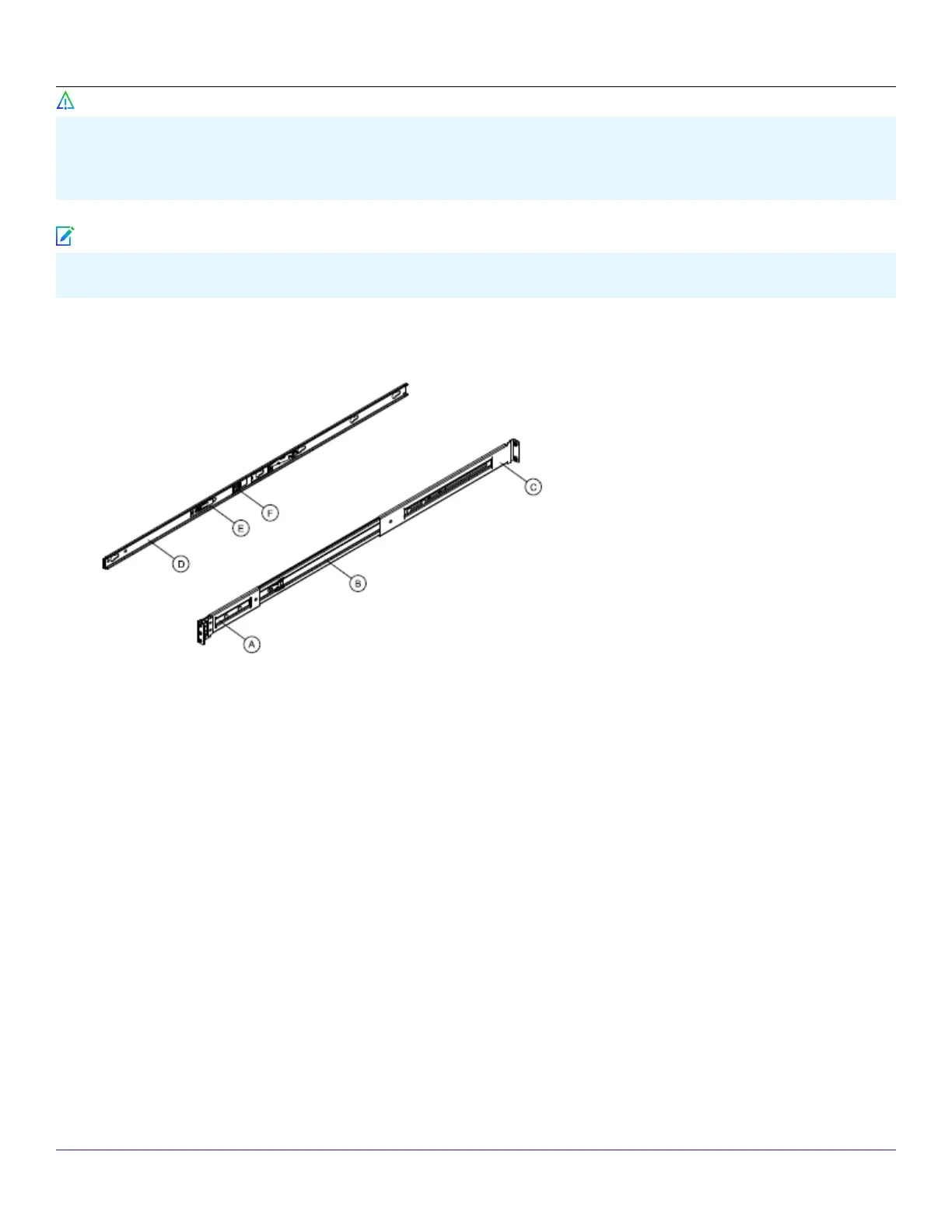
1. Pull the release button to remove inner member from slides.
Slides components:
A ‑ front bracket
B ‑ outer member
C ‑ rear bracket
D ‑ inner member
E ‑ safety locking pin
F ‑ release button
2. Align the brackets to appropriate vertical position on the rack and insert the fasteners. Move the ball retainer to the front of
the slides.
| NS9x00 Sensors2
Trellix Intrusion Prevention System NS-series Sensor Product Guide
97
Caution
Note



 To Next Page