AWC7813 motion controller user manual
value-Y size >=0;
d) When the machine origin is at the upper left corner and the "small blue dot"
is at the lower right, X coordinate value-X size>=0 and Y coordinate value-Y size>=0;
【X size】 and 【Y size】 see details Figure3-7-1 Property graph, see the format
3.16.1.6 Range(mm), coordinate system please see 3.6 coordinate display area.
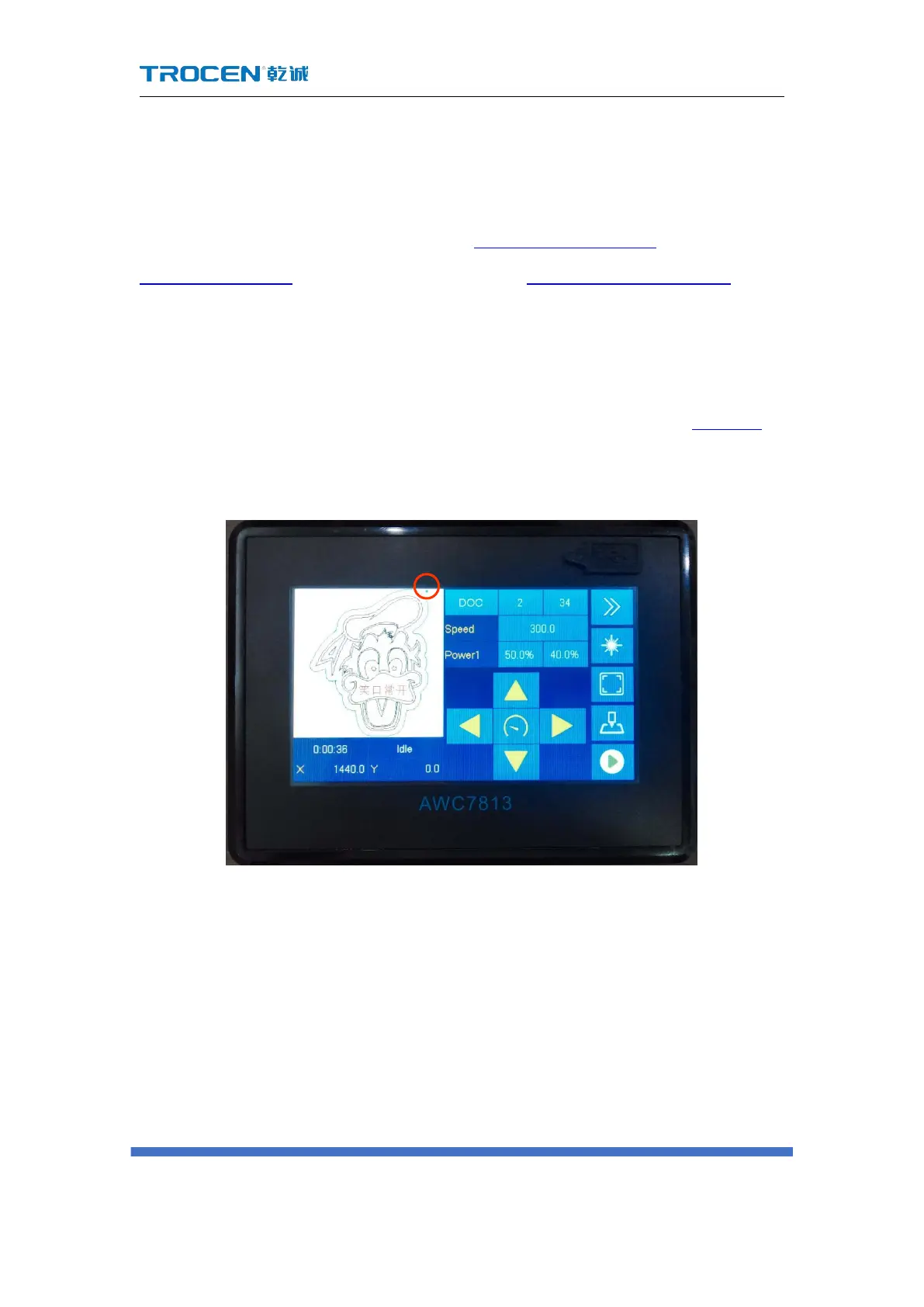
At the same time, you must refer to "the small blue dot" on the display screen
when setting the anchor point, and not too biased. You can walk the border
advanced to check whether the position of the anchor point and the size of the
processed graphics are out of bounds. Please refer to the border content 3.2.6 Box.
Figure4-3-1 The location of the little blue dot



 To Next Page