AWC7813 motion controller user manual
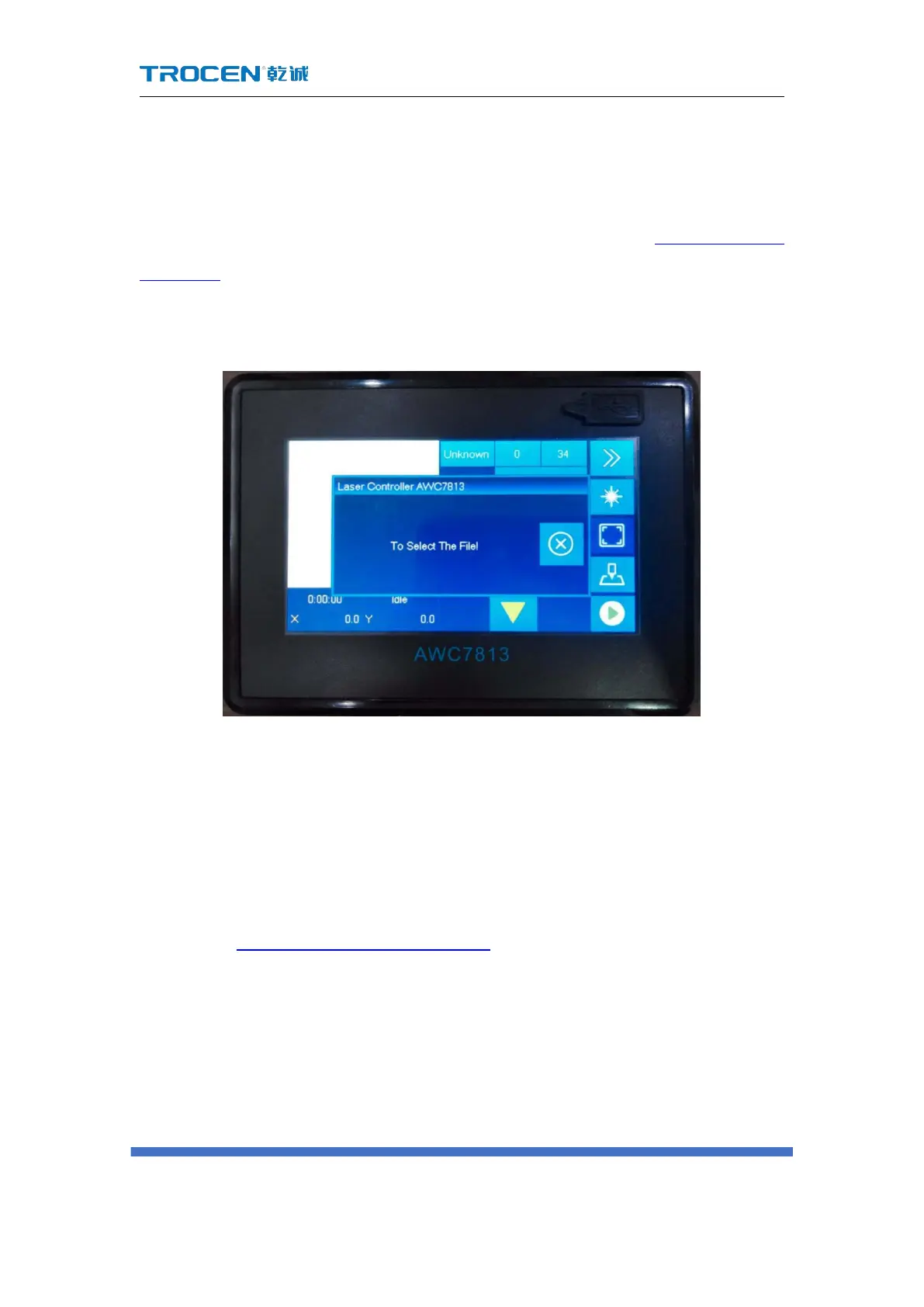
4.7 Why does the prompt "To select the file!" appear
When all the files in the motherboard are deleted, thsat is, when there are no
files in the mainboard, click the 【Start】 【Box】 button in Figure3-1-2 Main
interface 2 interface, this prompt will appear. At this time, files can be transferred to
the mainboard via U disk, network, or USB communication.
Figure 4-7 "To select the file!"
4.8 Why does the prompt "Continue to work?" appear
When the machine suddenly cuts off power while the file is being processed,
the machine will pop up the prompt "Continue to work?" after it is powered on. Click
"√" to continue cutting the remaining part, and click "
" to stop cutting. For related
content, see 3.25.3 Continue to Previous Work.



 To Next Page