AWC7813 motion controller user manual
24V output, it indicates that the OUT port is broken.
For related wiring content, see 2.2.3 Universal output port.
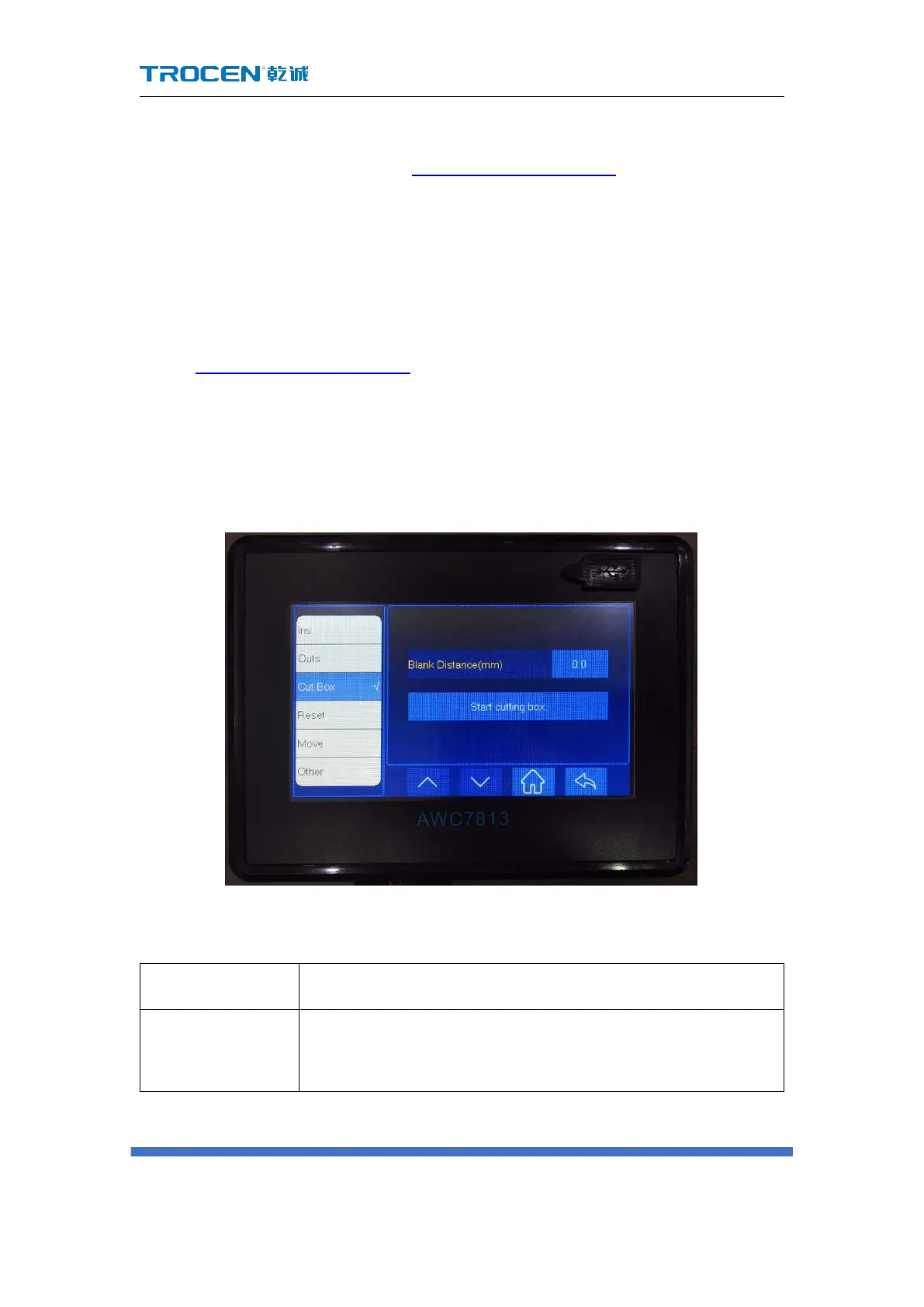
3.22 Cut Box
The main thing is to cut the outer frame of the graph to be processed, and the
cut is a rectangular graph.
In Figure3-1-2 Main interface 2 interface, click 【More】→【Cut Box】→【Blank
Distance】→【Start cutting box】 to operate.
Note: If you cannot cut through, you can increase the laser power or decrease
the speed of the frame.
Figure3-22-1 Cut Box
Table3-22 Cut border parameter description
The distance between the position of the graphic border and
the actual cutting border.



 To Next Page