AWC7813 motion controller user manual
Table3-16-5 HardLimit settings instructions
Generally, it is closed and the range of motion of the laser head
can be limited by setting the format. This function is to prevent
the laser head from hitting the edge and going beyond the
interface. If this function is turned on, the laser head will stop
operating when it touches the limit switch, and prompts
"Trigger limit!"
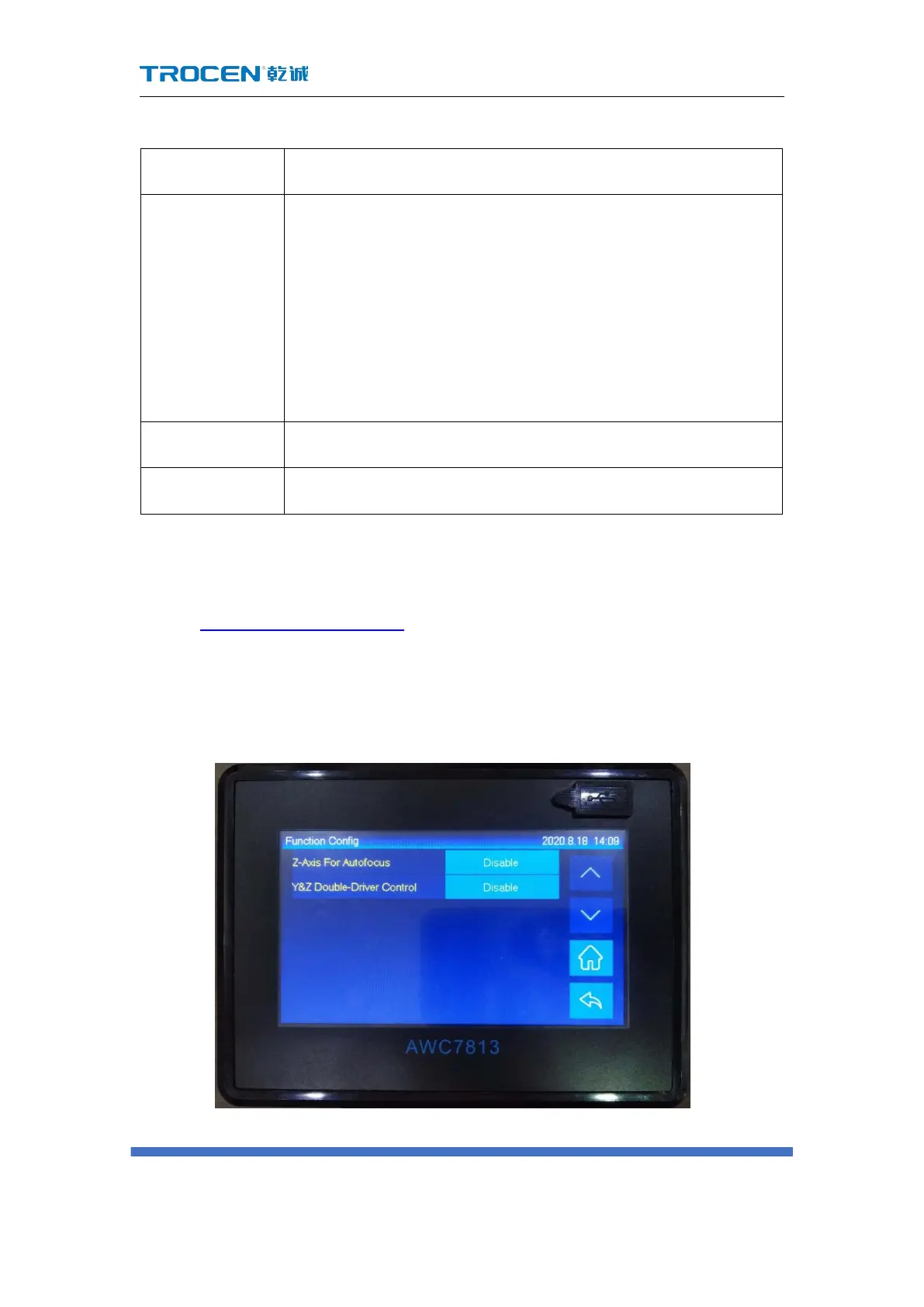
3.16.6 Function Configuration
In Figure3-1-2 Main interface 2 interface, click 【 Menu 】 → 【 Manufacturer
Parameters Settings 】 → 【 Function Configuration 】 to enter the corresponding
interface.
Figure3-16-6 Function configuration



 To Next Page