AWC7813 motion controller user manual
【Go Origin After reset】 (for details, please refer to 3.15.1.1
Go Origin After reset), it will stop at the origin position after
reset. If it is not reset, the zero position will not be found, and
the machine may exceed the format when working.
If the Z-axis automatic reset is required when power is on, it
needs to be turned on. After it is turned on, the Z-axis drives
the laser head to move down and stops when it hits the Z-limit
switch.
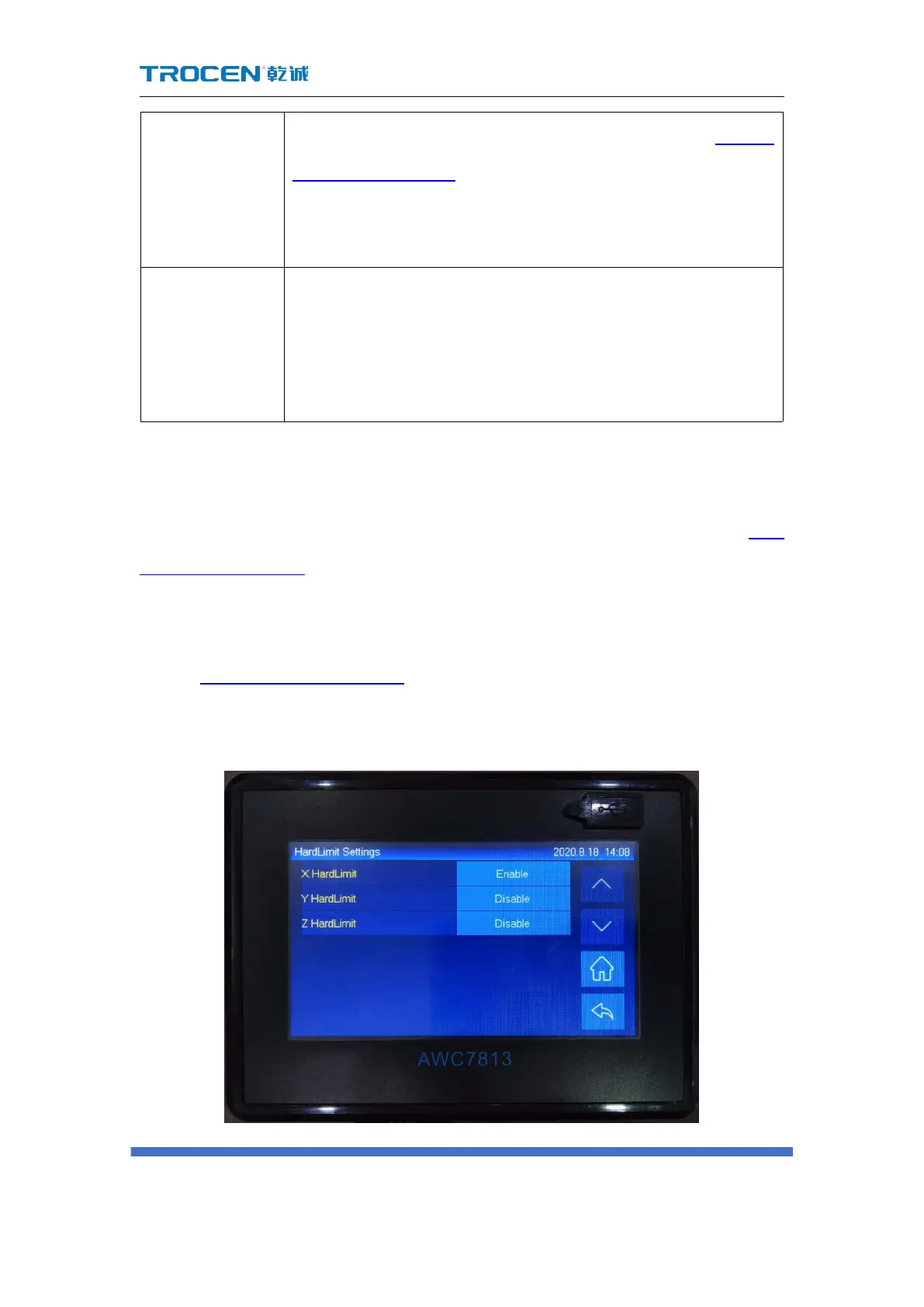
3.16.5 HardLimit Settings
Please refer to the description and wiring of the limit signal input port 2.2.6
Limit signal input port.
Generally, setting the format size can control the operating range of the laser
head. If you need to turn on the hardware limit, the steps are as follows:
In Figure3-1-2 Main interface 2 interface, click 【 Menu 】 → 【 Manufacturer
Parameters Settings】→【HardLimit Settings】 to open.
Figure3-16-5 Hardlimit settings



 To Next Page