AWC7813 motion controller user manual
3.11 File operations
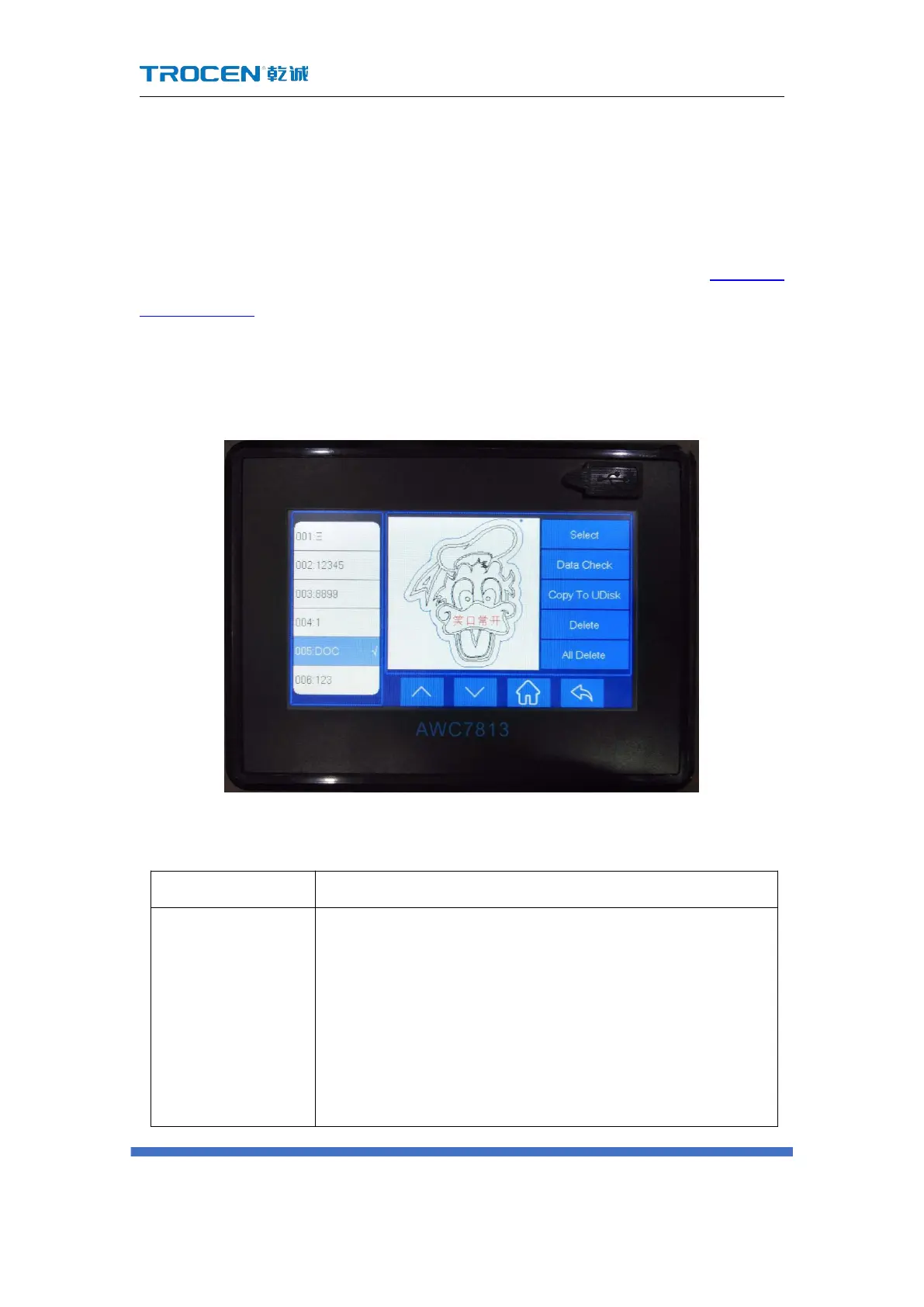
The files displayed on the file operation interface are all files stored in the
mainboard. When files need to be added, they can be transferred to the mainboard
via U disk, network, or USB communication. Click the 【File】 button in Figure3-1-2
Main interface 2 interface to enter the file operation interface. Browse the file name
on the left, and click on the 【Select】/【Data Check】/【Copy】/【Delete】/【All
Delete】button on the right.
Figure3-11 File operation
Table3-11 Description of file operation functions
Click the file sequence name on the left, and then click
【 Select 】 to select the file, and the screen immediately
jumps to the main interface. The file displayed on the
main interface is the file just selected, and it can be
processed at this time. If there are many files, use the
page switch key to select. The mainboard can store up to



 To Next Page