AWC7813 motion controller user manual
details 4.1 what kind of U disk can the system read?
2) Import the file to be processed in the software and set all the parameters.
Click【Load】, and then click【Save the current file as an offline file】to
generate a file with an extension of .UD5;
3) Copy the generated files to the root directory of the U disk;
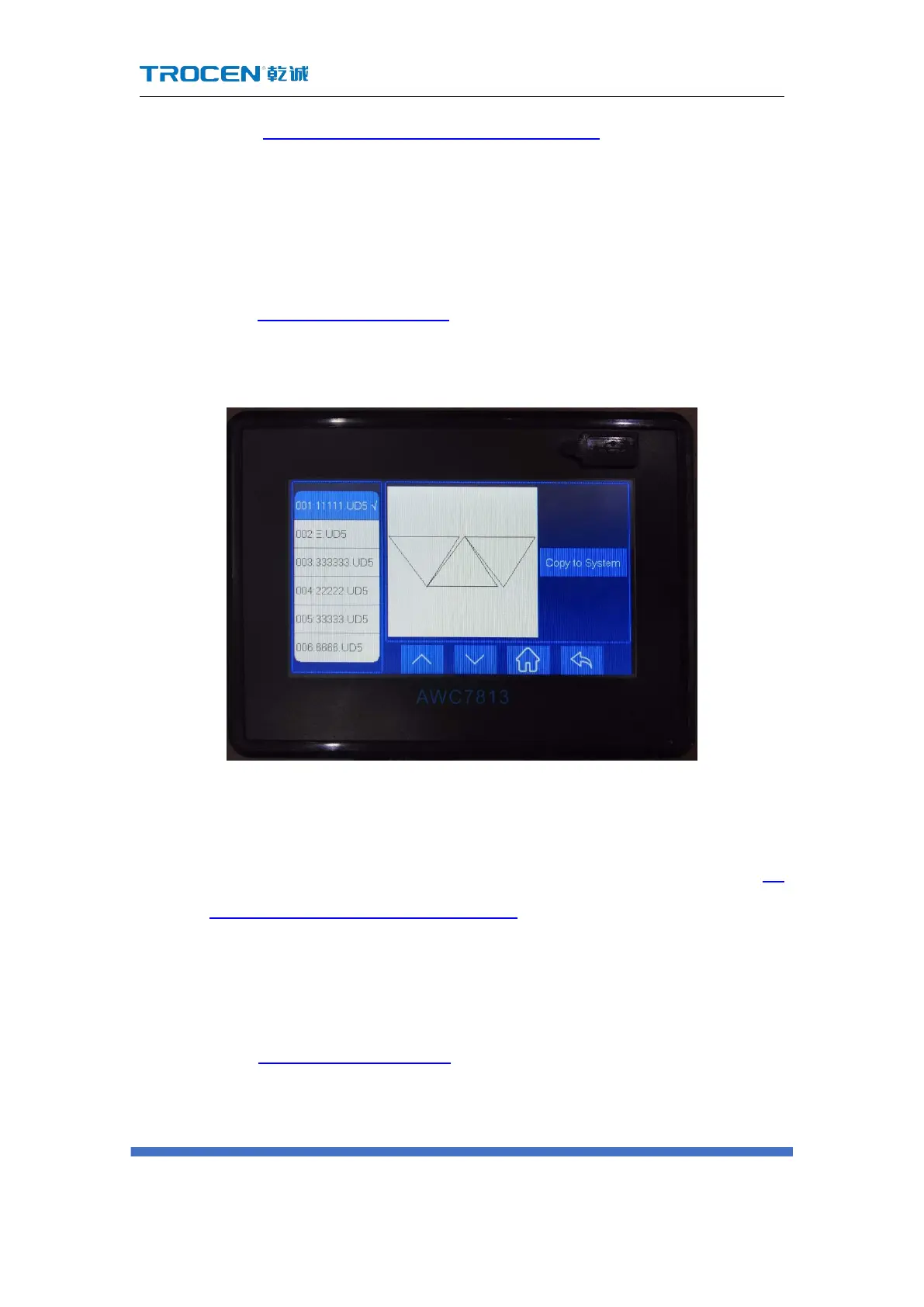
4) In the Figure3-1-2 Main interface 2 interface, click 【Menu】→【UDisk Files】
→【Work’Files】→【Copy to System】to process the file.
Figure3-12-1 Copy U disk files to the system
3.12.2 Upgrade the mainboard
1) Choose a USB flash drive that meets the requirements, please refer to 4.1
what kind of U disk can the system read?;
2) Download the latest upgrade file of the corresponding model on the
company's official website;
3) Unzip the upgrade file and copy it to the root directory of the U disk;
4) In the Figure3-1-2 Main interface 2 interface, click【Menu】→【UDisk Files】
→【Upgrade’Files】→【Update System】, the system will be automatically
upgraded. After the upgrade, the system will automatically reset. Be careful



 To Next Page