AWC7813 motion controller user manual
3.16.6.1 Z-Axis For Autofocus
If you use 【Z-Axis For Autofocus】, you need to turn it on here. 【Autofocus
Distance 】 and 【 Z Autofocus】 operation. Please refer to 3.15.2.1 AutoFocus
Distance(mm)、3.25.1 Run Z AutoFocus function.
3.16.6.2 Y&Z Double-Driver Control
For related wiring content, see 2.2.5 Motor driver control port.
When 【Y&Z Double-Driver Control】 is activated, the AWC7813 control board
drives two motors to control the movement of the laser head on the Y axis. When
resetting, the machine will touch the two limit switches Y- and Z-, the order of which
depends on the tilt angle of the cross beam. If you tilt to the Y-limit switch, the
machine will first touch the Y-limit switch and then touch the Z-limit switch, and vice
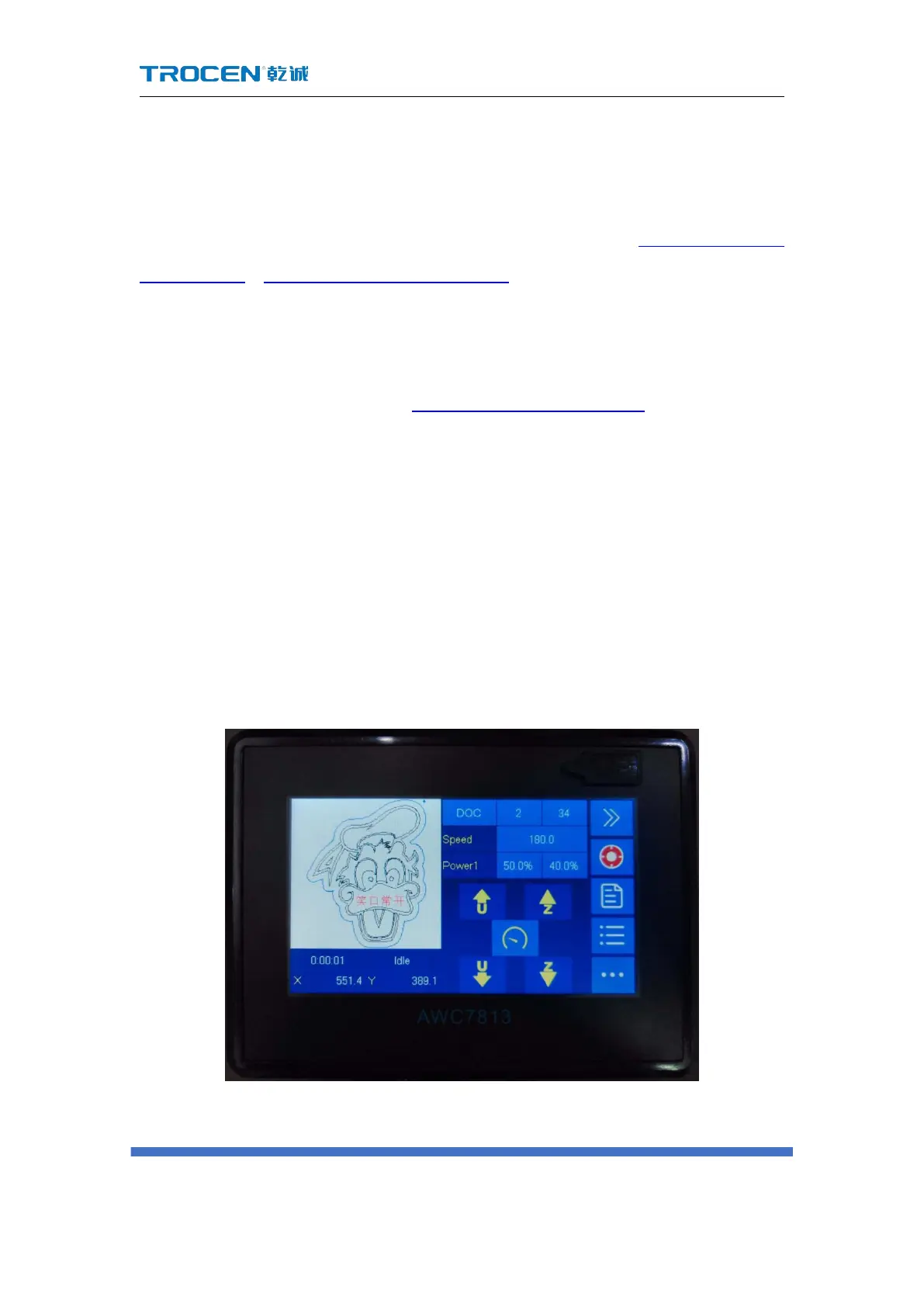
versa. After turning on 【 Y&Z Double-Driver Control 】 , the Z axis direction key
becomes invalid and turns gray, as shown in the following figure:
3-16-6-2 Z axis direction key is invalid



 To Next Page