AWC7813 motion controller user manual
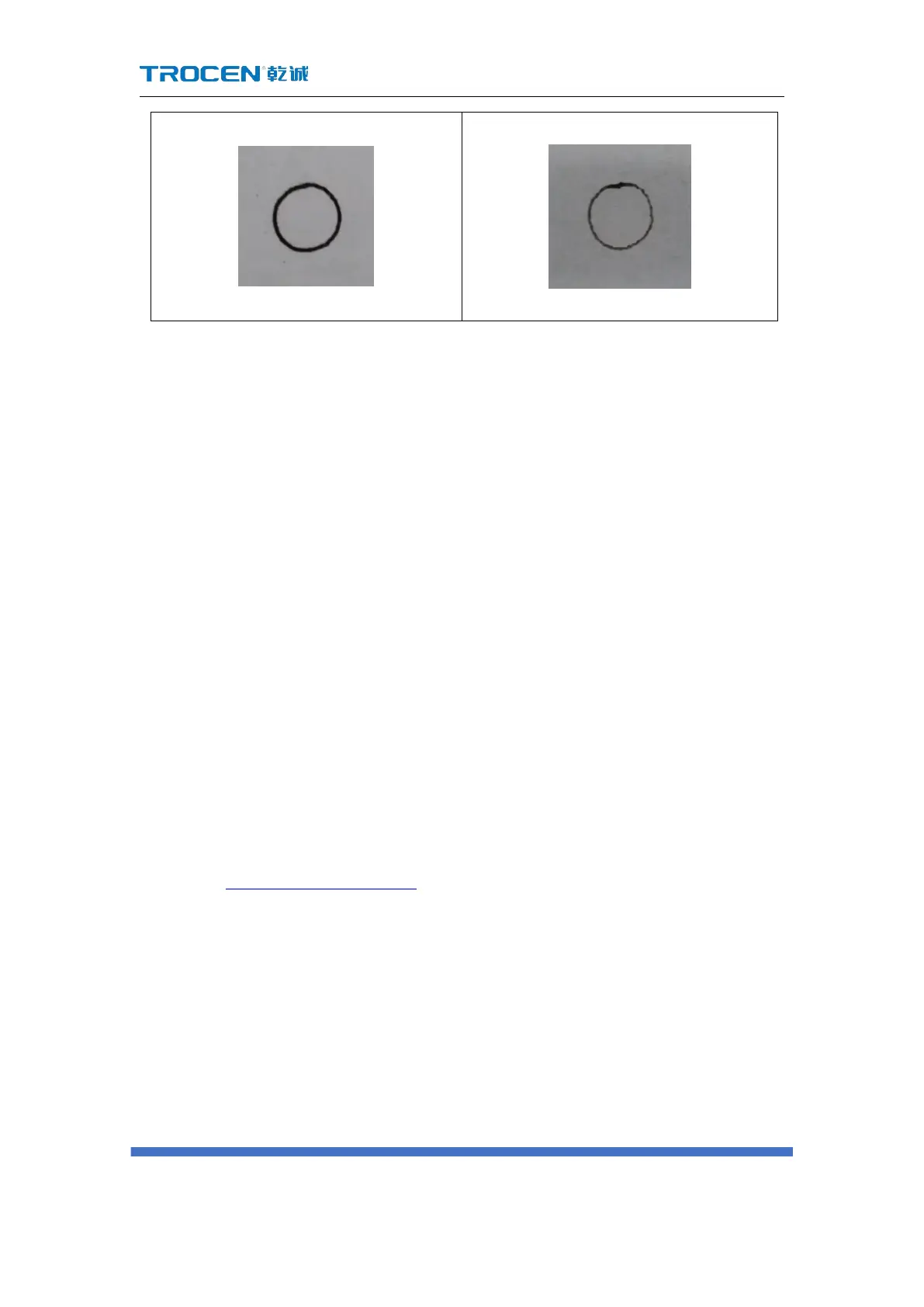
3.14.2.2 Wavy lines appear at the beginning and corners of the cutting
1) The machine jitters at the starting position, it may be that the【Min Acc】
setting is too large. At this time, it is necessary to reduce the【Min Acc】.
2) When cutting squares, the laser head jitters at the corners, resulting in poor
cutting results. This is because the【Min Acc】or【Cut Jerk】is set too large,
and you need to reduce the【Min Acc】or【Cut Jerk】at this time.
Solution: First adjust the【Min Acc】to the minimum value of 100. If the Wavy
lines does not appear at this time, there is no need to adjust the【Cut Jerk】; if the
wavy lines still appears, reduce the【Cut Jerk】.
3.15 Common Parameters Settings
3.15.1 Work Mode
In the Figure3-1-2 Main interface 2 interface, click【Menu】→【Common Parameters
Settings】→【Work Mode】enter the interface.



 To Next Page