AWC7813 motion controller user manual
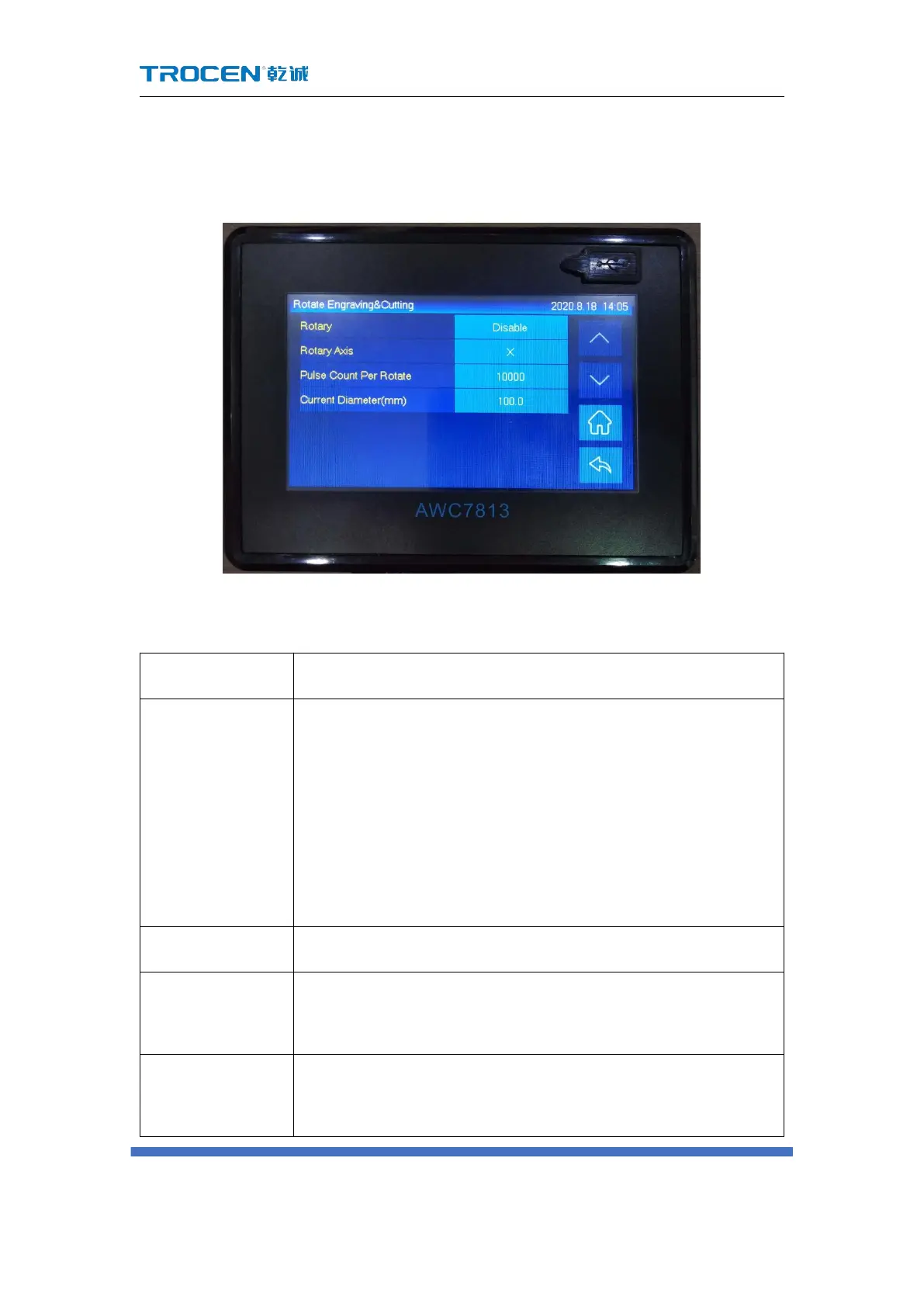
3.15.4 Rotate Engraving & Cutting
Figure3-15-4-1 Rotate Engraving & Cutting
Table3-15-4 Rotate Engraving & Cutting Instruction
【 Rotate Engraving & Cutting 】 enable switch. When the
【Rotate Engraving & Cutting】 is turned on, set【Pulse Count
Per Rotate】 and 【Current Diameter(mm)】(【Distance Per
Pulse】=Circumference Length/【Pulse Count Per Rotate】), the
pulse equivalent value will change at this time, so when the
direction key is pressed, the axis movement becomes slower.
The axis which rotary engraving uses.
The pulse counts for the motor to make the rotary axis
rotate one circle.
The diameter of the material being processed.



 To Next Page