AWC7813 motion controller user manual
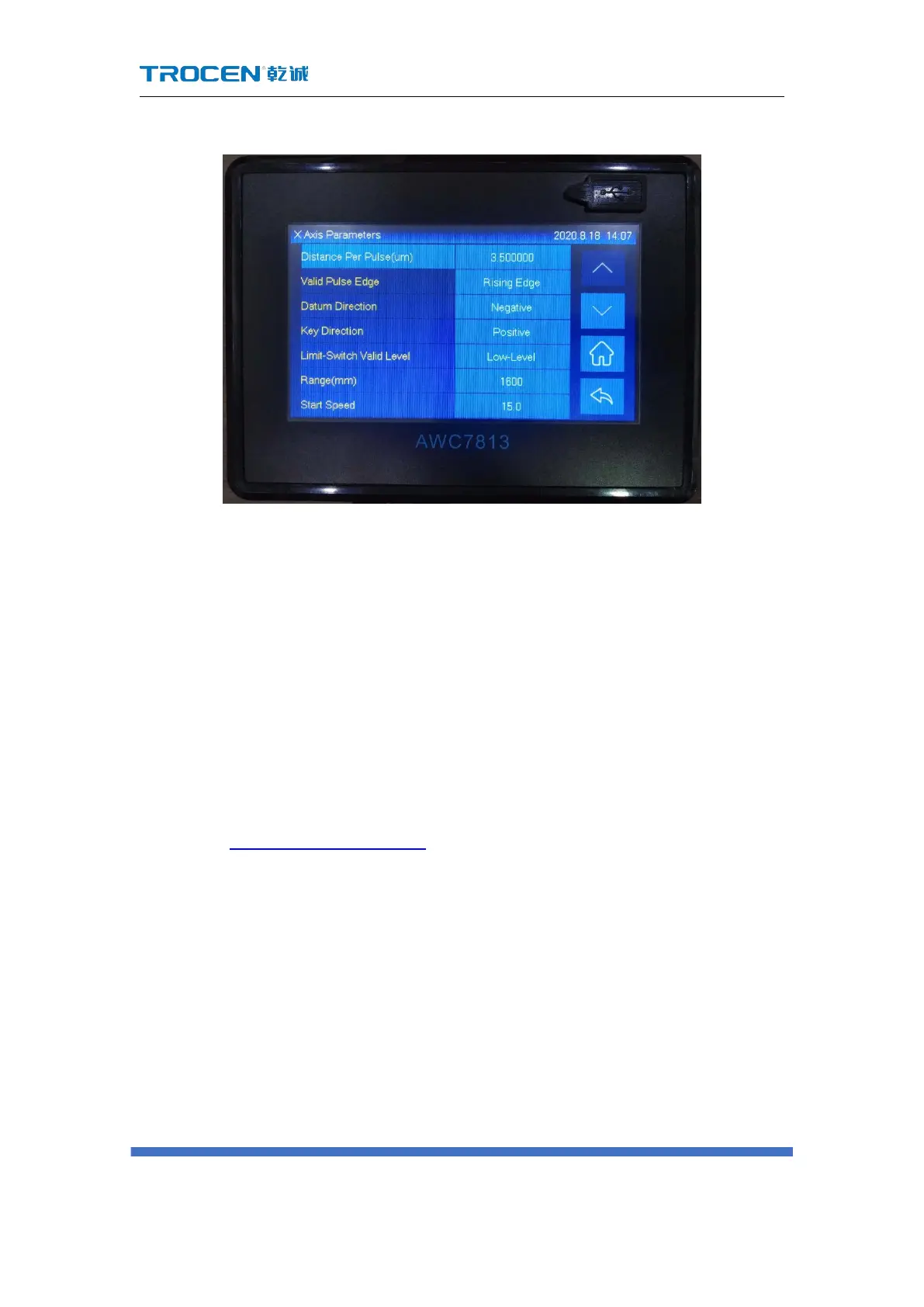
Figure3-16-1 X axis parameters settings
3.16.1.1 Distance Per Pulse(um)
【Distance Per Pulse】 refers to the displacement or rotation angle of a single
step of the motor when the controller sends a pulse signal. If the setting is wrong,
the graphics will be deformed and the size will be wrong.【Distance Per Pulse】is set
too small, the machine is easy to jam, and the response is slow; if the 【Distance Per
Pulse】 is set too large, it will cause insufficient cutting accuracy. The unit is um.
The steps to modify 【Distance Per Pulse】 are as follows:
1) In Figure3-1-2 Main interface 2 interface, click 【Menu】→【Manufacturer
Parameters Settings】→【Axis Parameters】→【X Axis Parameters】→
【Distance Per Pulse】;
2) Click the【Axis Move】button on the upper right to move the laser head to
a certain position, click the laser button, then close the axis movement
screen, and then click the 【Step 1: Set As Begin Position】 button, and set
this to point A;



 To Next Page