AWC7813 motion controller user manual
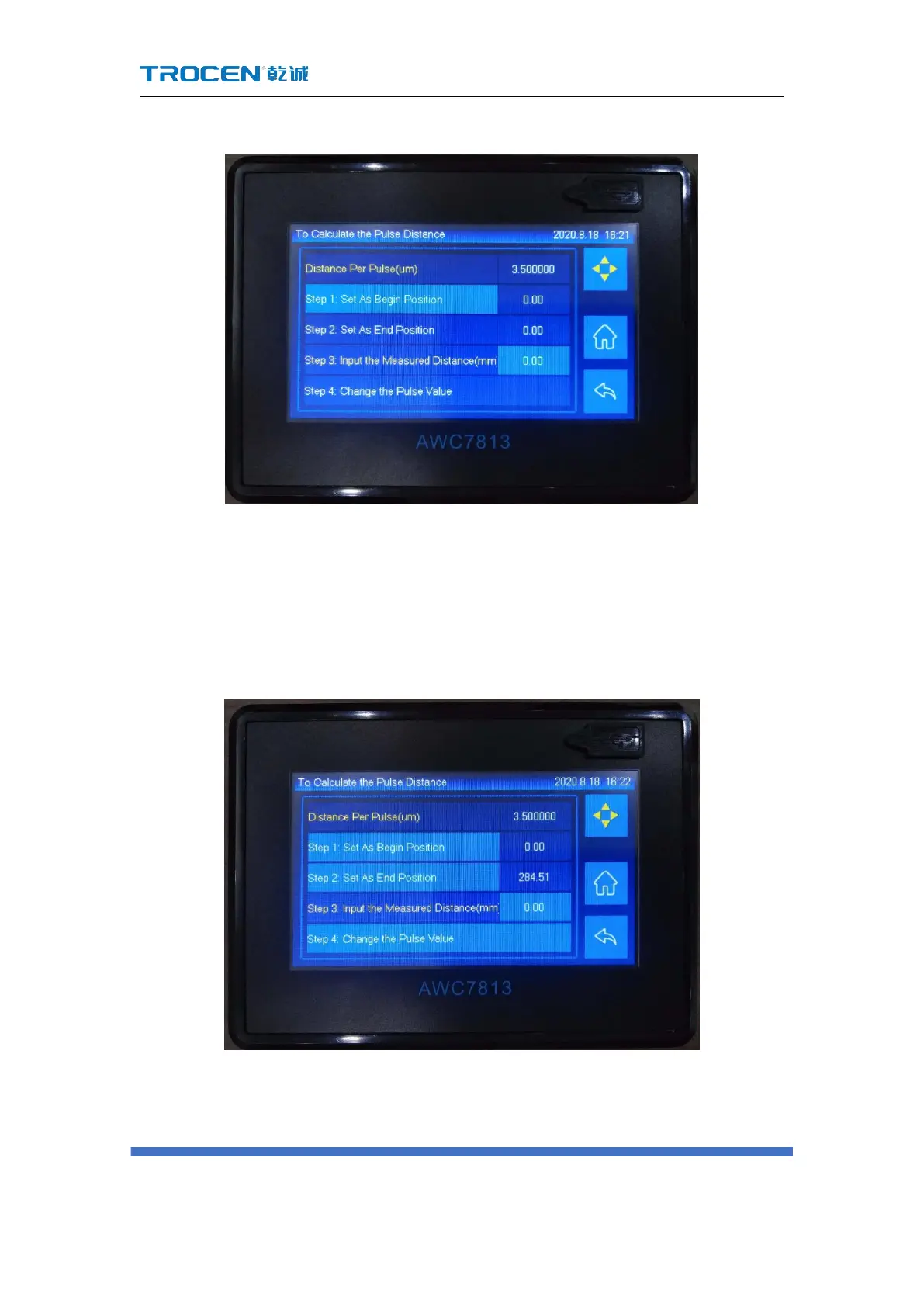
Figure3-16-1-1-1 Set starting point
3) Click the 【Axis Movement】 button to move the laser head to a certain
position, click the laser button, then close the axis movement screen, and
then click the 【Step 2: Set As End Position】 button, and set this as point B;
Figure3-16-1-1-2 Set end point
4) Measure the actual distance between points AB with a measuring scale, and
click the value after 【Step 3: Input the Measured Distance(mm)】, enter the



 To Next Page